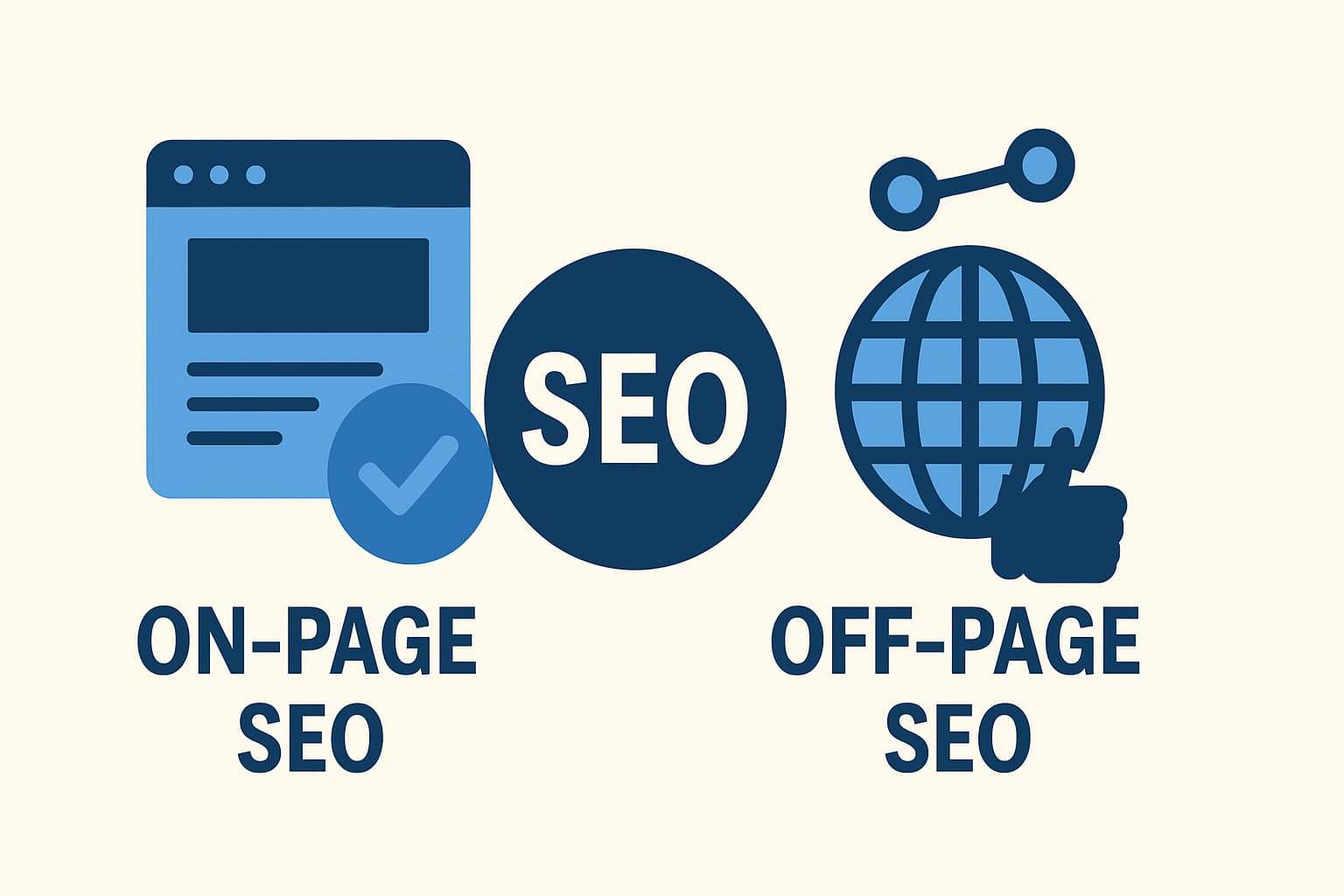
On-Page SEO vs. Off-Page SEO: What’s the Difference?

On-Page SEO vs Off-Page SEO? What’s the difference?

When it comes to ranking high on Google, understanding the difference between on-page SEO and off-page SEO is essential.
On-page SEO improves your website’s content, structure, and technical health, while off-page SEO focuses on building authority through backlinks and brand mentions.

According to BrightEdge (2025), over 53% of all website traffic comes from organic search — meaning SEO directly influences visibility and conversions. If you want to dominate search results, you must balance both on-page and off-page strategies.

What is On-Page SEO?

On-page SEO includes all the elements you can control on your website to help search engines understand your pages better and users have a smoother experience.

Key On-Page SEO Factors

  • Optimized content with targeted keywords
  • Title tags and meta descriptions
  • Clean URL structure
  • Image optimization with alt text
  • Internal linking and schema markup
  • Page speed and mobile responsiveness

Expert Quote: “On-page SEO ensures your website speaks the same language as your audience and search engines.” — Olga Zarr, SEO Expert (SEOSLY.com)

Google uses on-page factors to assess relevance and quality, helping your page rank for the right queries.

What is Off-Page SEO?

Off-page SEO includes all the strategies that take place outside your website to build authority, credibility, and trust.

Key Off-Page SEO Factors

  • Backlinks from reputable websites
  • Brand mentions and citations
  • Guest posting
  • Social media shares and engagement
  • Online reviews and reputation management

Expert Quote: “Off-page SEO tells Google that other websites trust yours enough to recommend it.” — Brian Dean, Founder of Backlinko

High-quality backlinks act like “votes of confidence,” signaling that your site is trustworthy and valuable.

On-Page vs. Off-Page SEO: A Quick Comparison

FactorOn-Page SEOOff-Page SEO
ControlFully controlled by youInfluenced by others
FocusContent, UX, and site structureAuthority and reputation
Time to See Results2–4 weeks2–6 months
ToolsYoast, Rank Math, Ahrefs (on-site audit)Semrush, BuzzSumo, HARO
GoalOptimize for relevanceBuild trust and authority

Expert Quote: “SEO isn’t a choice between on-page and off-page—it’s a partnership between the two.” — Rand Fishkin, Co-founder of Moz

Real-World Data: Why Both Matter

  • Pages with strong on-page optimization are 65% more likely to rank in Google’s top 10 results. — (Ahrefs, 2024)
  • Websites with high-authority backlinks rank 3.8x higher than those with few or no links. — (Semrush, 2024)
  • 68% of online experiences begin with a search engine. — (BrightEdge, 2025)

This data shows that content quality (on-page) and authority (off-page) work hand in hand to achieve consistent SEO performance.

Building a Balanced SEO Strategy

1. Strengthen Your On-Page SEO

  • Use a focus keyword in the title, URL, and first 100 words.
  • Optimize headings with related terms (LSI keywords).
  • Improve readability—short paragraphs, bullet points, and visuals.
  • Boost Core Web Vitals (speed, interactivity, stability).
  • Update old content to maintain relevance.

2. Boost Your Off-Page SEO

  • Earn backlinks from niche-relevant websites.
  • Create shareable infographics, videos, and data-driven posts.
  • Engage with your audience on platforms like LinkedIn, Reddit, and X.
  • List your business in directories (Google Business Profile, Yelp, Bing Places).
  • Monitor and disavow spammy links using Google Search Console.

How On-Page and Off-Page SEO Work Together

Think of on-page SEO as your website’s foundation—it defines structure, clarity, and content quality.
Off-page SEO acts like word-of-mouth marketing—it proves that others trust and recommend your brand.

When you optimize for both, Google sees your site as relevant, trustworthy, and authoritative—the three pillars of high-ranking pages.

Common Mistakes to Avoid

  1. Keyword Stuffing – Overusing keywords harms readability.
  2. Ignoring Technical SEO – Slow pages reduce engagement and ranking.
  3. Buying Links – Google penalizes unnatural backlink profiles.
  4. Neglecting Internal Links – They guide search crawlers and users.
  5. Skipping Analytics – You can’t improve what you don’t measure.

Conclusion

On-page SEO makes your website discoverable. Off-page SEO makes it credible.
Focusing on one without the other limits your potential.

Your Next Steps:

  1. Audit your website’s on-page elements using Rank Math or Yoast.
  2. Start building backlinks with guest posts and outreach campaigns.
  3. Track results monthly and refine strategies based on analytics.

Want help creating an SEO roadmap? Comment below or share your favorite on-page/off-page tactics — let’s grow smarter together!

Frequently Asked Questions (FAQ)

Which is more important, on-page or off-page SEO?

Both are crucial. On-page SEO ensures your site is optimized for users and search engines, while off-page SEO builds domain authority and trust. You need both for sustainable rankings.

Can I rank without backlinks?

Yes, but only for low-competition keywords. For competitive terms, backlinks are essential for building authority.

What tools help track both types of SEO?

Use Google Analytics, Search Console, Ahrefs, and Semrush to monitor rankings, traffic, and backlinks.

Best Tools Every On-Page SEO Expert Uses for Optimization

If you’re serious about improving your website’s rankings, you need to know the best tools every on-page SEO expert uses for optimization.

These tools help you analyze keywords, optimize content, improve page speed, and monitor performance. According to SQ Magazine, 68% of online experiences start with a search engine—which means getting your on-page SEO right is non-negotiable.

In this guide, you’ll discover the top SEO tools professionals rely on, with real-world data, expert opinions, and actionable steps to help you master on-page optimization.

Why On-Page SEO Matters

On-page SEO controls everything within your website that impacts visibility: titles, headings, internal links, structured data, and page speed.

  • Mobile-friendly pages are 67% more likely to appear in top search results. (PageOptimizer Pro, 2025)
  • Structured data increases your chances of earning rich snippets by 58%. (PageOptimizer Pro, 2025)
  • Slow pages lose visitors—just a 2-second delay can cause a 20% increase in abandonment. (SEO Sandwitch, 2025)

When you combine strategy with the right tools, your site performs better for both users and search engines.

“SEO is like a resume. You polish it so you have your best foot forward.”
Matt Cutts, Former Google Engineer

1. Ahrefs — The Keyword & Content Powerhouse

Ahrefs is the most popular tool among SEO experts for keyword research, site audits, and content gap analysis.

Key Features

  • Keyword Explorer: Find high-volume, low-competition keywords.
  • Site Audit: Detect on-page issues like missing tags or broken links.
  • Content Gap: Identify topics competitors rank for—but you don’t.

“Ahrefs’ Keyword Explorer helps me find the best opportunities to target and rank fast.”
Steven Macdonald, Digital Marketing Manager, SuperOffice

💡 Pro Tip: Use the Content Gap tool to find keywords your competitors rank for but your site is missing.

2. SEMrush — The All-in-One SEO Suite

SEMrush combines keyword research, site audits, and content optimization in one platform.

Why Experts Love It

  • On-Page SEO Checker: Gives instant suggestions to improve content relevance.
  • Topic Research Tool: Generates ideas for blog posts and landing pages.
  • Position Tracking: Monitors your keywords daily.

“Both SEMrush and Ahrefs are spectacular. The best choice depends on your workflow.”
Gaurav Sharma, SEO Strategist

SEMrush also integrates with WordPress and Google Analytics, making it ideal for agencies and freelancers managing multiple clients.

3. Google Search Console — The Free Must-Have

No SEO toolkit is complete without Google Search Console (GSC). It’s free, data-rich, and gives you direct insights from Google.

What It Does

  • Track impressions, clicks, and ranking positions.
  • Flags indexing and mobile usability issues.
  • Shows which keywords drive the most traffic.

“For smaller sites, Google Search Console and Analytics are more than enough.”
Reddit SEO Community

💡 Pro Tip: Regularly check your Coverage Report in GSC to fix crawl and indexing issues early.

4. Surfer SEO — The Content Optimizer

Surfer SEO analyzes top-ranking pages and helps you optimize your content accordingly.

Why You’ll Love It

  • Analyzes keyword density and heading structure.
  • Suggests semantically related terms (LSI keywords).
  • Helps increase content quality and relevance.

A 2025 report by GetPassionFruit found that 72% of Surfer SEO users reached Google’s top 10 results after optimization.

💡 Pro Tip: Use Surfer’s Content Score to ensure every blog post hits the right optimization level.

5. Screaming Frog SEO Spider — The Technical Auditor

Screaming Frog is the go-to crawler for technical SEO audits. It scans your entire site for broken links, duplicate content, and redirect issues.

What It Finds

  • Missing meta titles or descriptions
  • Canonical tag issues
  • Broken internal/external links
  • Redirect chains

It’s free for up to 500 URLs, making it perfect for small businesses and bloggers.

6. Google Lighthouse / PageSpeed Insights — The UX Optimizers

Google’s free tools, Lighthouse and PageSpeed Insights, measure your site’s performance across Core Web Vitals—speed, stability, and interactivity.

Why They Matter

  • Pages that load in under 3 seconds rank better.
  • Optimizing Core Web Vitals improves user satisfaction and rankings.

💡 Pro Tip: Compress images and enable lazy loading to improve page speed instantly.

7. Google Analytics (GA4) + Looker Studio — The Performance Trackers

Once your optimizations are live, you need to track the results.

What to Monitor

  • Traffic growth and user behavior
  • Average time on page
  • Bounce rate and conversions

Looker Studio helps visualize data from GA4 and GSC in one interactive dashboard, giving you a clear view of what’s working.

Expert Workflow Example

Here’s how top on-page SEO experts use these tools together:

  1. Keyword Research: Ahrefs or SEMrush
  2. Content Planning: Surfer SEO
  3. Technical Audit: Screaming Frog & Lighthouse
  4. Implementation: CMS (WordPress, Webflow, etc.)
  5. Monitoring: GSC + GA4 + Looker Studio

This workflow ensures you catch every ranking opportunity—from keywords to technical health.

Actionable Takeaways

Start small—use Google Search Console and PageSpeed Insights to fix the basics.
Then, integrate Ahrefs or SEMrush for keyword analysis and Surfer SEO for content optimization.

Once your pages are fast, optimized, and keyword-rich, track your results with GA4 + Looker Studio.

Your next ranking breakthrough isn’t just about luck—it’s about using the right tools strategically.

Conclusion

The best on-page SEO experts don’t guess—they analyze, optimize, and measure.
With the tools listed above, you can master every part of on-page optimization: from keywords to content quality, and from speed to schema.

Now it’s your turn!
👉 Comment below and tell us: Which SEO tool do you rely on the most and why?

Frequently Asked Questions (FAQ)

What are the most important on-page SEO tools?

Ahrefs, SEMrush, Google Search Console, Screaming Frog, and Surfer SEO are considered the top on-page SEO tools in 2025.

Are free tools enough for SEO?

Yes, for beginners. Start with Google Search Console, Analytics, and Keyword Planner. Upgrade to Ahrefs or SEMrush as your site grows.

How do I measure SEO success?

Track improvements in organic traffic, CTR, bounce rate, and keyword rankings using Google Search Console and Analytics.

Get Professional Websites