
Web templates are pre-built website layouts and files — HTML, WordPress, Elementor, or Figma — that you customize instead of designing a site from a blank page. The best places to download them right now are Mc Starters, Envato’s ThemeForest and Elements, TemplateMonster, Creative Market, Colorlib, WordPress.org, Figma Community, HTML5 UP, and Webflow’s marketplace.
If you’ve ever opened a page builder and stared at a blank canvas wondering where to even start, a template solves that problem instantly. You get the structure, styling, and often the content placeholders already done — you just swap in your logo, copy, and images.
What Exactly Is a Web Template?
A web template is a ready-made set of design files for a website or a specific section of one (like a header, footer, or landing page). Depending on the platform, it might include:
- Code files — HTML, CSS, and JavaScript you can open in any editor
- Page builder kits — Elementor or Divi files you import with one click
- CMS themes — full WordPress themes with built-in customizer options
- Design files — Figma or Sketch files for prototyping before development
The point of a template is speed. Instead of paying a designer to build a layout from scratch or spending weeks learning design principles yourself, you start from something proven and adjust it to match your brand.
Why Use a Web Template Instead of Building From Scratch?
- Faster launch — a site that might take weeks to design can go live in days
- Lower cost — most templates cost far less than custom design work
- Tested layouts — popular templates have already been used on thousands of live sites, so usability issues tend to get ironed out
- Easier maintenance — many templates come with documentation and regular updates
The trade-off is that templates aren’t unique out of the box. That’s why the customization step — colors, fonts, imagery, copy — matters as much as the template you pick. For a deeper look at how much room you have to make a template your own, see our guide on building a high-converting landing page with Elementor.
Skip the Search — Get a Website Built Around You
Templates get you 80% of the way there, but the last 20% — the part that actually converts visitors into clients — is where most sites fall short. If you’d rather have that handled for you, our team builds and customizes sites for a living.
How to Choose the Right Template
Before you download anything, check these four things:
- Platform compatibility — does it work with the builder or CMS you already use (Elementor, Divi, plain HTML, Webflow)?
- Responsiveness — does the demo actually look clean on mobile, not just desktop?
- License terms — can you use it commercially, and does the price cover one site or unlimited sites?
- Update frequency — is the template still maintained, or has it been abandoned for years?
A template that ticks all four boxes will save you real time. One that doesn’t can cost you more in fixes than it saved in design work.
Top 10 Sites to Download Web Templates in 2026
1. Mc Starters
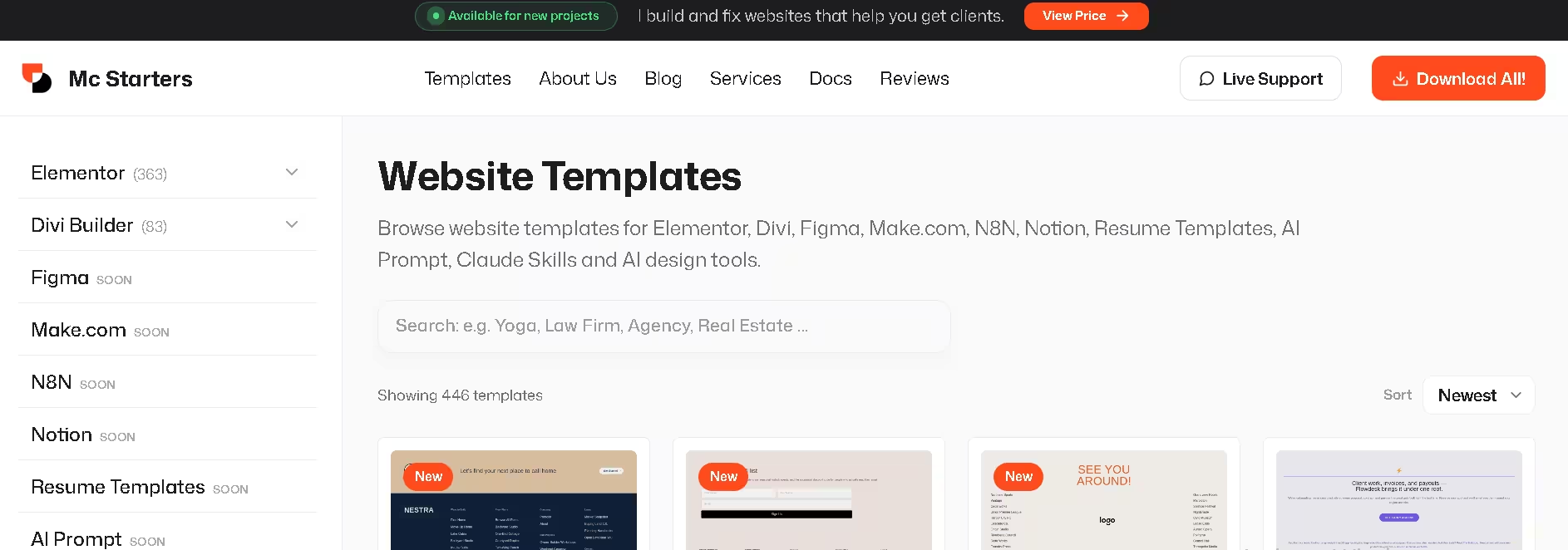
Mc Starters tops this list because it’s built specifically around ready-to-use, modern templates for Elementor, Divi, Figma, and even automation tools like Make.com and N8N — not just static HTML. Instead of digging through thousands of generic listings, you get a curated library aimed at freelancers, agencies, and small businesses who want a professional site without a steep learning curve.
Bundles cover everything from landing pages to full site kits, and lifetime-access pricing means you’re not stuck paying per template. Browse the full library on the Mc Starters templates page, or check our best Elementor template kits roundup for a closer look at specific designs.
2. Envato ThemeForest
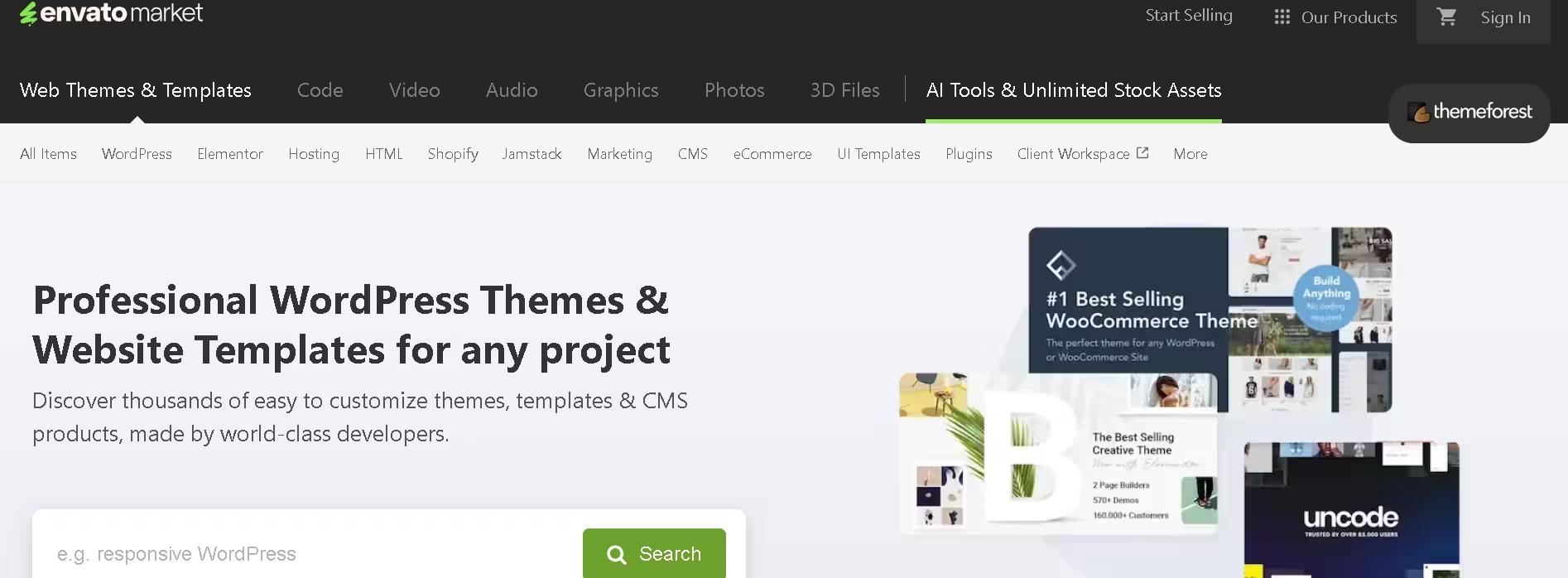
ThemeForest offers a massive library of premium website templates, including thousands of HTML and WordPress themes, with strong support and regular updates. It’s one of the most established marketplaces around, which means huge selection — but also more time spent filtering through quality that varies by author.
3. Envato Elements
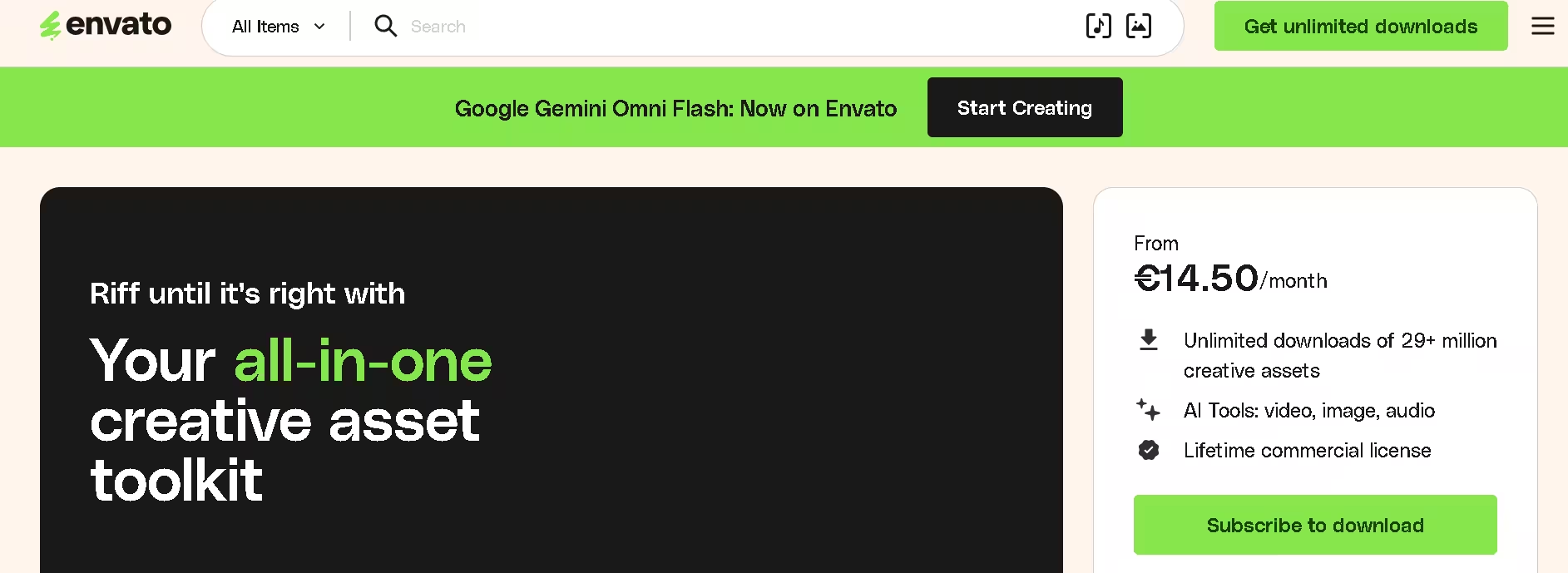
Part of the same Envato family, but sold as an all-you-can-download subscription instead of one-off purchases. If you need templates, fonts, stock photos, and graphics regularly, the subscription model can work out cheaper than buying items individually on ThemeForest.
4. TemplateMonster
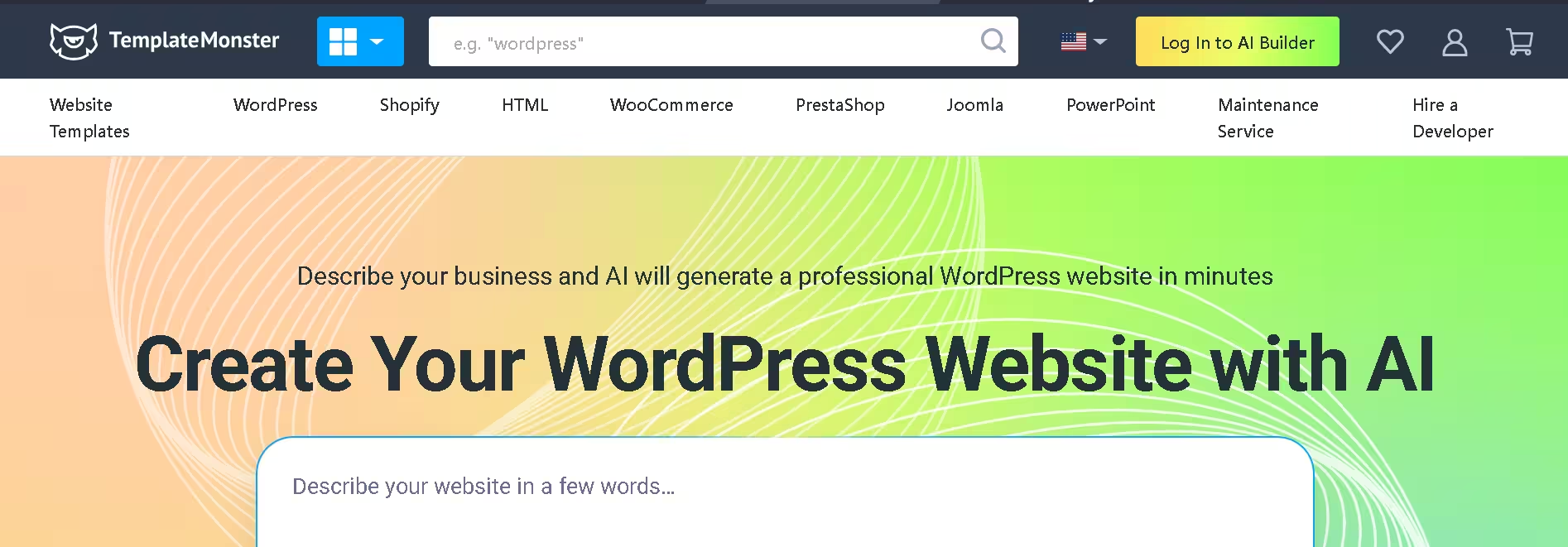
TemplateMonster provides responsive Bootstrap and HTML website templates with lifetime updates and niche-specific designs, covering business, portfolio, and e-commerce layouts. It’s especially useful for niche industries — think law firms, clinics, or industrial suppliers — where mainstream builders often feel too generic.
5. Creative Market
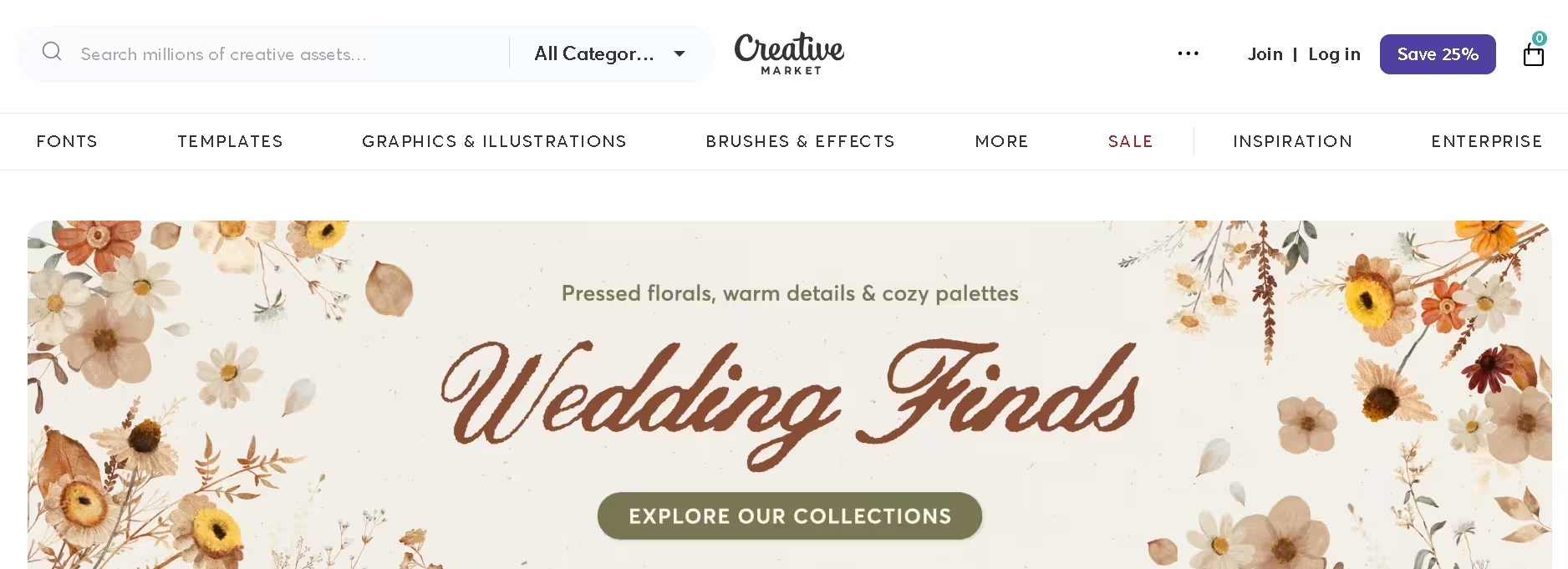
A marketplace built around independent designers rather than large template factories. Expect more unique, design-led templates and graphics, though the catalog for full website templates is smaller than ThemeForest’s.
6. Colorlib
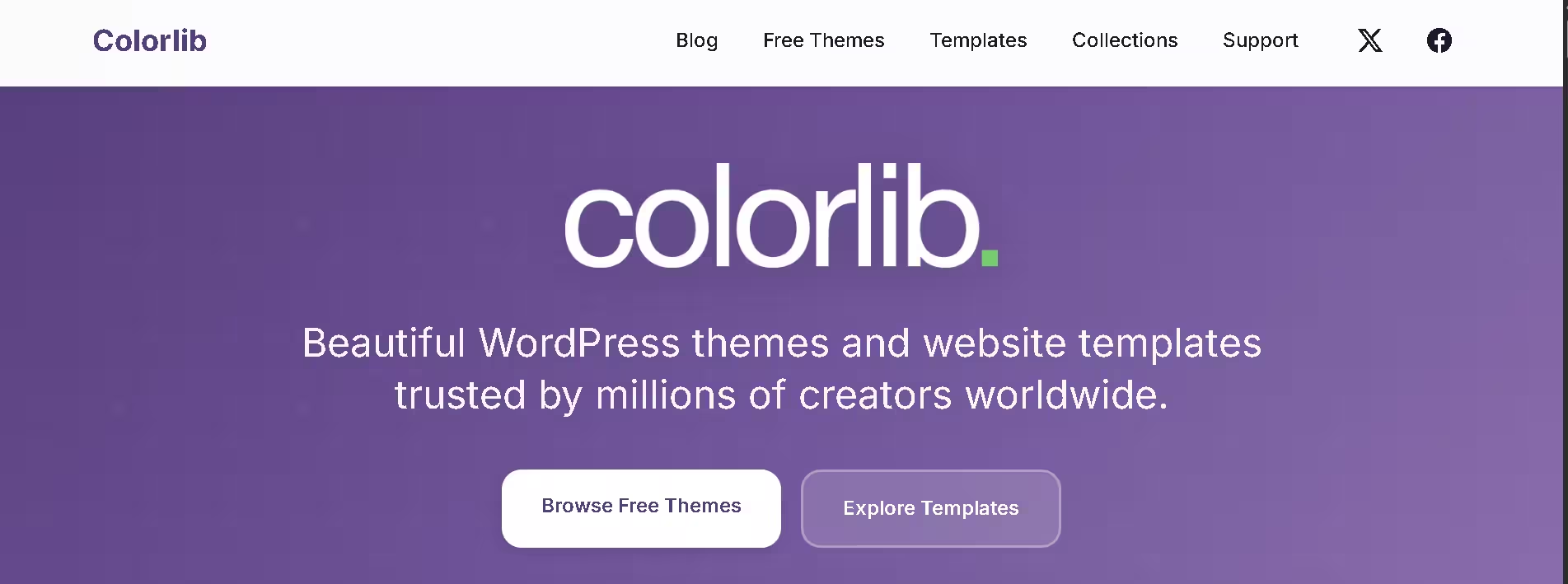
Colorlib offers high-quality free website templates with modern Bootstrap 5 designs, popular for landing pages and lightweight web design projects. A solid first stop if your budget is zero and you just need something clean to launch fast.
7. WordPress.org Theme Directory
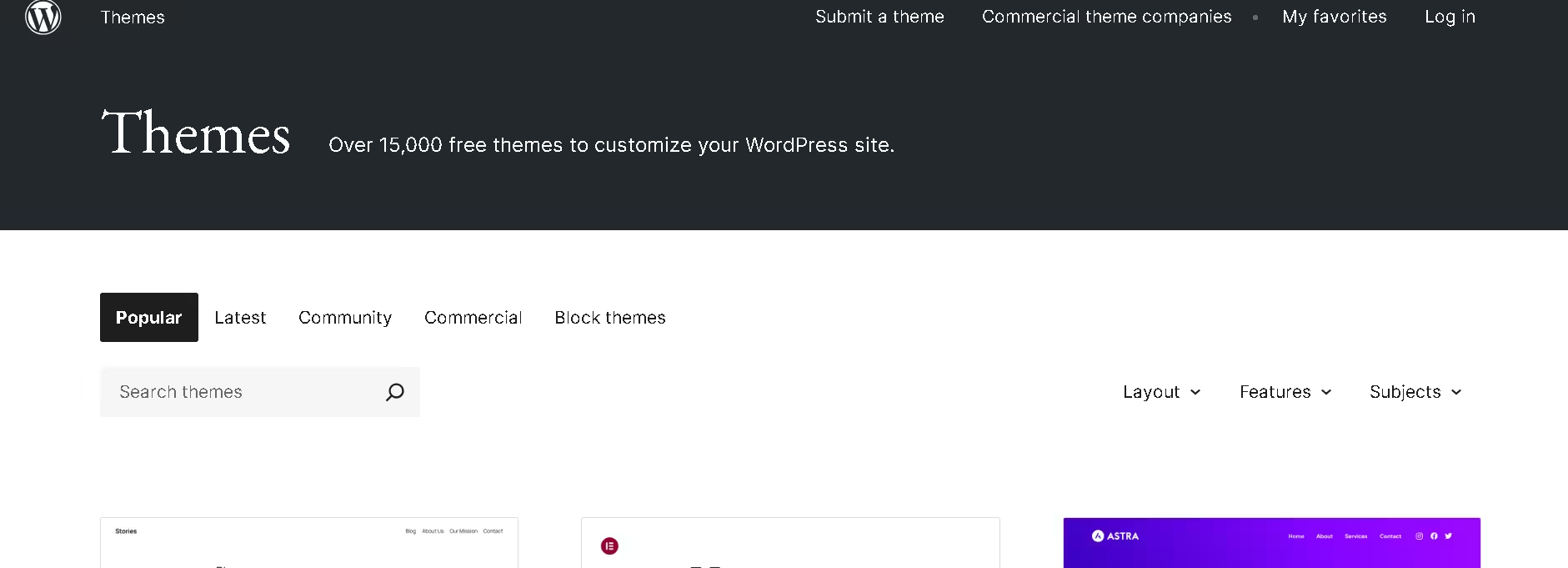
The official, free theme repository for WordPress. Every theme listed here has passed WordPress’s review guidelines, so while the designs are often simpler than premium options, you know exactly what you’re installing — no bloated code or hidden upsells.
8. Figma Community
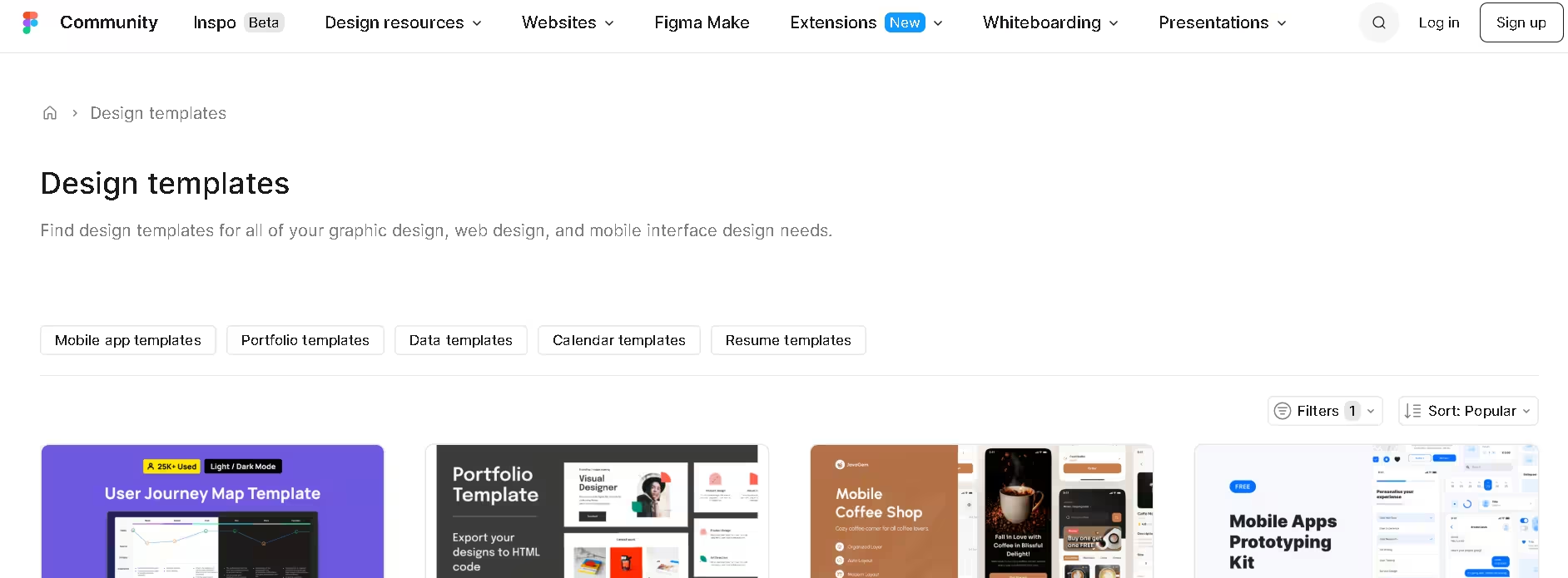
If you design before you build, Figma Community has thousands of free, editable website mockups and UI kits. It’s less about finished code and more about prototyping a layout before handing it to a developer — or importing it into an Elementor or Divi workflow later.
9. HTML5 UP
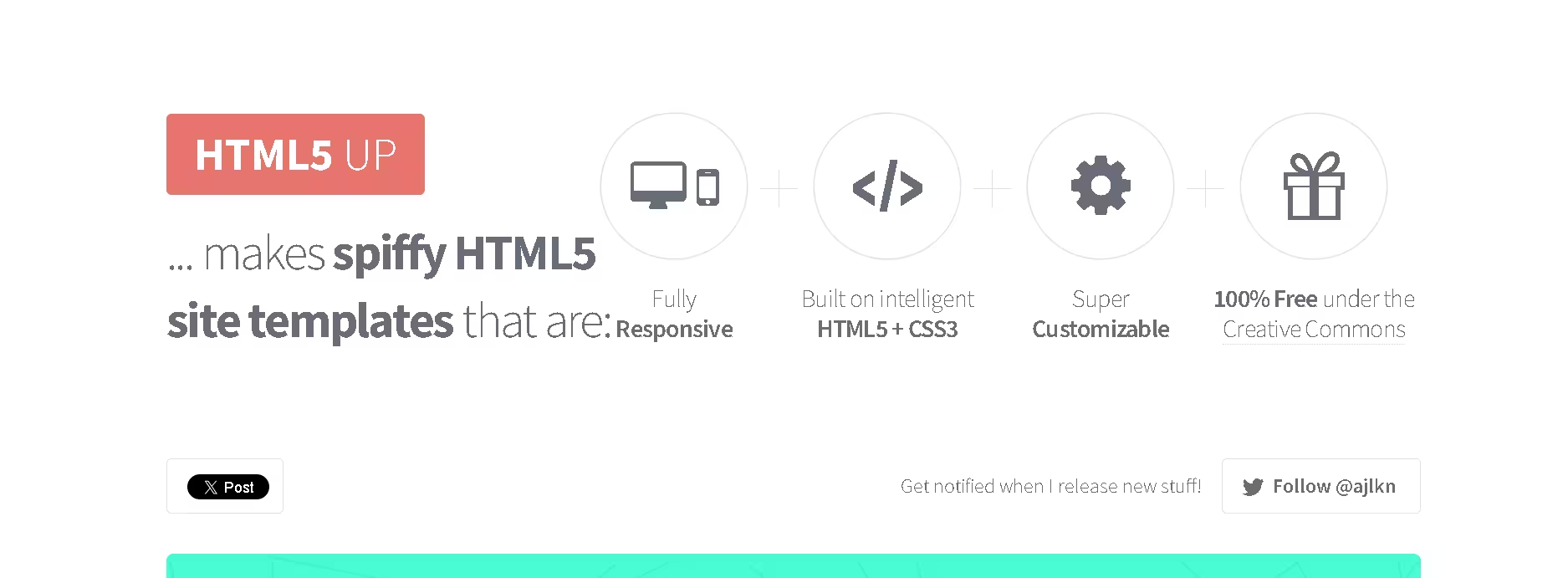
A smaller but well-loved library of free, fully responsive HTML/CSS templates with no page builder or CMS attached. Good for developers who want lightweight, dependency-free starting points they can code on top of.
10. Webflow Marketplace
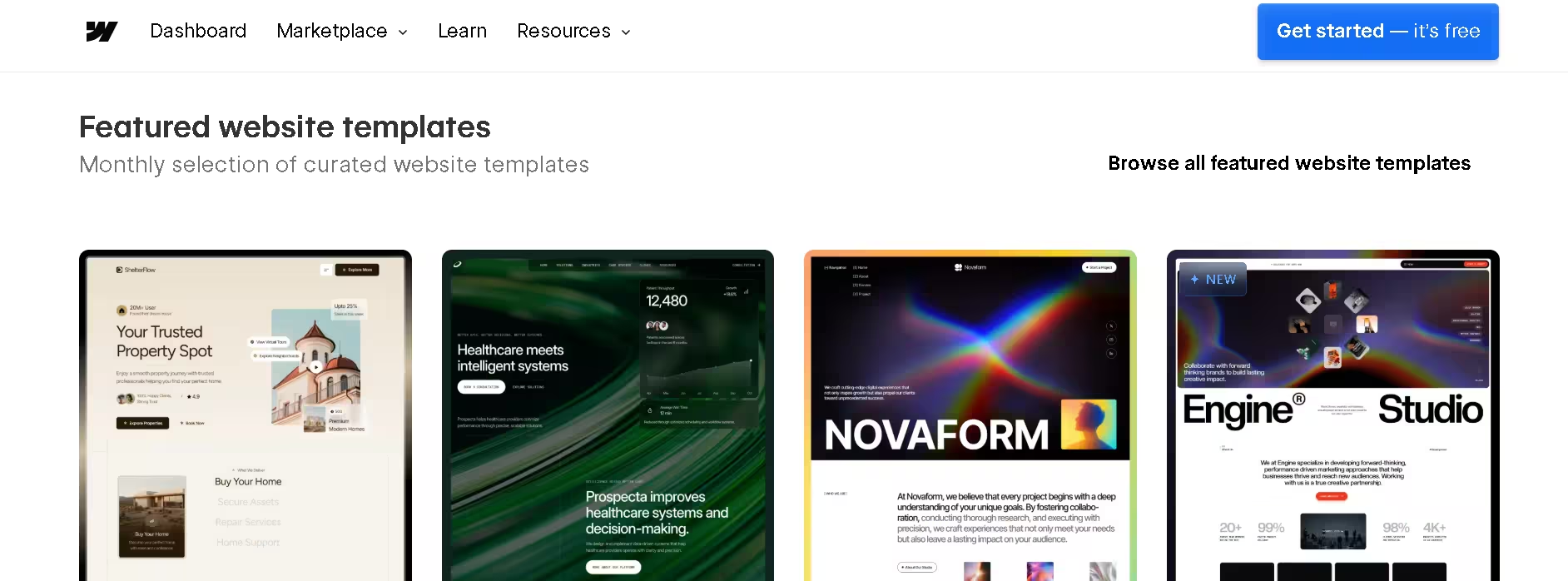
Templates built specifically for Webflow’s visual, no-code builder. If you’re already on Webflow or considering it, this is the fastest way to get a polished starting layout without touching custom code.
Not Sure Which Template Fits Your Brand?
Picking a template is easy — making it look like it was built for your business, not copy-pasted from a marketplace, is the hard part. We can help you shortlist and customize the right one, or build something fully custom if that’s a better fit.
Free vs. Premium Templates: Which Should You Pick?
| Free Templates | Premium Templates | |
|---|---|---|
| Cost | $0 | Typically $15–$100+ per template, or subscription |
| Customization | Often limited | Usually deeper, with more built-in options |
| Support | Rare or community-only | Usually included, at least for a set period |
| Updates | Inconsistent | Regular, especially on active marketplaces |
| Best for | Testing an idea, tight budgets | Client work, long-term business sites |
If you’re prototyping or building a personal project, free is fine. If the site needs to represent a business and stay reliable for years, premium is almost always worth the cost difference.
Common Mistakes to Avoid When Using Templates
- Skipping the license check — some “free” templates aren’t cleared for commercial use
- Leaving demo content in place — placeholder text and stock images left unedited make a site look unfinished
- Ignoring page speed — flashy templates with heavy animations and unoptimized images slow sites down; lightweight, modern Bootstrap 5 designs are a good lighter alternative
- Not testing on mobile — a template that looks great on a 27-inch monitor can break completely on a phone
Fixing these after launch is far more work than getting them right before you publish. For plugin-related slowdowns specifically, our guide on troubleshooting plugin conflicts in WordPress is a good next read.
Conclusion
Web templates take the guesswork out of building a website — you start from a proven layout instead of a blank page, then customize it to fit your brand. For a curated, modern library across Elementor, Divi, and automation tools, Mc Starters is the best starting point; for sheer volume, ThemeForest and TemplateMonster are hard to beat; and if your budget is zero, Colorlib and WordPress.org will get you a clean site for free. Whichever site you pick, check the license, test on mobile, and don’t skip customizing the demo content before you launch.
Ready to Launch a Site That Actually Converts?
Whether you go the DIY template route or want it done for you, having an expert review the final result before launch catches the mistakes that cost you visitors and leads.
Frequently Asked Questions
Are web templates the same as website builders like Wix or Squarespace?
No. A web template is a design file or theme you install into a platform (WordPress, Elementor, HTML, Webflow). A website builder like Wix is the platform itself, and it comes with its own built-in templates you can’t export elsewhere.
Can I use a free template for a client or business project?
It depends on the license. Many free templates only allow personal use, so always check the license terms on the download page before using one commercially — this is one of the most common mistakes people make.
Do I need coding skills to use a web template?
Not always. Page builder templates (Elementor, Divi, Webflow) are designed for drag-and-drop editing with no code required. Raw HTML templates, like those from HTML5 UP, do require some comfort editing code directly.
How do I know if a template will slow down my site?
Check the live demo’s load time before buying, and look for templates built on lightweight frameworks like Bootstrap 5. Heavy sliders, large uncompressed images, and excessive animations are the biggest culprits behind slow template-based sites.
What’s the difference between a template and a theme?
The terms are often used interchangeably, but technically a “theme” usually refers to a full CMS package (like a WordPress theme) that controls your entire site’s structure, while a “template” can refer to a single page layout or a full site design used outside a CMS.