
Looking for professionally designed Divi Footer Templates for your next website? Mc Starters offers a growing collection of premium Divi Theme Builder templates that help you build modern WordPress websites without starting from scratch.
Whether you need a simple business footer, an eCommerce footer, a newsletter section, a contact-focused layout, or a large corporate directory footer, you can download ready-to-import Divi footer templates from the Mc Starters Divi Template Library. Every template is designed to save development time while remaining fully customizable inside the Divi Theme Builder.
Professional Divi Footer Templates for Every Website
Many website owners underestimate the importance of a footer. After all, it’s the last thing visitors see before leaving a page.
In reality, your footer is one of the highest-converting sections of your website.
A well-designed footer helps visitors:
- Find important pages quickly
- Contact your business
- Subscribe to newsletters
- Follow your social media
- View office locations
- Build trust through certifications
- Discover additional services
- Continue browsing your website
Instead of ending your page with only a copyright notice, a professionally designed Divi footer turns the bottom of every page into another opportunity to generate leads.
Whether you’re building websites for clients, agencies, online stores, SaaS companies, restaurants, medical clinics, or local businesses, choosing the right footer layout can significantly improve user engagement.
Why Use Custom Divi Footer Templates?
The default Divi footer works well for basic websites, but custom Divi Theme Builder templates offer much more flexibility.
Some major advantages include:
- Complete visual customization
- Global footer editing
- Better branding
- Higher email subscriptions
- Improved internal linking
- Better SEO structure
- More trust signals
- Higher conversion rates
- Better mobile experience
- Faster website development
Since every page shares the same global footer, updating one template instantly updates your entire website.
What You’ll Find in This Guide
This is one of the largest collections of Divi footer layouts available.
Inside this guide you’ll discover:
- Corporate footers
- Business footers
- Agency layouts
- SaaS footers
- Portfolio footers
- Restaurant footers
- Medical website footers
- Local service layouts
- Newsletter footers
- Contact footers
- Lead generation footers
- Interactive map footers
- Multi-column directory layouts
- App download footers
- Social media focused footers
Each design serves a different purpose depending on your website goals.
Download Ready-to-Use Divi Footer Templates
Skip designing from scratch. Import professionally designed Divi Theme Builder templates from the Mc Starters Template Library and customize them for your own website in minutes.
58 Professional Divi Footer Templates
Whether you’re building websites for clients or your own business, these professionally designed templates can dramatically reduce design time while improving user experience and conversions.
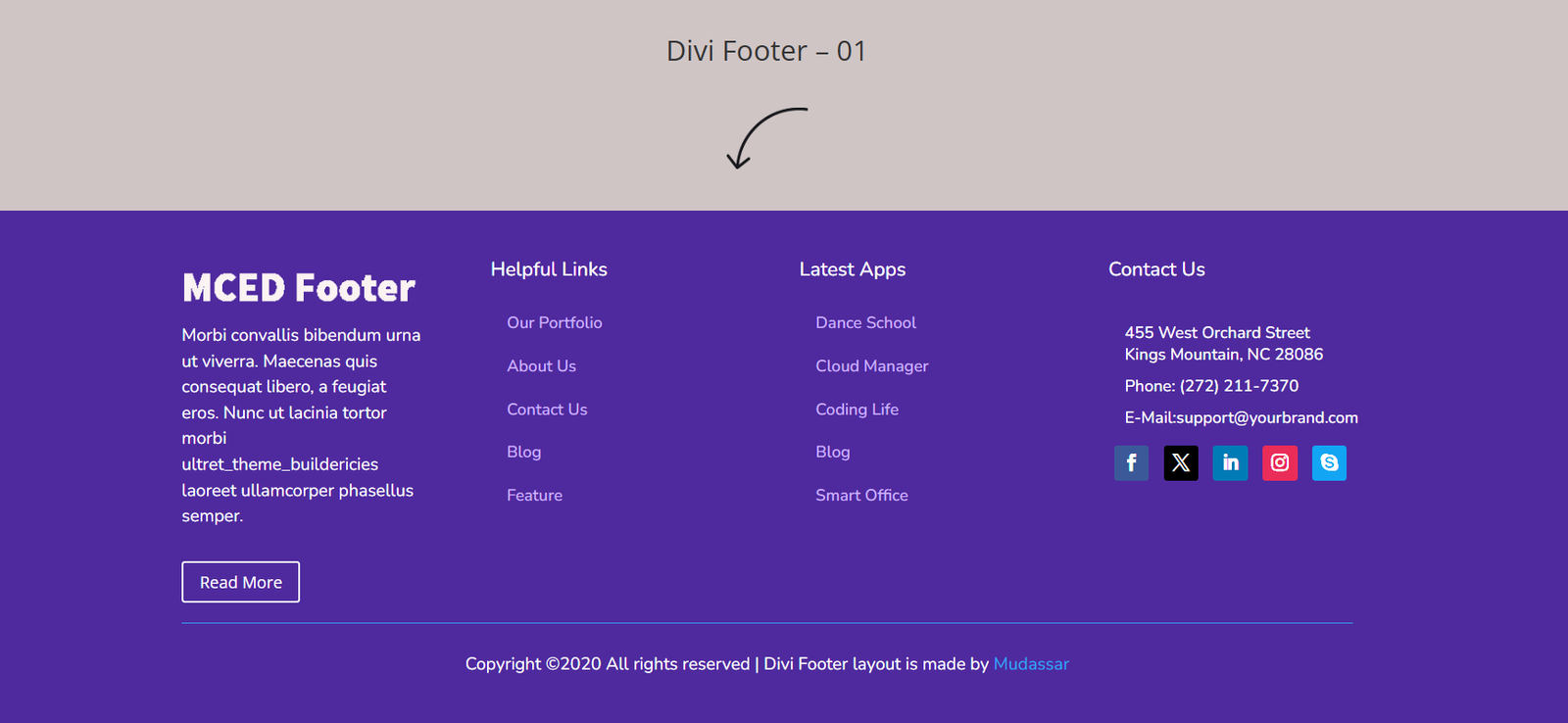
Divi Footer Template 01 — Royal Purple Directory
Layout
This footer features a spacious four-column layout placed over a deep royal purple background. The design creates strong visual separation while maintaining excellent readability.
Key Features
- Four organized content columns
- Latest posts section
- Quick navigation links
- Contact information block
- Circular social media icons
- Large branding area
Best Used For
- Universities
- Creative agencies
- Marketing companies
- Consulting firms
- Business websites
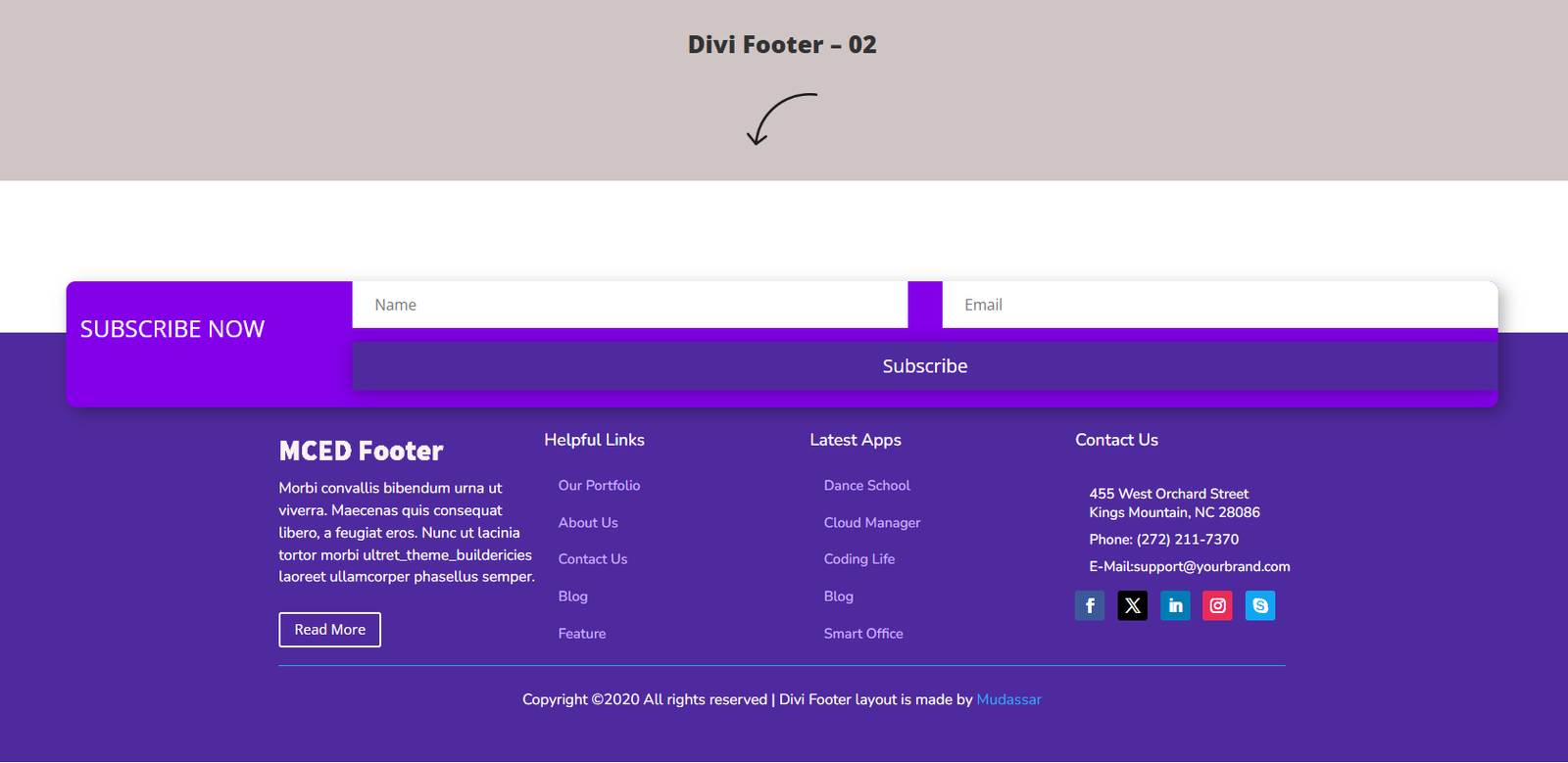
Divi Footer Template 02 — Upper Subscriber Ribbon
Layout
This template starts with a full-width newsletter signup section positioned above the main footer links, making email subscriptions the primary conversion goal.
Key Features
- Newsletter subscription banner
- Large email signup form
- Four-column footer
- Clean typography
- High-visibility CTA
- Brand-focused design
Best Used For
- eCommerce stores
- Bloggers
- Affiliate websites
- Online magazines
- Membership sites
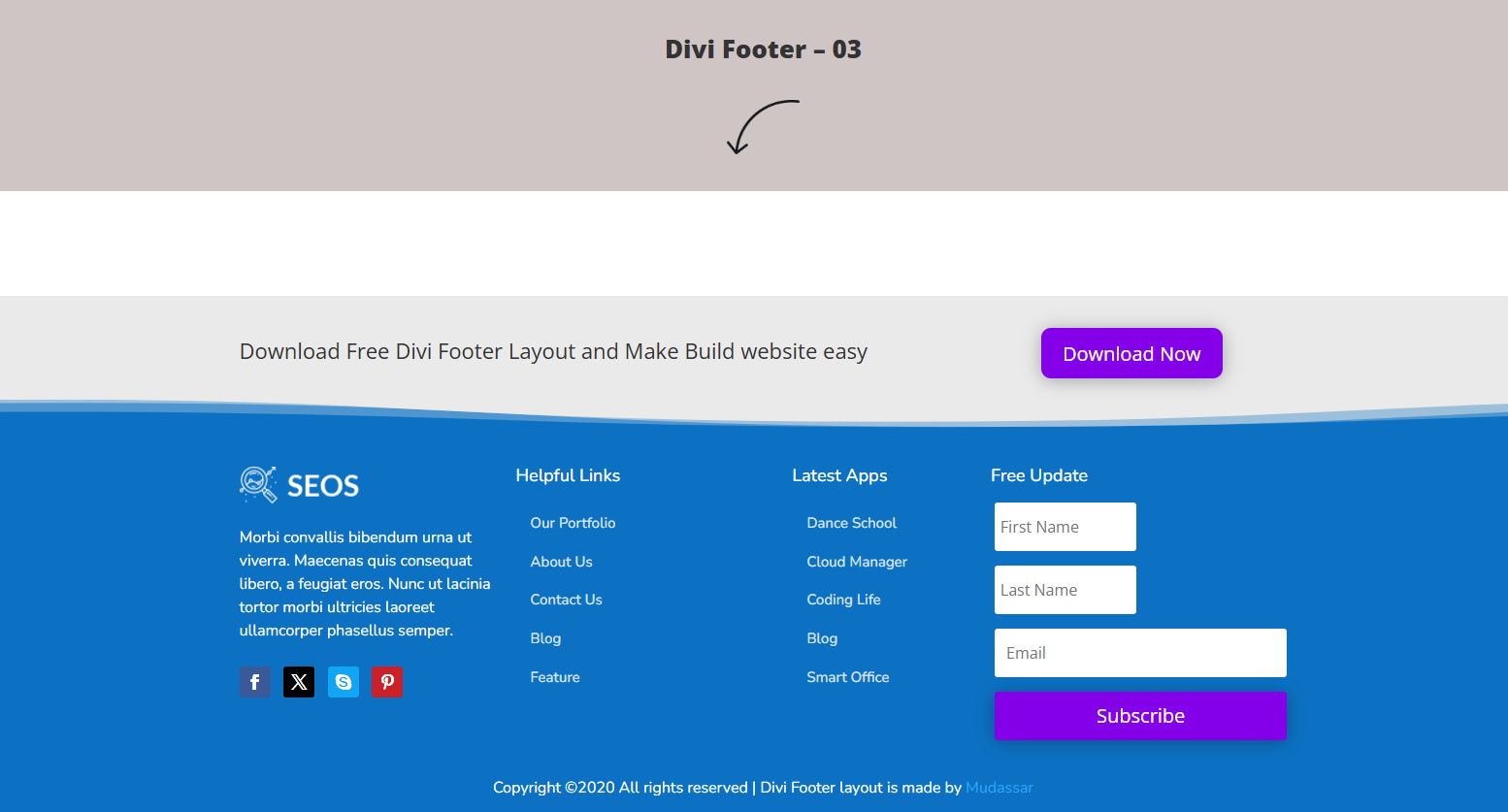
Divi Footer Template 03 — Tech Infrastructure Hub
Layout
Designed specifically for modern software companies, this footer combines vibrant gradients with structured content blocks.
Key Features
- Blue gradient background
- Floating newsletter card
- Company information
- Service links
- Product categories
- Partner logos
Best Used For
- SaaS businesses
- Hosting companies
- Tech startups
- Digital agencies
- Software companies
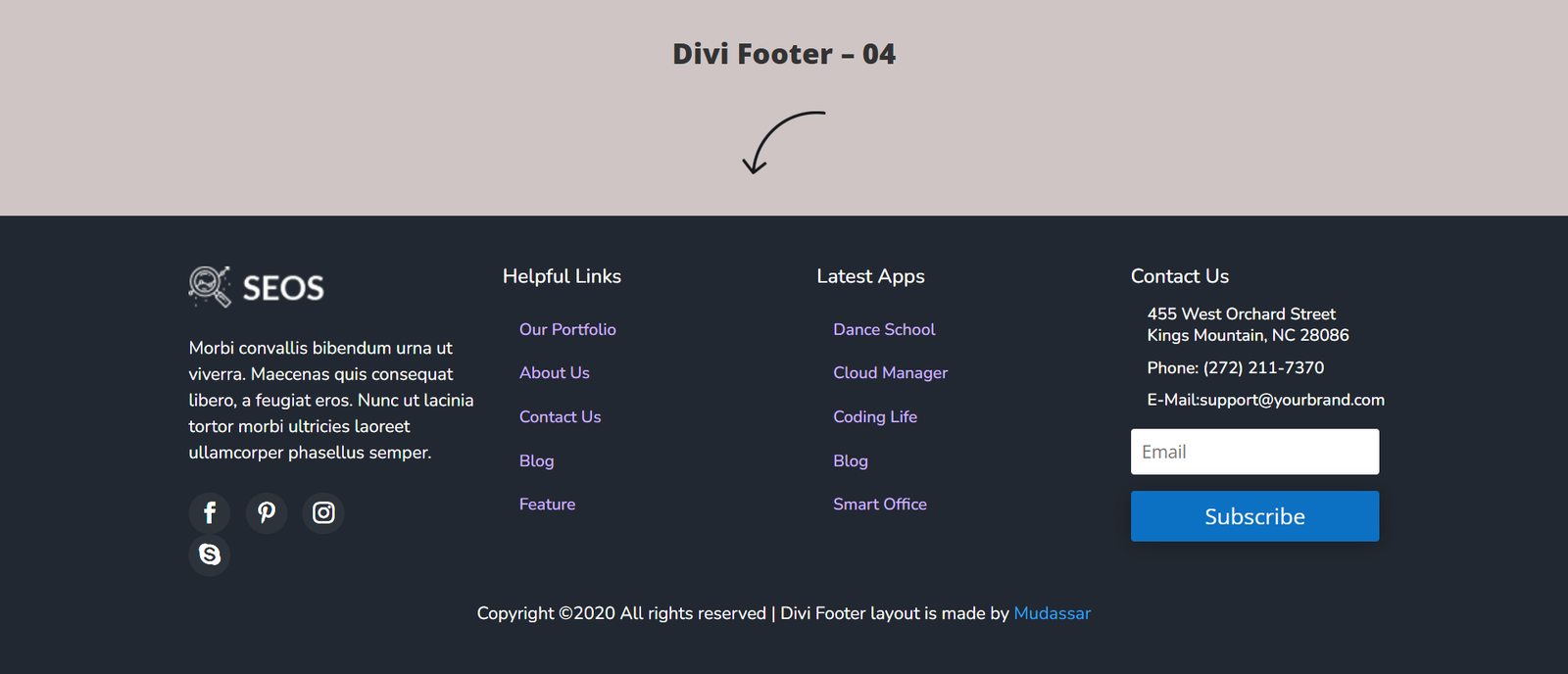
Divi Footer Template 04 — Deep Slate Support Board
Layout
A dark corporate footer designed around customer support, featuring multiple navigation sections and a prominent email subscription form.
Key Features
- Dark background
- Support resources
- Knowledge base links
- Newsletter signup
- Four-column layout
- Clean hierarchy
Best Used For
- Customer support portals
- Documentation websites
- Membership platforms
- Online communities
- Software products
Divi Footer Template 05 — High-Contrast Utility Cap
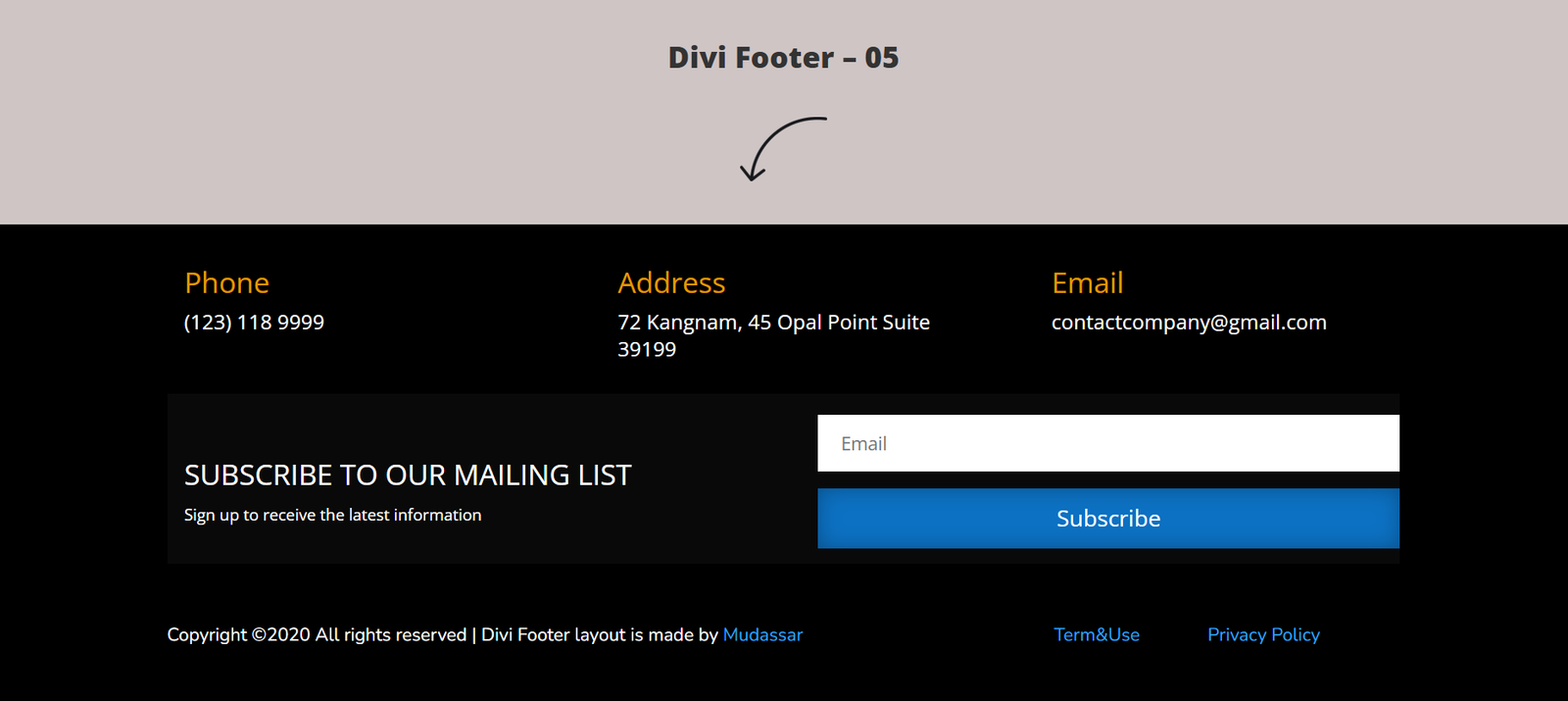
Layout
Instead of emphasizing navigation links, this footer focuses on business contact information.
Key Features
- Phone number
- Business address
- Email details
- Newsletter section
- Clean spacing
- High readability
Best Used For
- Local businesses
- Construction companies
- HVAC services
- Plumbing companies
- Real estate agencies
Divi Footer Template 06 — Vibrant Social Matrix
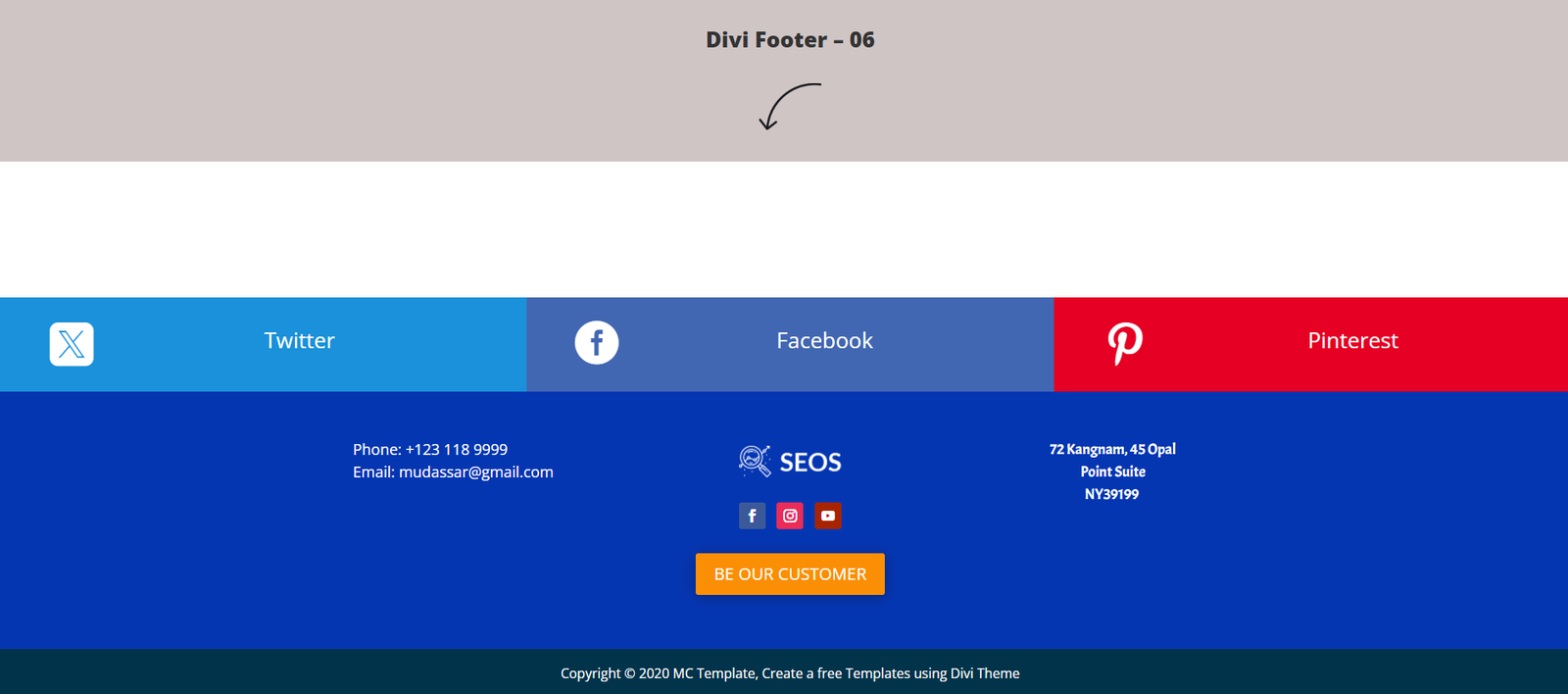
Layout
A colorful layout combining a bright social media section with a traditional multi-column footer.
Key Features
- Social media banner
- Large platform buttons
- Four-column footer
- Brand colors
- Newsletter links
- Contact details
Best Used For
- Influencers
- Entertainment websites
- Lifestyle blogs
- Creative studios
- Digital creators
Divi Footer Template 07 — Flat Corporate Directory
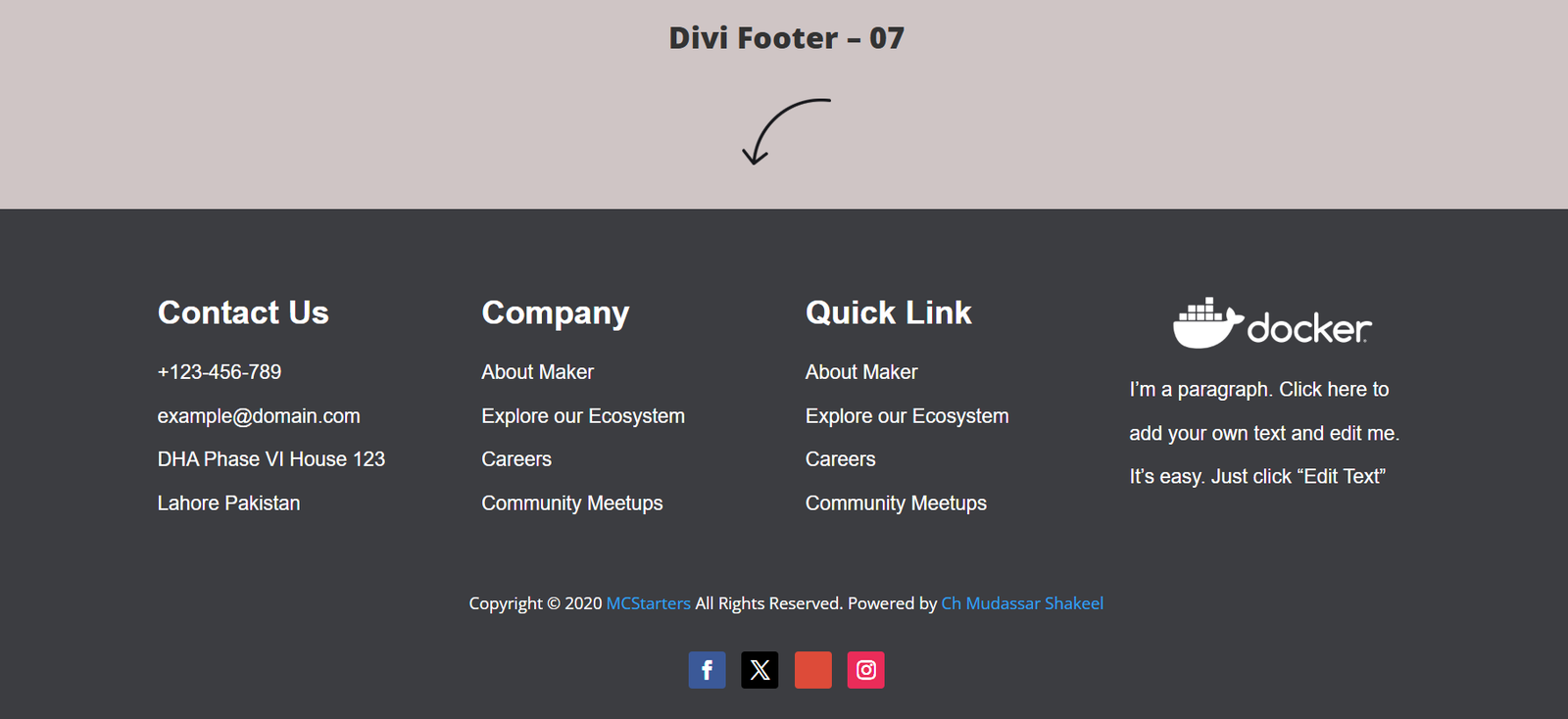
Layout
This clean corporate footer uses generous spacing and organized navigation columns to improve usability.
Key Features
- Four structured columns
- Company links
- Contact details
- Service pages
- Large spacing
- Professional appearance
Best Used For
- Law firms
- Financial advisors
- Small businesses
- Marketing agencies
- Corporate websites
Divi Footer Template 08 — Operational Hours Grid
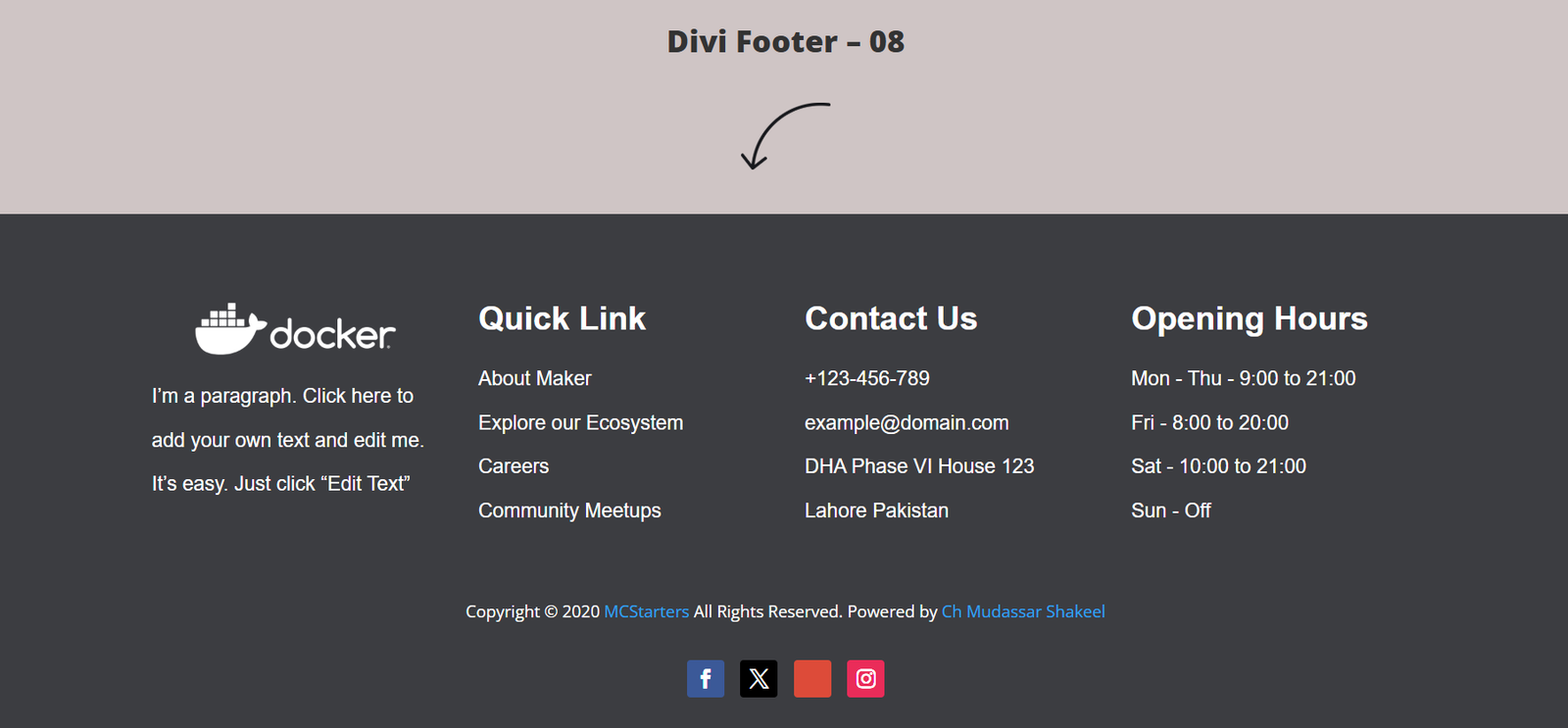
Layout
A footer designed specifically for businesses with physical locations by highlighting opening hours alongside navigation.
Key Features
- Opening hours
- Business location
- Contact details
- Four-column structure
- Local business focus
- Mobile-friendly design
Best Used For
- Restaurants
- Medical clinics
- Salons
- Retail stores
- Dental practices
Divi Footer Template 09 — Icon-Enriched Brand Hub
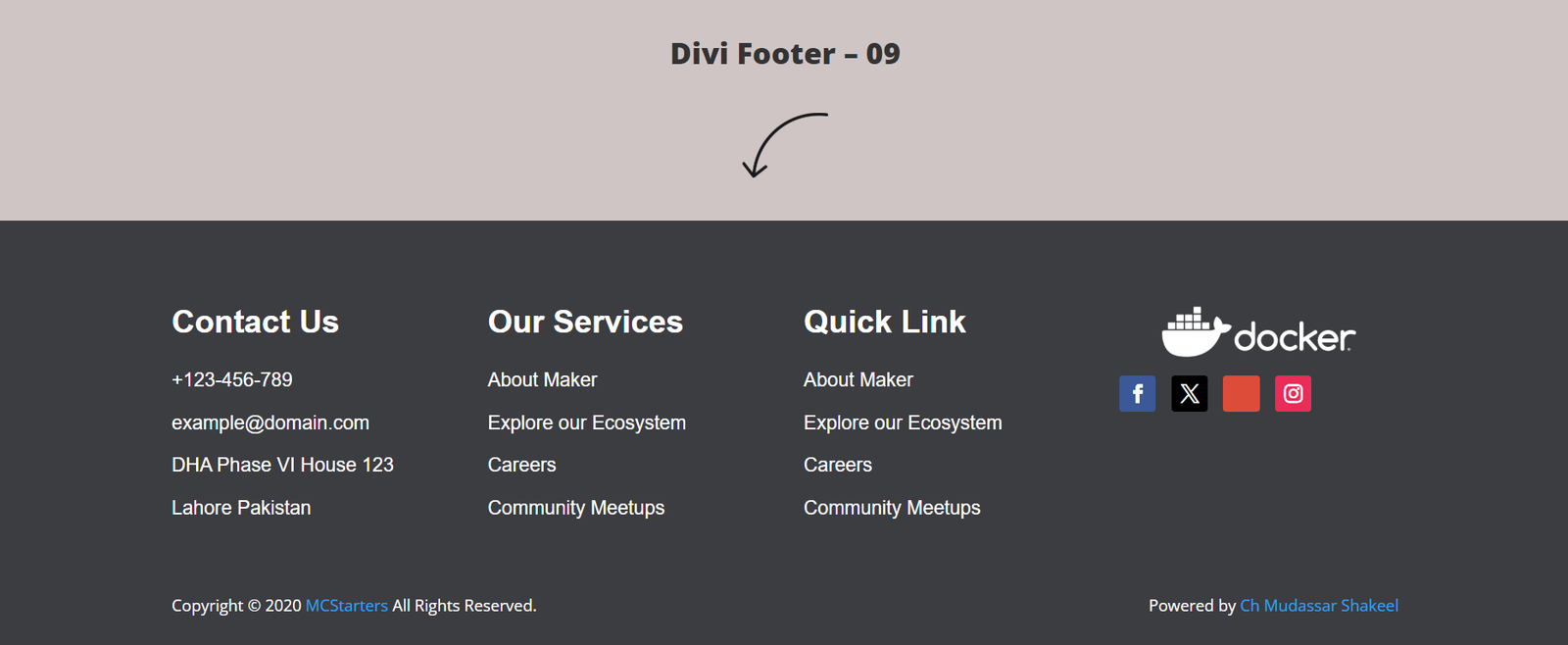
Layout
A compact dark footer that combines traditional navigation with branded icons and trust indicators.
Key Features
- Product badges
- Social icons
- Company information
- Modern spacing
- Technology branding
- Quick navigation
Best Used For
- Software companies
- Technology blogs
- Startup websites
- Product showcases
- Developer portfolios
Divi Footer Template 10 — Direct Lead Generation Form
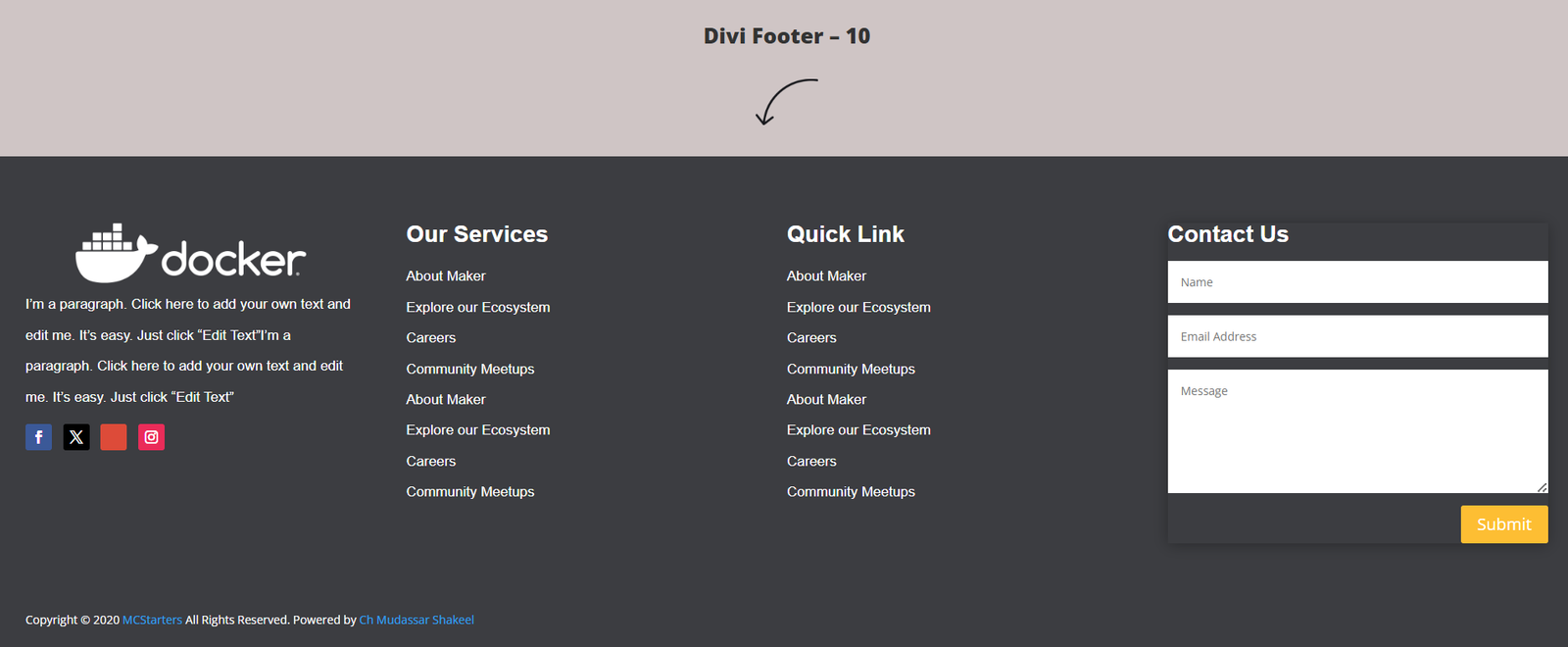
Layout
Instead of ending the visitor journey, this footer encourages users to request a quote through an integrated contact form.
Key Features
- Built-in inquiry form
- Contact information
- Service overview
- Call-to-action button
- Lead generation design
- Conversion-focused layout
Best Used For
- Freelancers
- Marketing agencies
- Contractors
- Web designers
- Consultants
Divi Footer Template 11 — Multi-Row Category Screen
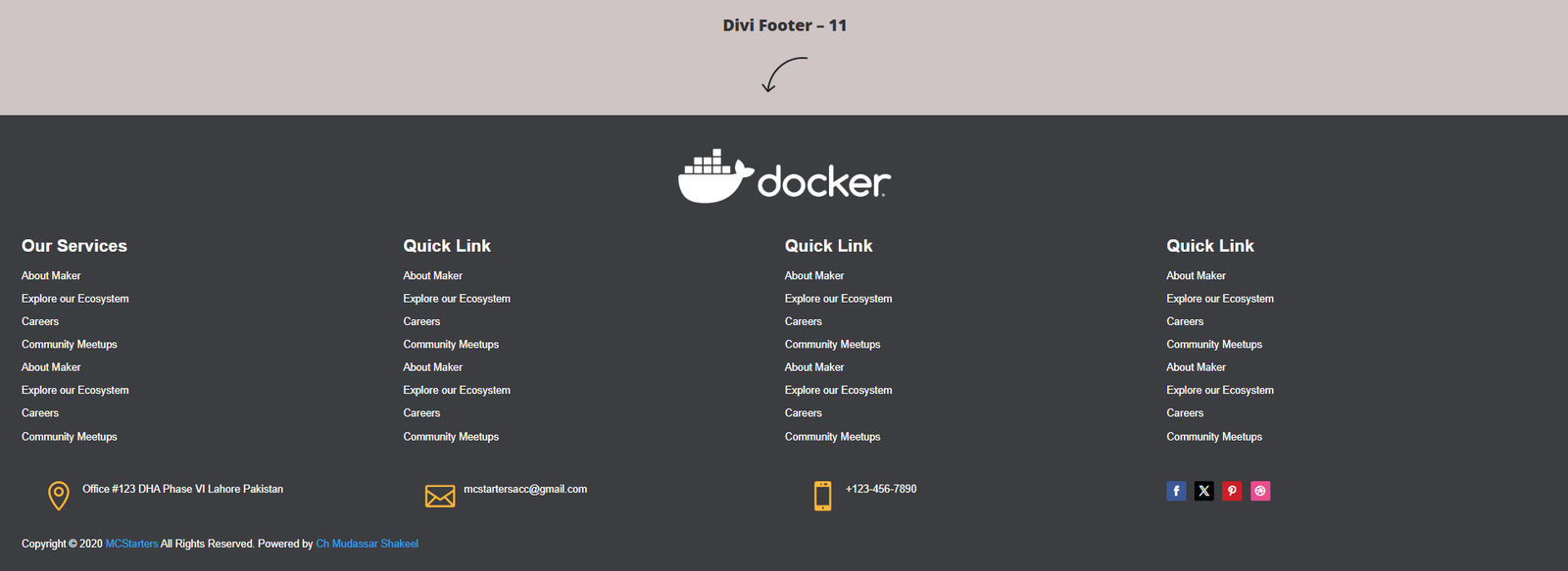
Layout
Large websites need large navigation systems. This template organizes dozens of important pages into structured categories.
Key Features
- Multi-column directory
- Service links
- Resource sections
- Product categories
- Documentation links
- Large sitemap layout
Best Used For
- Enterprise websites
- Online marketplaces
- Large eCommerce stores
- Documentation portals
- Resource directories
Divi Footer Template 12 — Visual Gallery Showcase
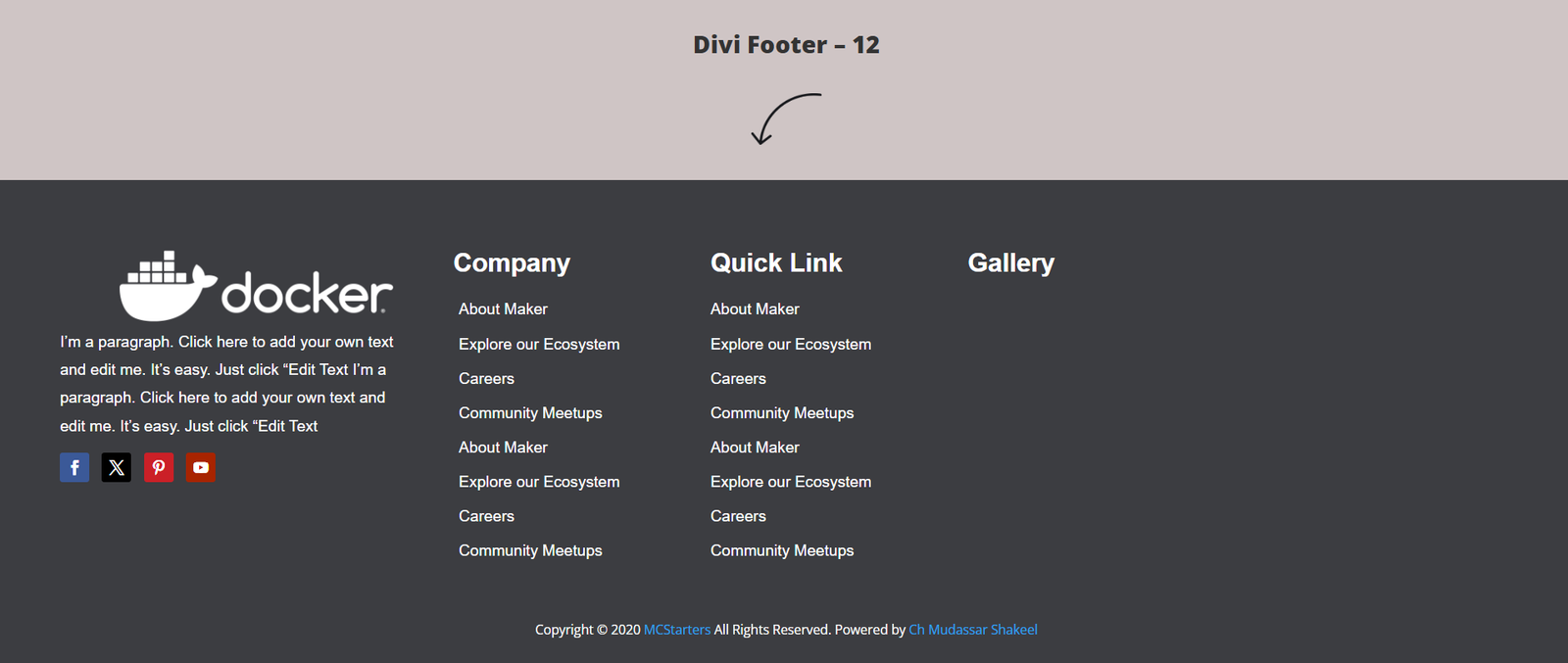
Layout
Unlike traditional text-heavy footers, this layout integrates an image gallery to create stronger visual engagement.
Key Features
- Portfolio gallery
- Instagram feed
- Image grid
- Contact information
- Social links
- Premium styling
Best Used For
- Interior designers
- Photographers
- Creative agencies
- Architecture firms
- Luxury brands
Divi Footer Template 13 — Corporate Ribbon Grid
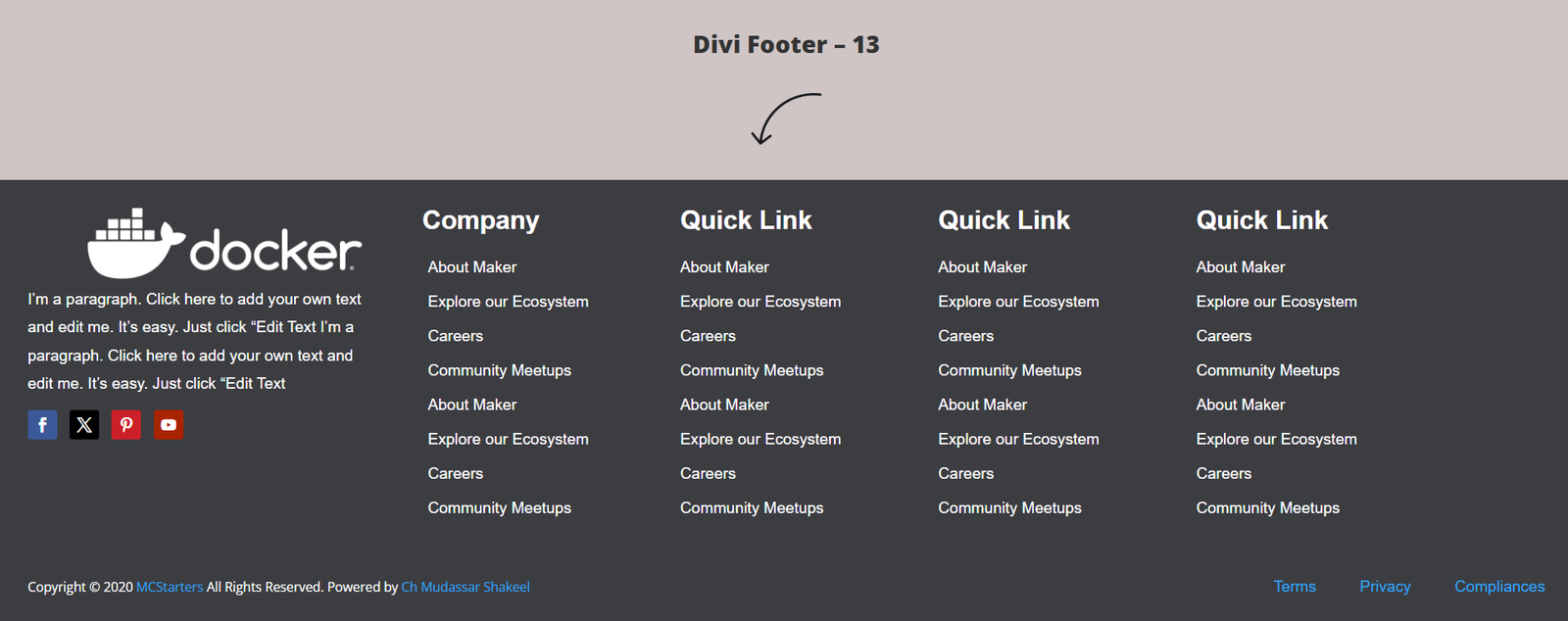
Layout
This professional five-column footer is built on a dark charcoal background, providing a modern corporate appearance with plenty of room for navigation links.
Key Features
- Five organized columns
- Company logo section
- Social media icons
- Company pages
- Services directory
- Product categories
- Contact information
Best Used For
- Digital agencies
- Software companies
- Enterprise businesses
- B2B websites
- Marketing firms
Divi Footer Template 14 — Dual-Tier Deep Linker
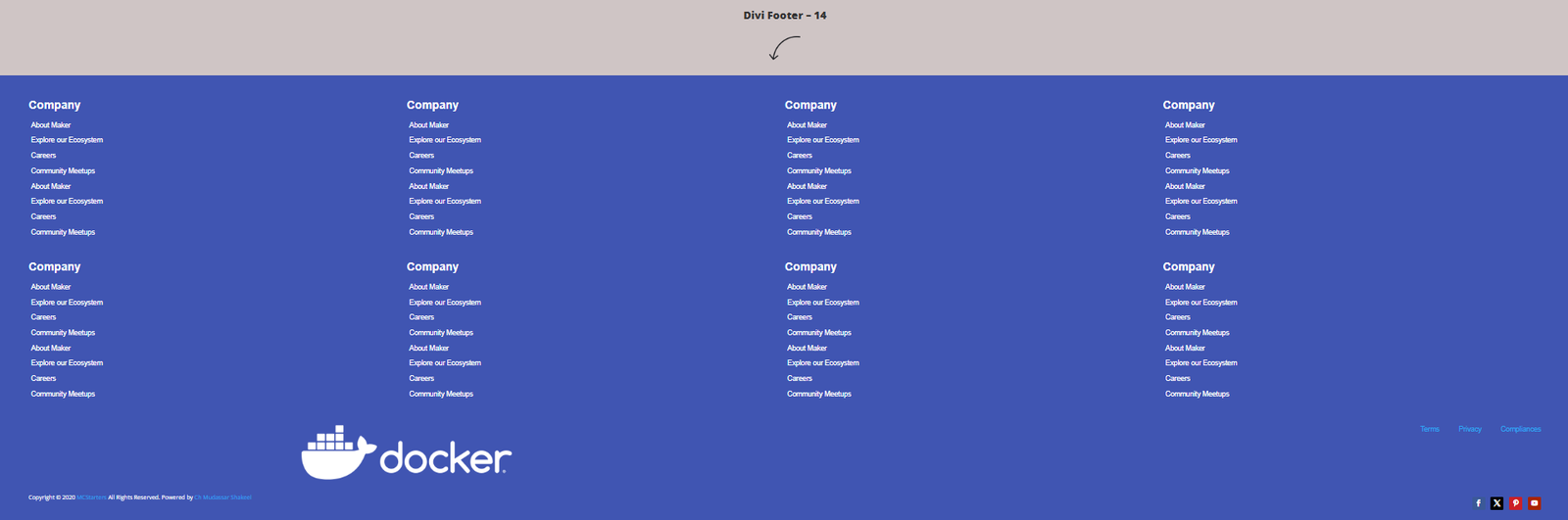
Layout
Designed for websites containing hundreds of pages, this footer uses two structured rows to organize large navigation systems without overwhelming visitors.
Key Features
- Dual-row layout
- Five navigation columns
- Services categories
- Company resources
- Support links
- Large sitemap structure
Best Used For
- Online directories
- eCommerce stores
- Educational websites
- Knowledge bases
- Large business websites
Divi Footer Template 15 — Help Desk Center
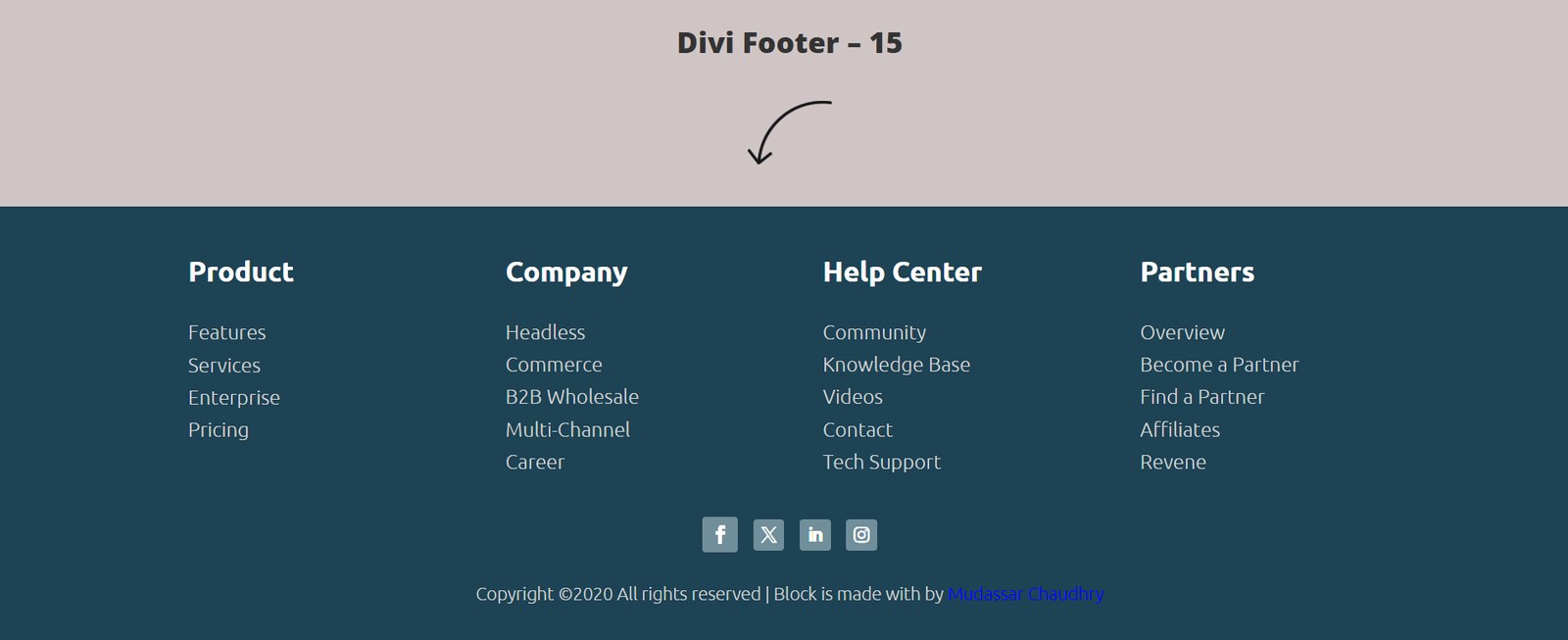
Layout
This modern footer focuses on customer support by placing help resources in the center of the design.
Key Features
- Help Center section
- Support navigation
- Customer resources
- Modern dark styling
- Knowledge base links
- Organized layout
Best Used For
- SaaS companies
- Membership websites
- Customer portals
- Online software
- Web applications
Divi Footer Template 16 — Minimalist Symmetrical Directory
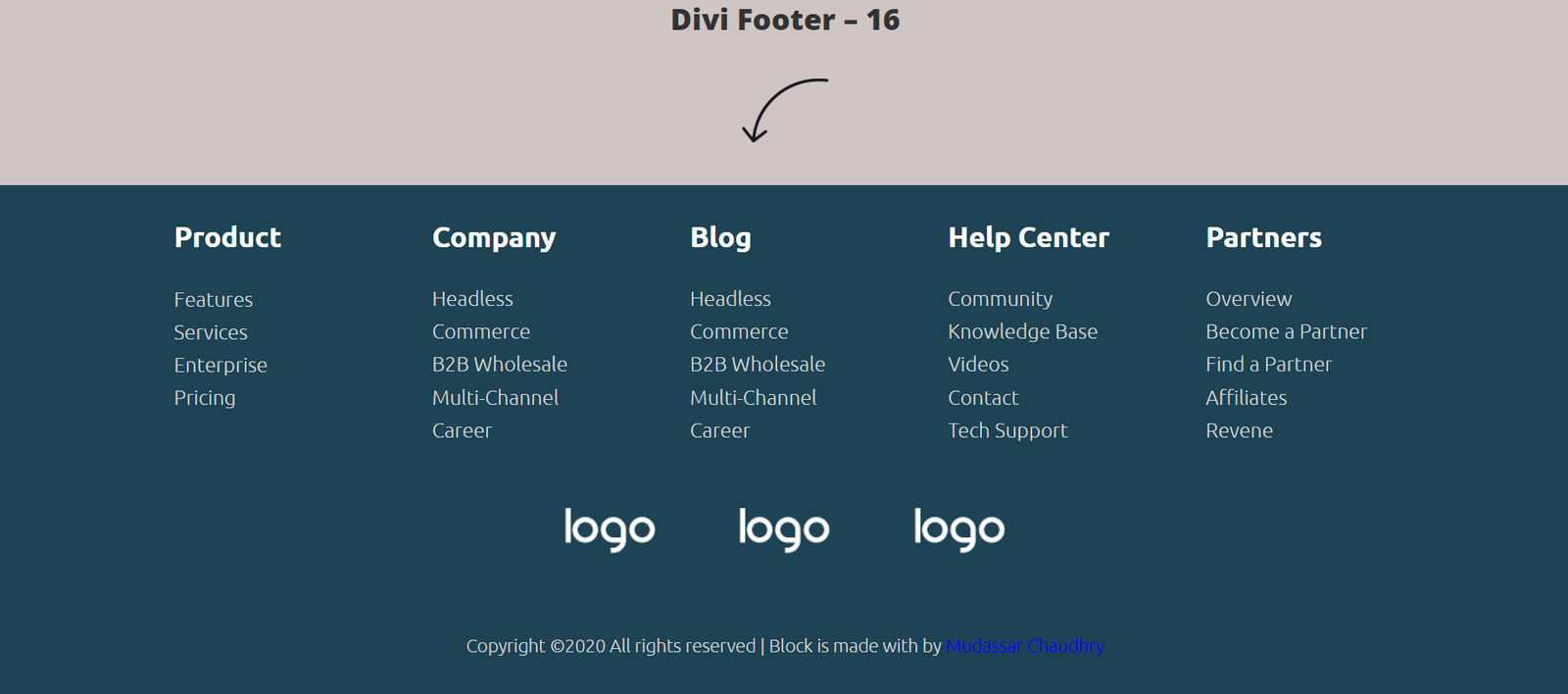
Layout
A spacious layout that removes unnecessary visual clutter while emphasizing typography and branding.
Key Features
- Minimal styling
- Wide spacing
- Simple navigation
- Brand logo area
- Lightweight structure
- Clean footer links
Best Used For
- Creative portfolios
- Designers
- Architecture firms
- Freelancers
- Photography websites
Divi Footer Template 17 — Social Icon Contact Row
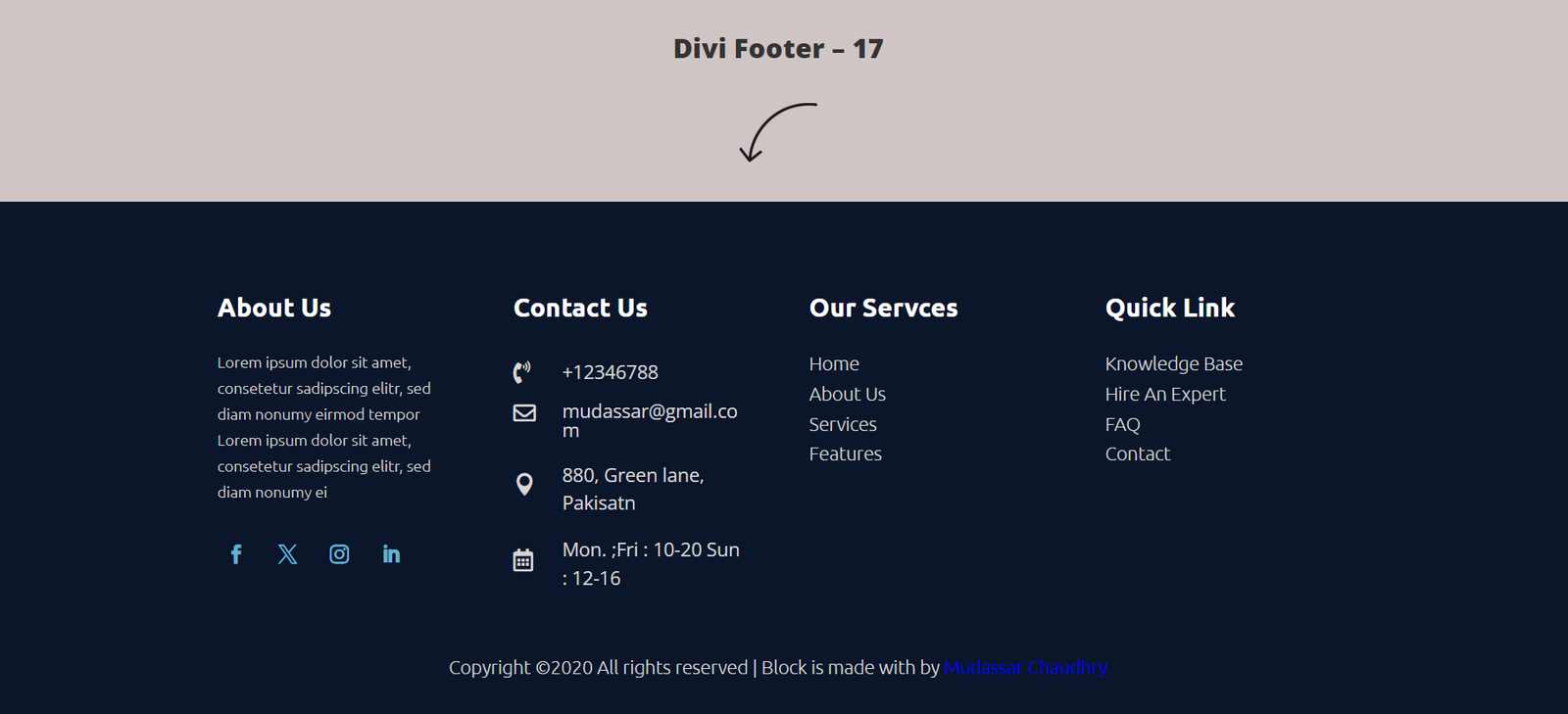
Layout
Instead of placing contact details inside multiple columns, this layout highlights communication methods across the top section.
Key Features
- Address information
- Phone numbers
- Email details
- Social media buttons
- Modern dark design
- Quick contact access
Best Used For
- Law firms
- Clinics
- Local businesses
- Accounting firms
- Business consultants
Divi Footer Template 18 — Plum Newsletter Block
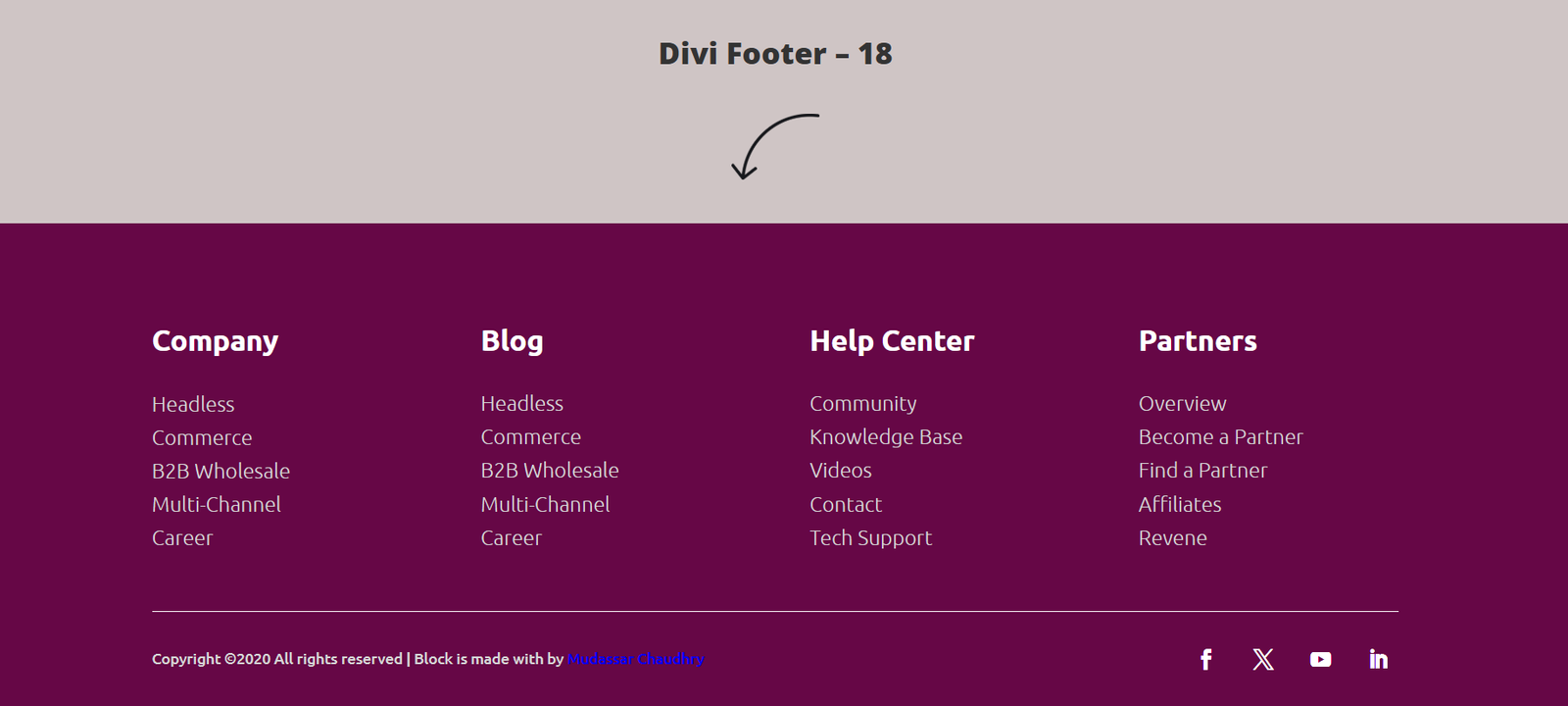
Layout
A bold footer centered around newsletter growth, featuring a large email signup form that immediately captures attention.
Key Features
- Full-width newsletter section
- Email subscription form
- Bold typography
- Brand-focused design
- Modern layout
- High-converting CTA
Best Used For
- Fashion stores
- Bloggers
- Online magazines
- Affiliate marketers
- eCommerce websites
Divi Footer Template 19 — Local Service Map Canvas
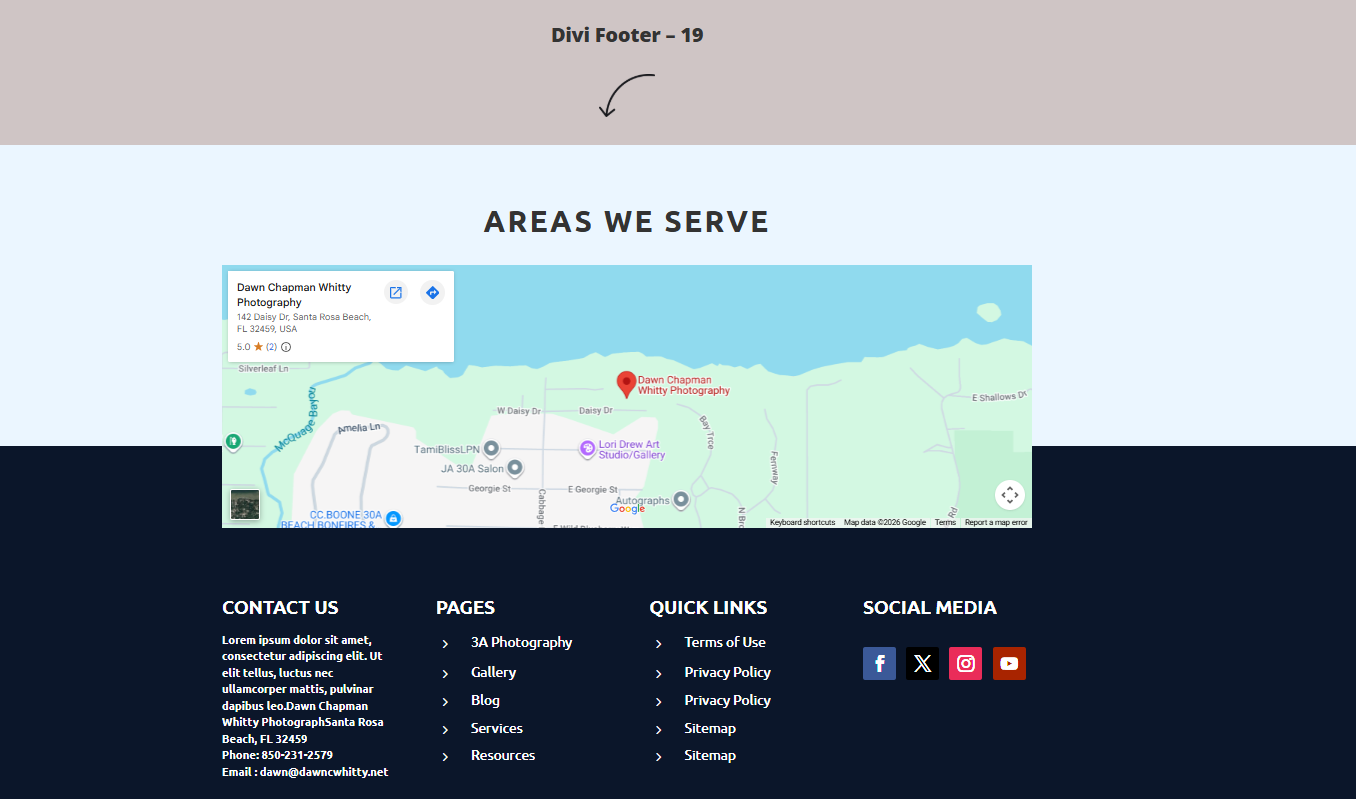
Layout
Instead of emphasizing navigation, this footer showcases service coverage using an integrated map section.
Key Features
- Google Map integration
- Service areas
- Contact details
- Local SEO focus
- Office location
- Geographic coverage
Best Used For
- Roofing companies
- Moving companies
- Plumbing businesses
- HVAC contractors
- Cleaning services
Divi Footer Template 20 — Balanced Royal Blue Strip
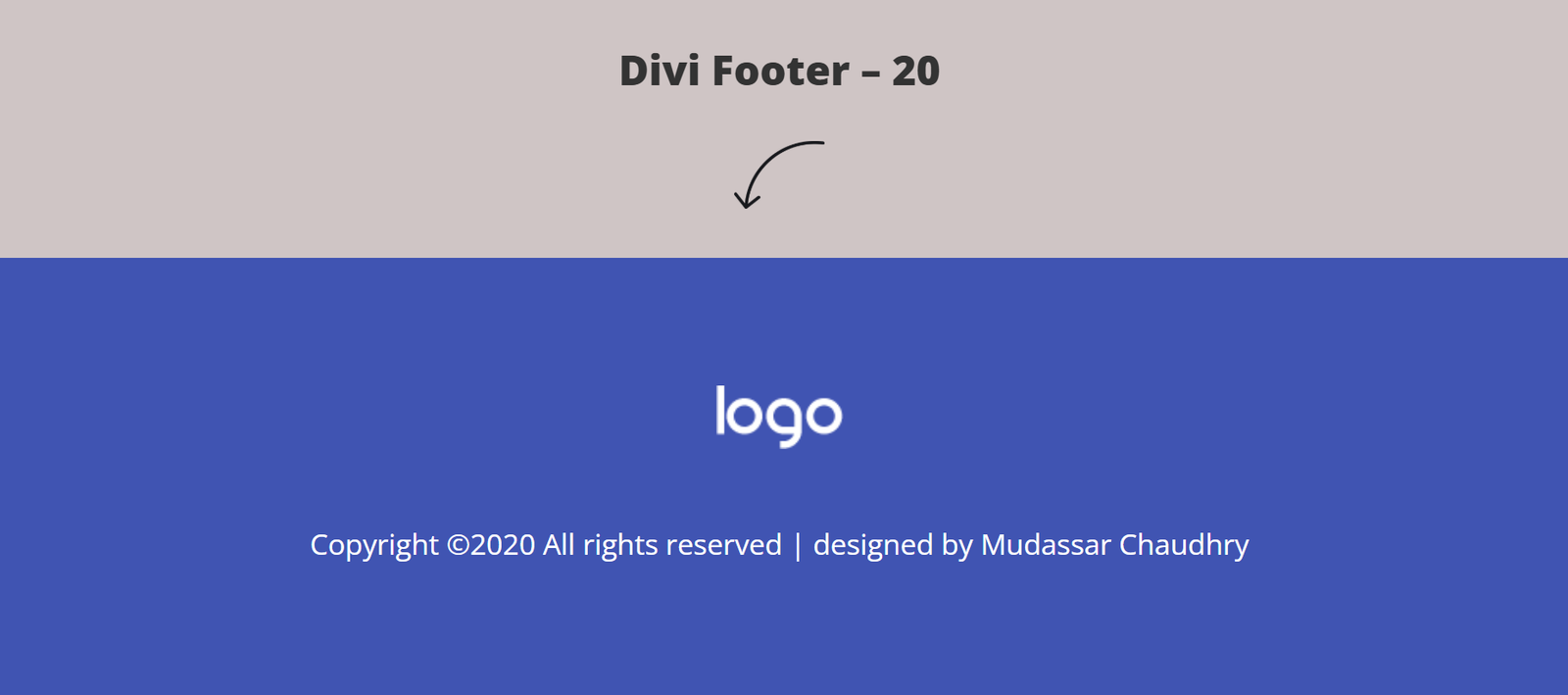
Layout
A simplified footer using a single-row design with strong branding and minimal navigation.
Key Features
- Large centered logo
- Royal blue background
- Minimal links
- Clean spacing
- Lightweight design
- Fast loading
Best Used For
- Landing pages
- SaaS websites
- Personal portfolios
- Creative agencies
- Startup websites
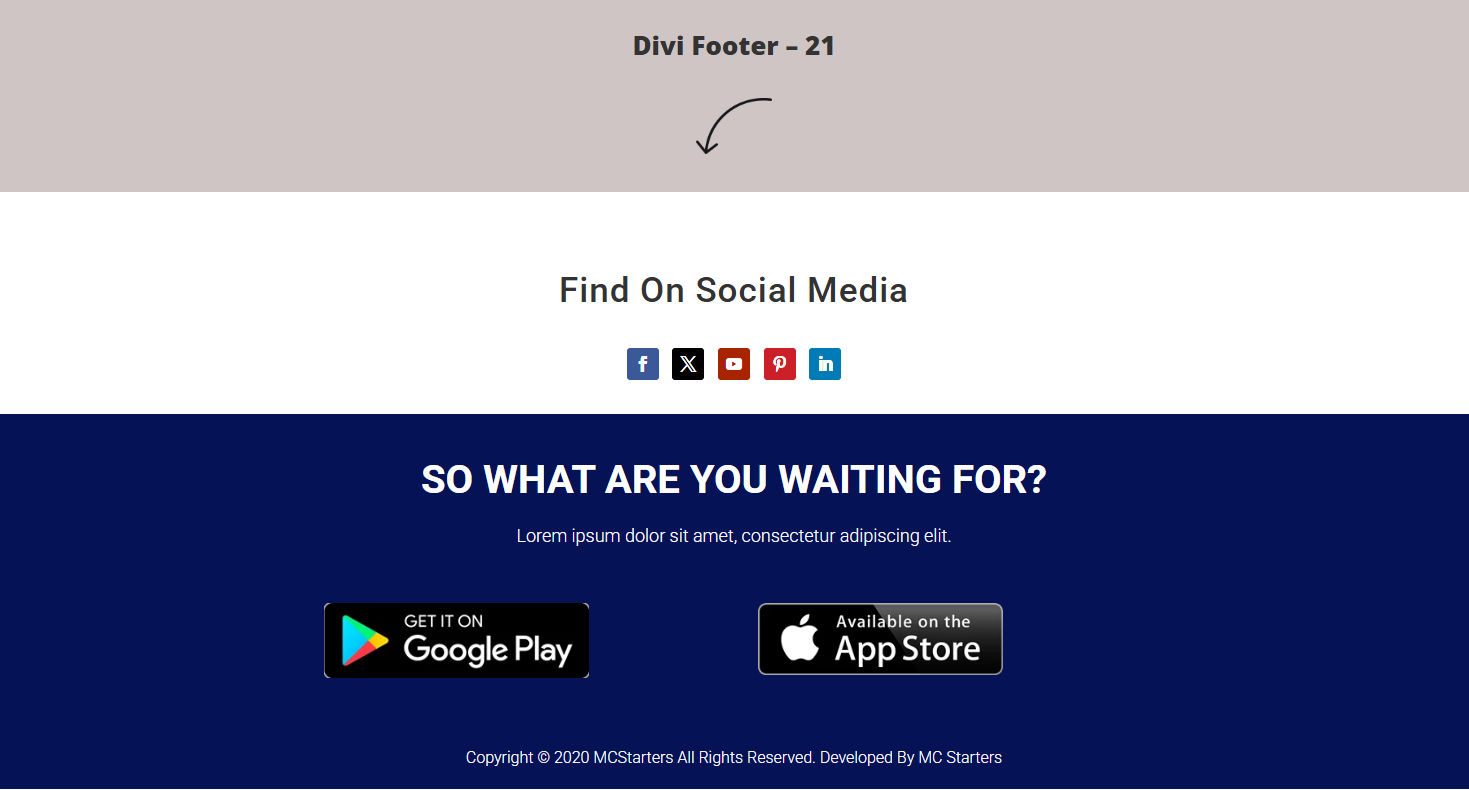
Divi Footer Template 21 — Mobile App Install Showcase
Layout
Built specifically for businesses promoting mobile applications, this footer encourages users to download apps directly.
Key Features
- App Store buttons
- Google Play badges
- Social media icons
- Mobile-focused CTA
- Download section
- Brand promotion
Best Used For
- Delivery apps
- Fintech startups
- SaaS platforms
- Mobile applications
- Technology companies
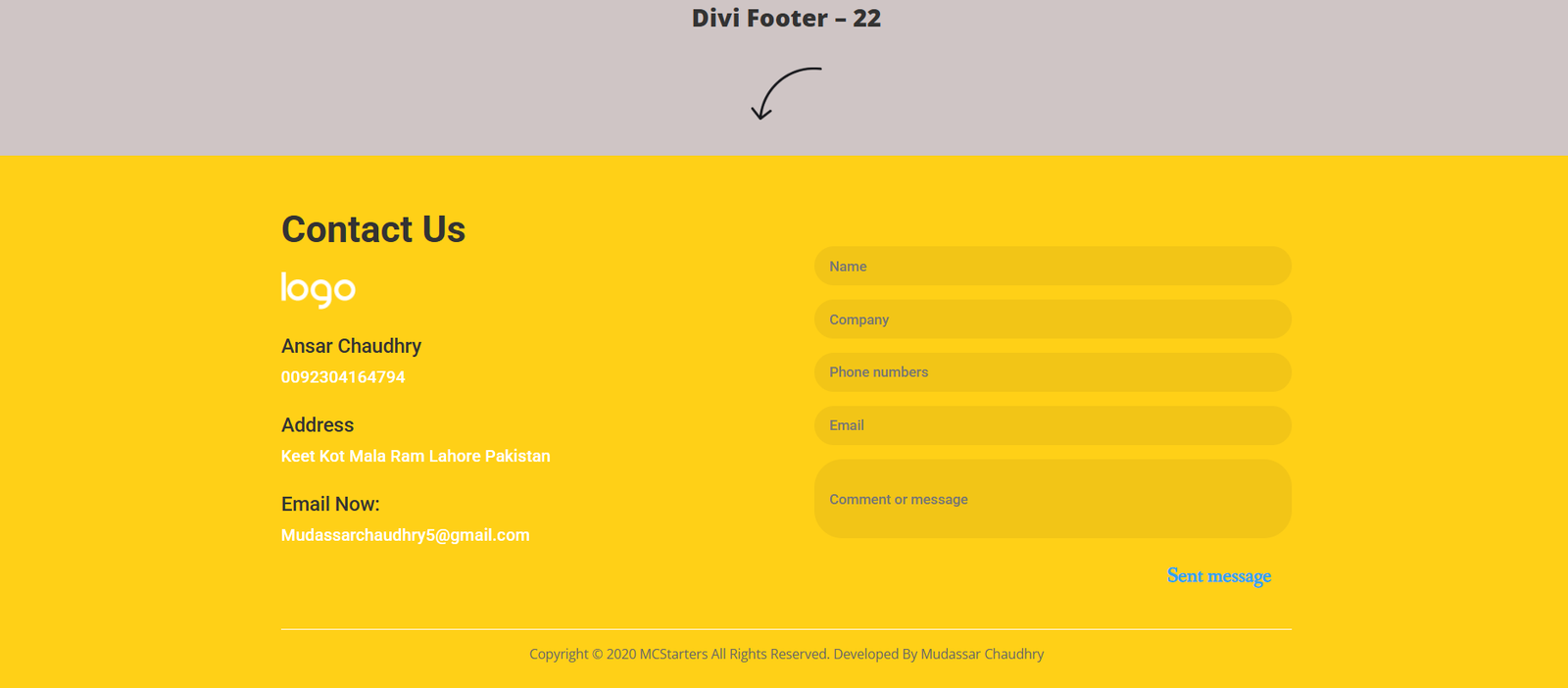
Divi Footer Template 22 — Full-Width Contact Form Canvas
Layout
A conversion-focused footer featuring company information alongside a complete inquiry form.
Key Features
- Contact form
- Address section
- Phone details
- Lead generation
- Bright call-to-action
- Business information
Best Used For
- Web agencies
- Freelancers
- Consultants
- Contractors
- Local businesses
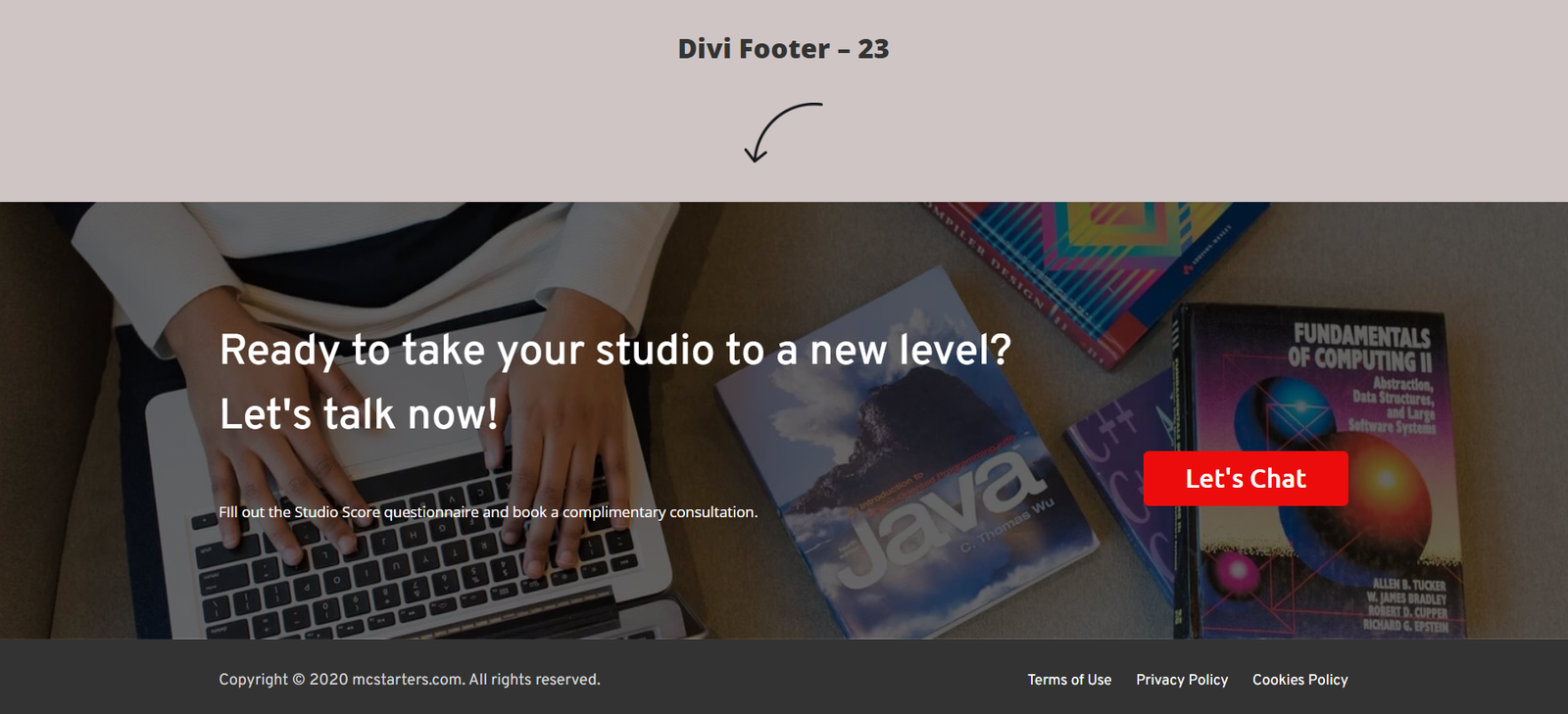
Divi Footer Template 23 — Editorial Studio Banner
Layout
This visually rich footer combines a large background image with elegant typography and a strong call-to-action.
Key Features
- Background photography
- Dark overlay
- “Let’s Talk” button
- Portfolio styling
- Creative branding
- Modern visuals
Best Used For
- Creative studios
- Video production
- Photography businesses
- Design agencies
- Branding companies
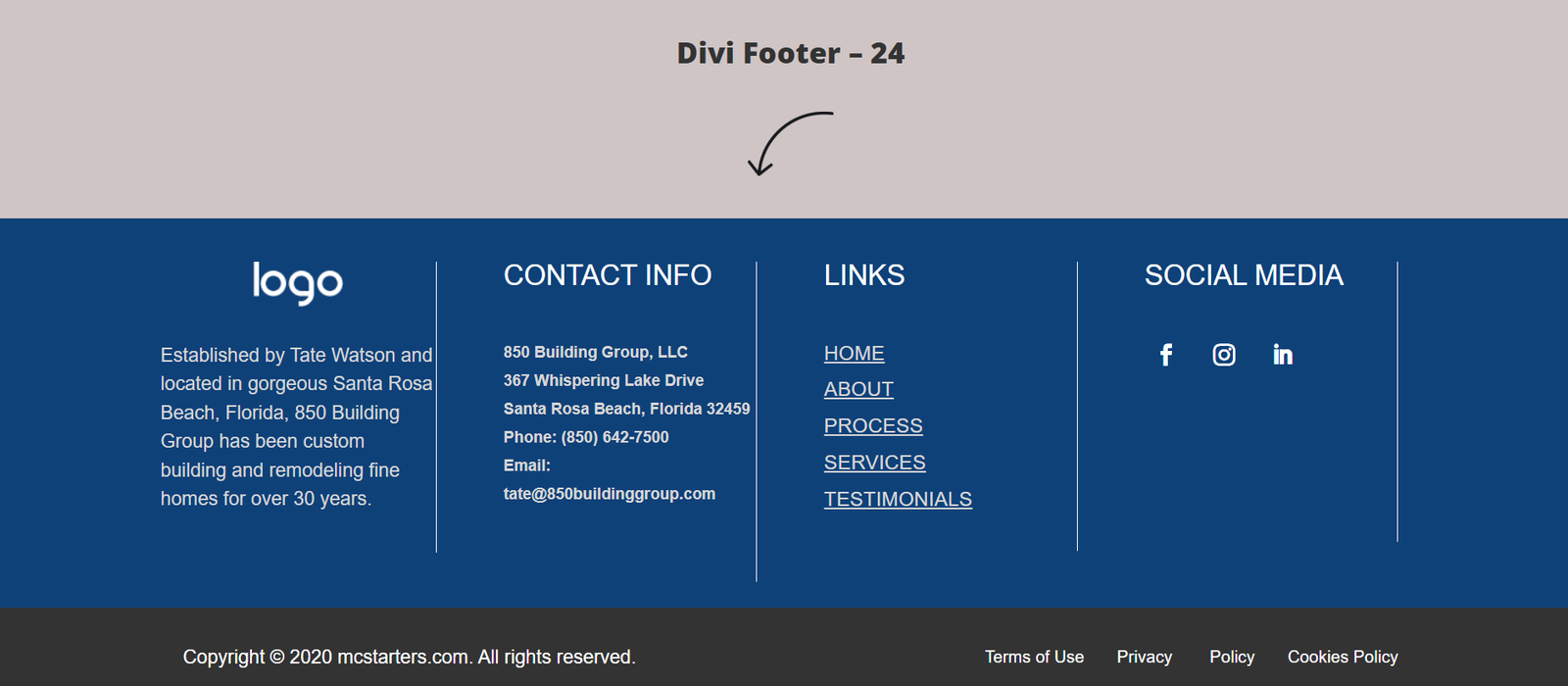
Divi Footer Template 24 — Sleek Web-App Utility Footer
Layout
A lightweight, modern footer designed specifically for software products and web applications.
Key Features
- Compact layout
- Essential navigation
- Social media section
- Product information
- Modern typography
- Clean interface
Best Used For
- Web apps
- SaaS businesses
- Fintech startups
- Developer portfolios
- Software companies
Divi Footer Template 25 — Clean Minimalist Directory
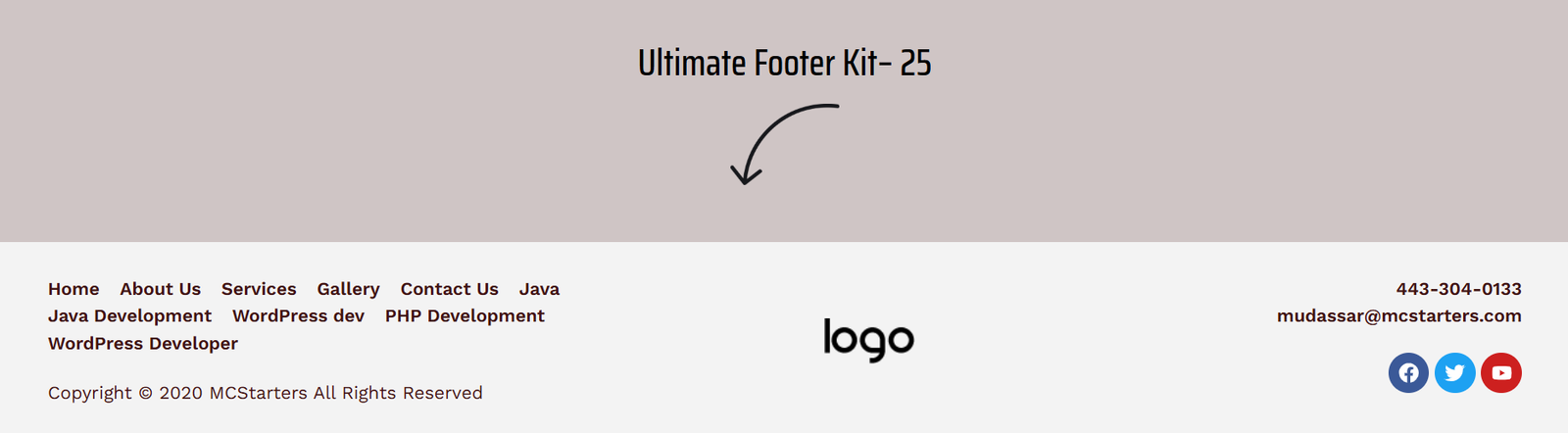
The Layout
This elegant single-row footer removes unnecessary design elements and focuses on clean navigation, branding, and social media links.
Key Features
- Minimalist layout
- Simple navigation menu
- Company branding
- Social media icons
- Lightweight design
- Excellent readability
Best Used For
- Personal portfolios
- Photography websites
- Luxury brands
- Freelancers
- Minimal business websites
Divi Footer Template 26 — Newsletter Core Dark Mode
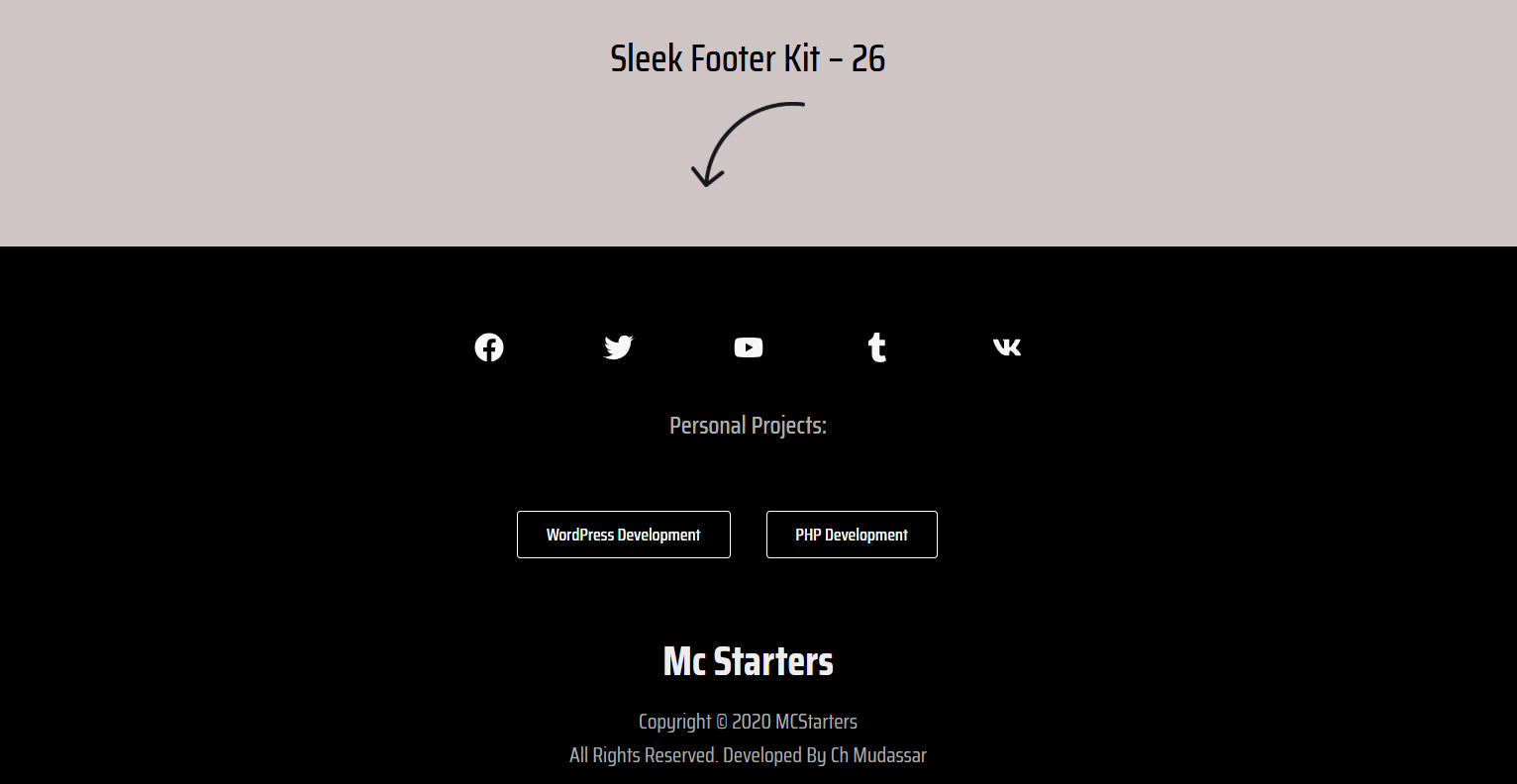
The Layout
Designed to maximize email subscriptions, this dark-themed footer places the newsletter form front and center while keeping navigation secondary.
Key Features
- Full-width newsletter section
- Email signup form
- Dark modern appearance
- Minimal navigation
- Large CTA
- High conversion design
Best Used For
- Bloggers
- SaaS companies
- Startups
- Content creators
- Affiliate websites
Divi Footer Template 27 — Modular High-Contrast Grid
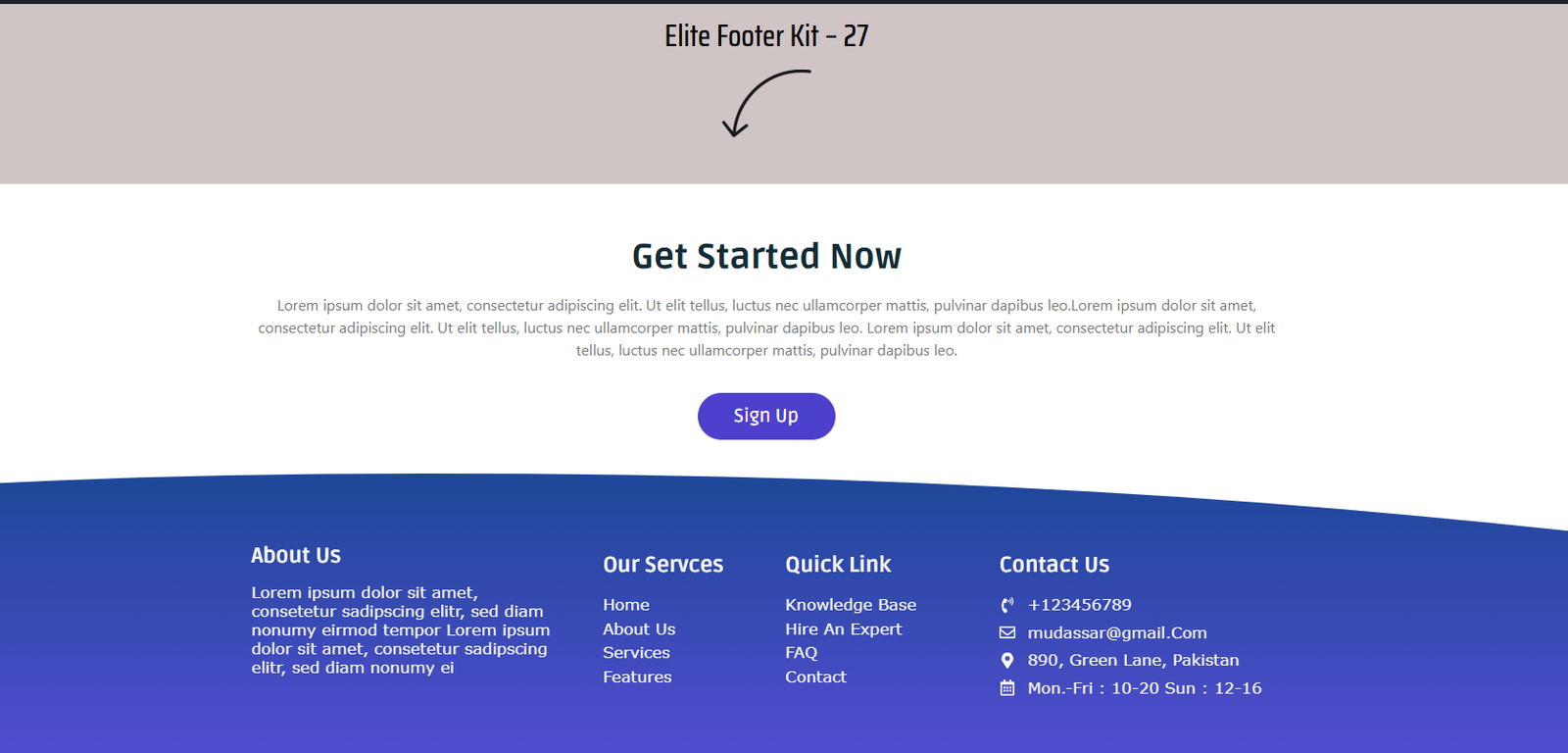
The Layout
A professional corporate footer featuring a prominent call-to-action section above a structured navigation grid.
Key Features
- CTA banner
- Four-column layout
- Company resources
- Services directory
- Bold typography
- Modern spacing
Best Used For
- Software companies
- Digital agencies
- Corporate websites
- Business consultants
- SaaS platforms
Divi Footer Template 28 — Smooth Top-Border Wave
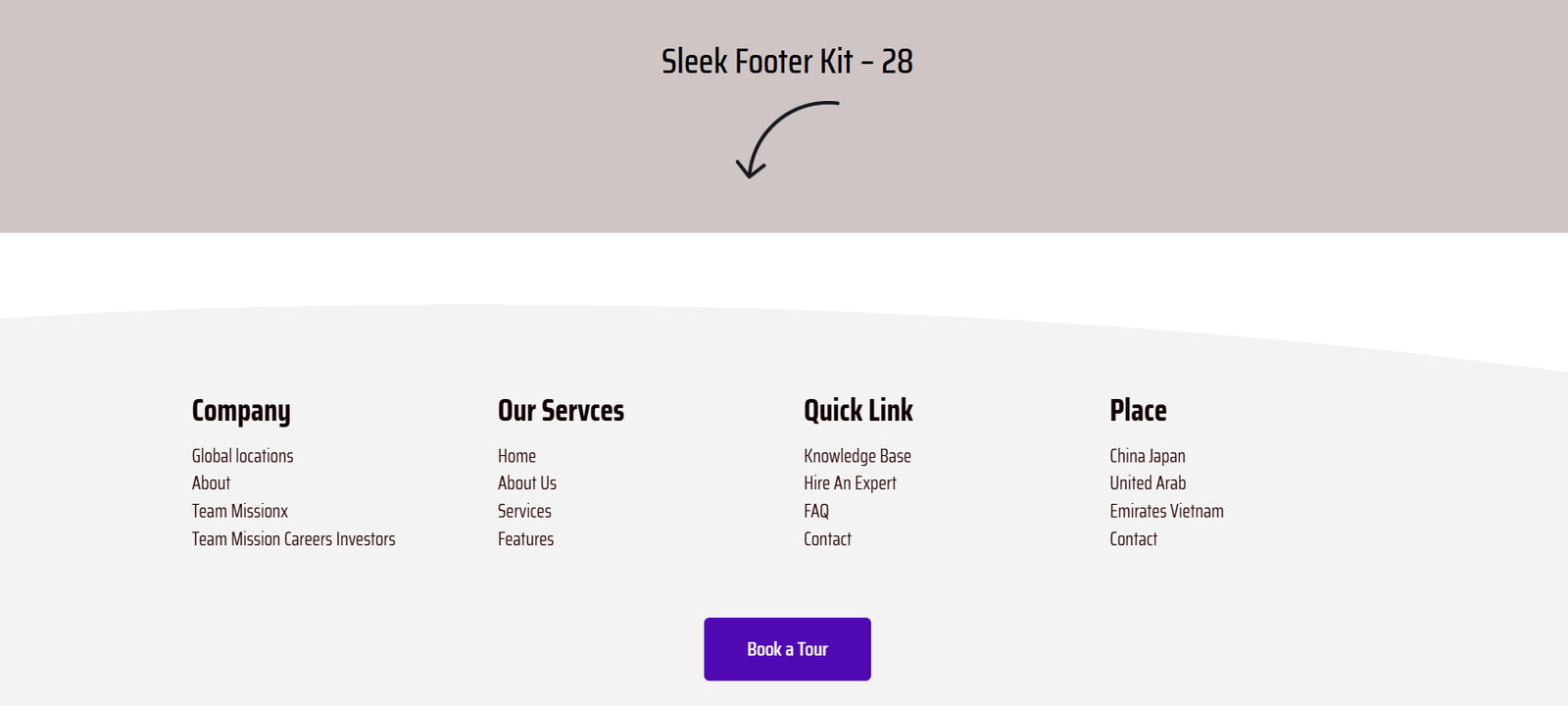
The Layout
This creative layout uses a flowing curved divider to create a smooth transition between page content and the footer.
Key Features
- Curved divider
- Modern layout
- Large navigation columns
- Beautiful spacing
- Premium appearance
- Elegant button styling
Best Used For
- Creative agencies
- Lifestyle brands
- Boutique stores
- Marketing companies
- Design studios
Divi Footer Template 29 — Dense Corporate Directory
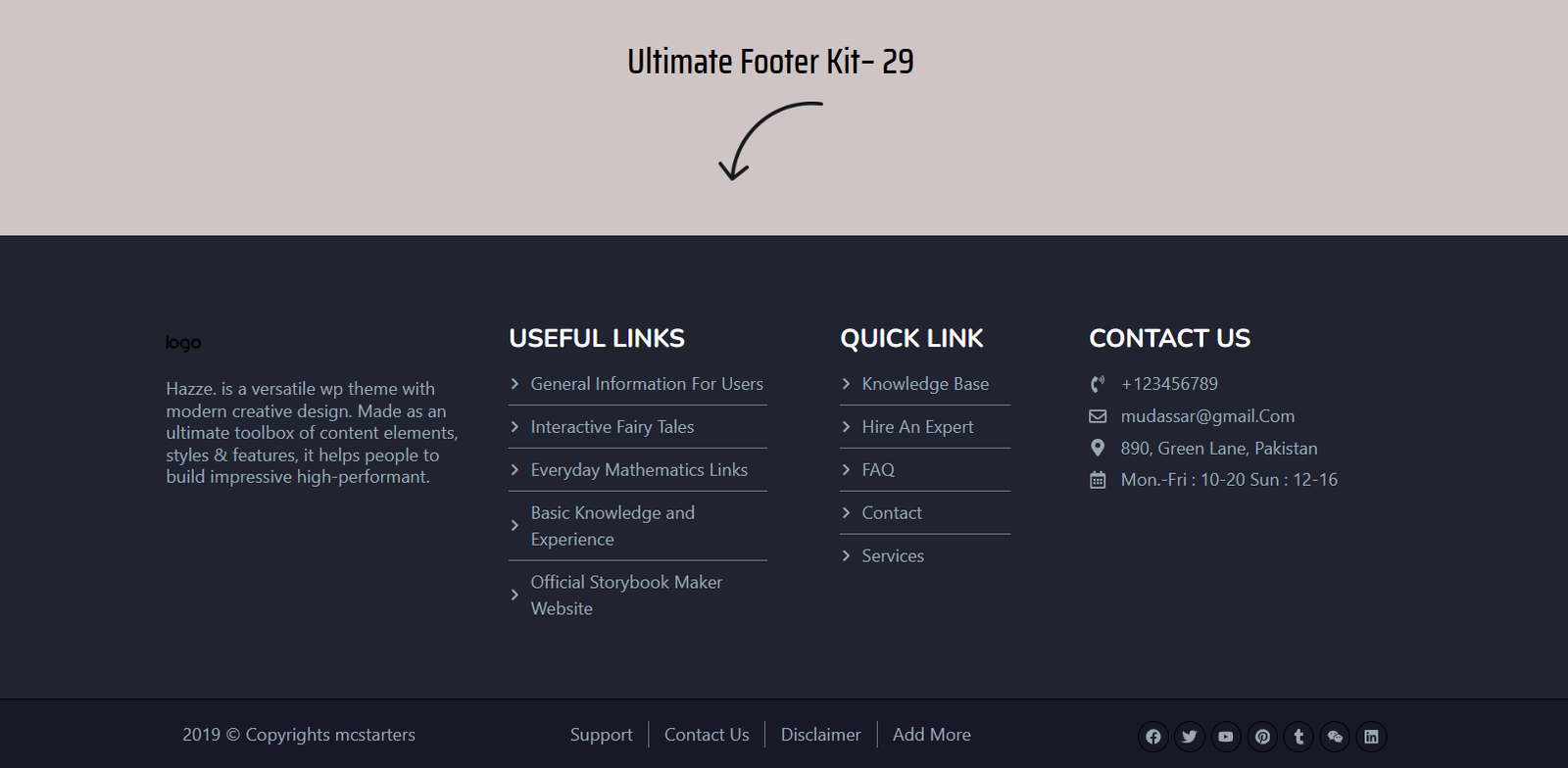
The Layout
A structured footer designed for businesses with extensive navigation requirements.
Key Features
- Three organized columns
- Contact section
- Service categories
- Useful links
- Professional appearance
- Corporate branding
Best Used For
- Law firms
- Financial companies
- Enterprise businesses
- Accounting firms
- Corporate organizations
Divi Footer Template 30 — Bold Typography Statement
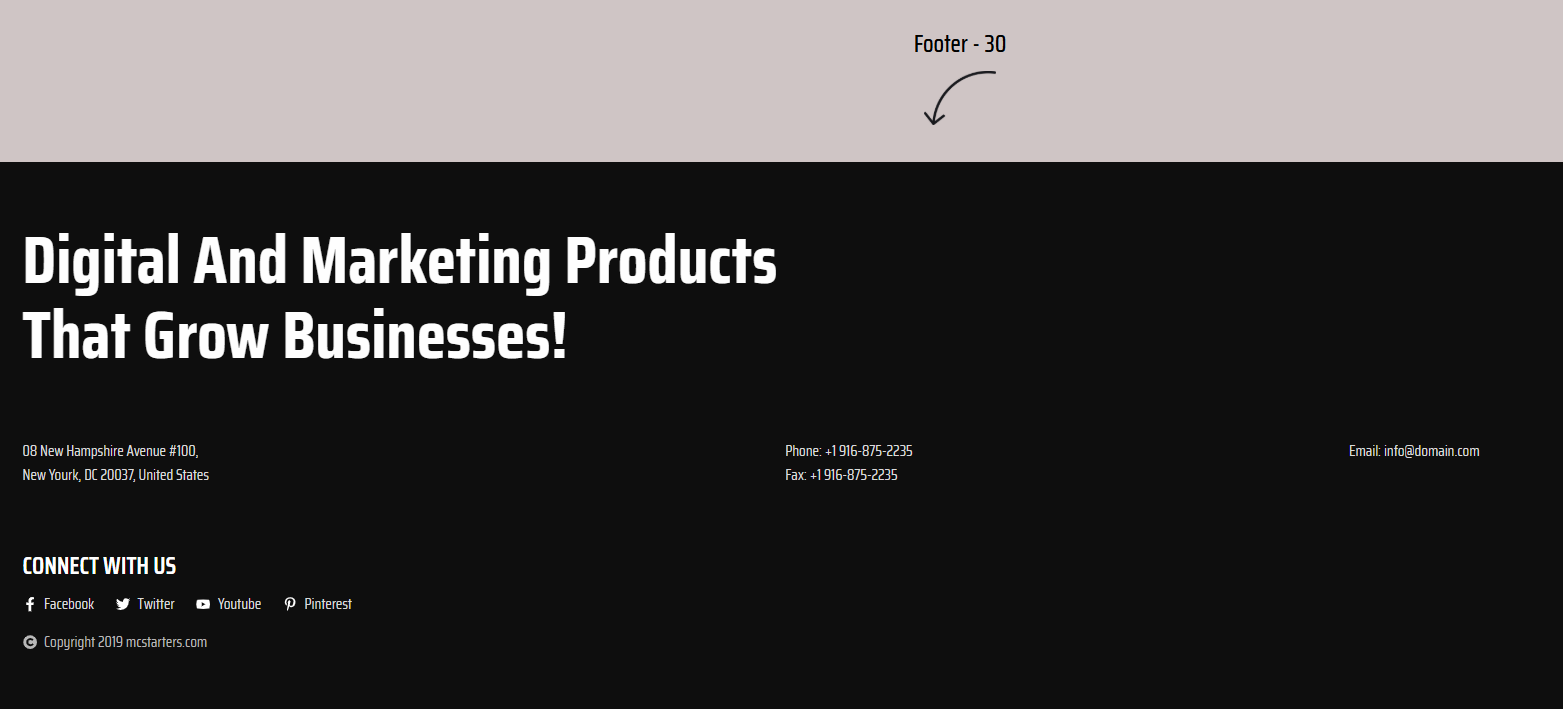
The Layout
Instead of relying on multiple navigation columns, this footer makes a powerful visual impact using oversized typography and a simplified contact section.
Key Features
- Large headlines
- Minimal navigation
- Contact information
- Editorial style
- Premium branding
- Strong visual hierarchy
Best Used For
- Creative agencies
- Branding studios
- Marketing firms
- Copywriters
- Portfolio websites
Divi Footer Template 31 — Structural Geometric Wave
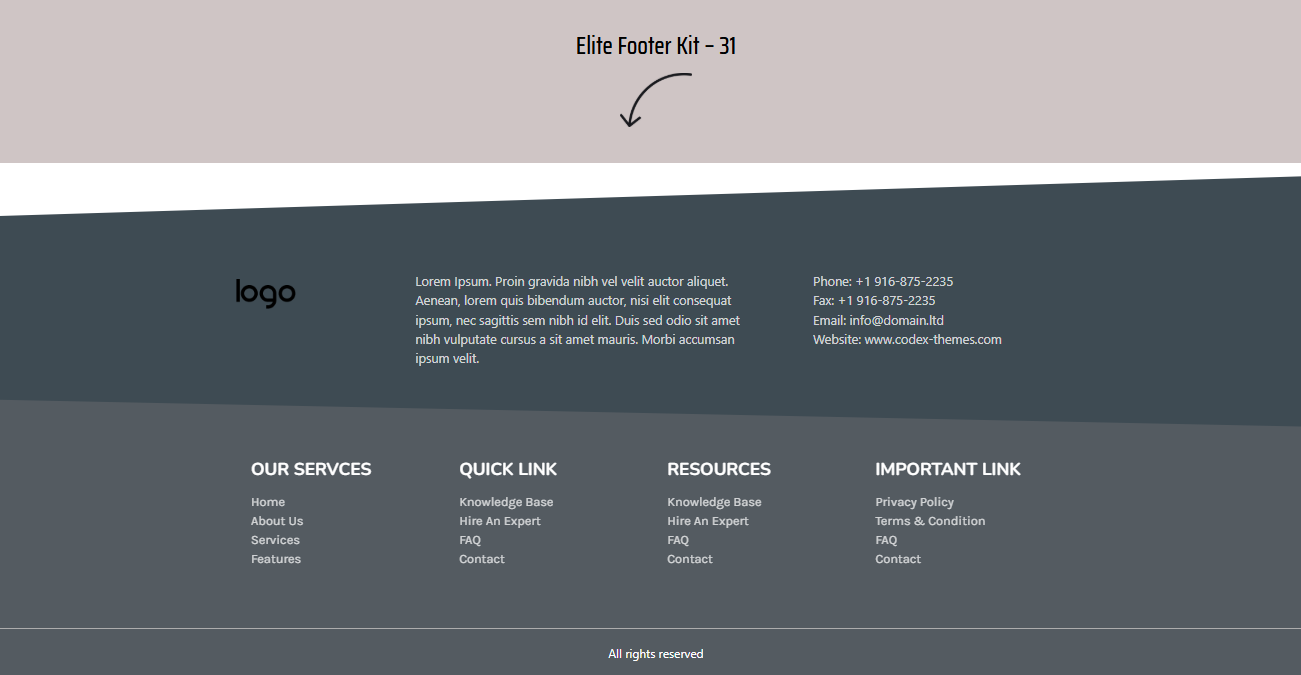
The Layout
A modern corporate footer enhanced with custom geometric shapes and carefully organized navigation.
Key Features
- Curved divider
- Four navigation columns
- Resource links
- Company information
- Professional layout
- Balanced spacing
Best Used For
- Engineering companies
- Construction businesses
- Logistics firms
- Manufacturing companies
- Corporate websites
Divi Footer Template 32 — Integrated Email Signup Board
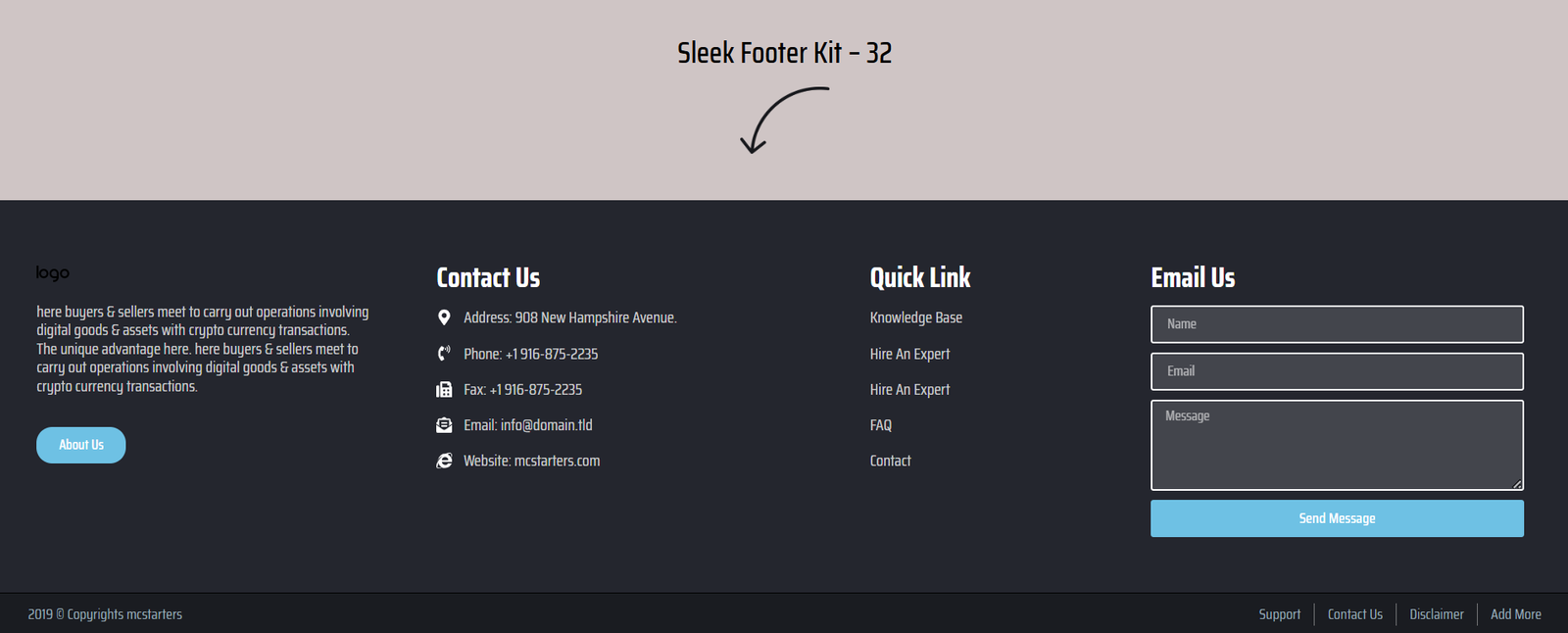
The Layout
A conversion-focused footer that combines traditional navigation with an integrated newsletter subscription section.
Key Features
- Email signup form
- Four-column directory
- Newsletter CTA
- Service links
- Modern styling
- Business information
Best Used For
- Affiliate blogs
- Dropshipping stores
- Tech websites
- Online magazines
- Digital publishers
Divi Footer Template 33 — Trust-Builder Contact Cards
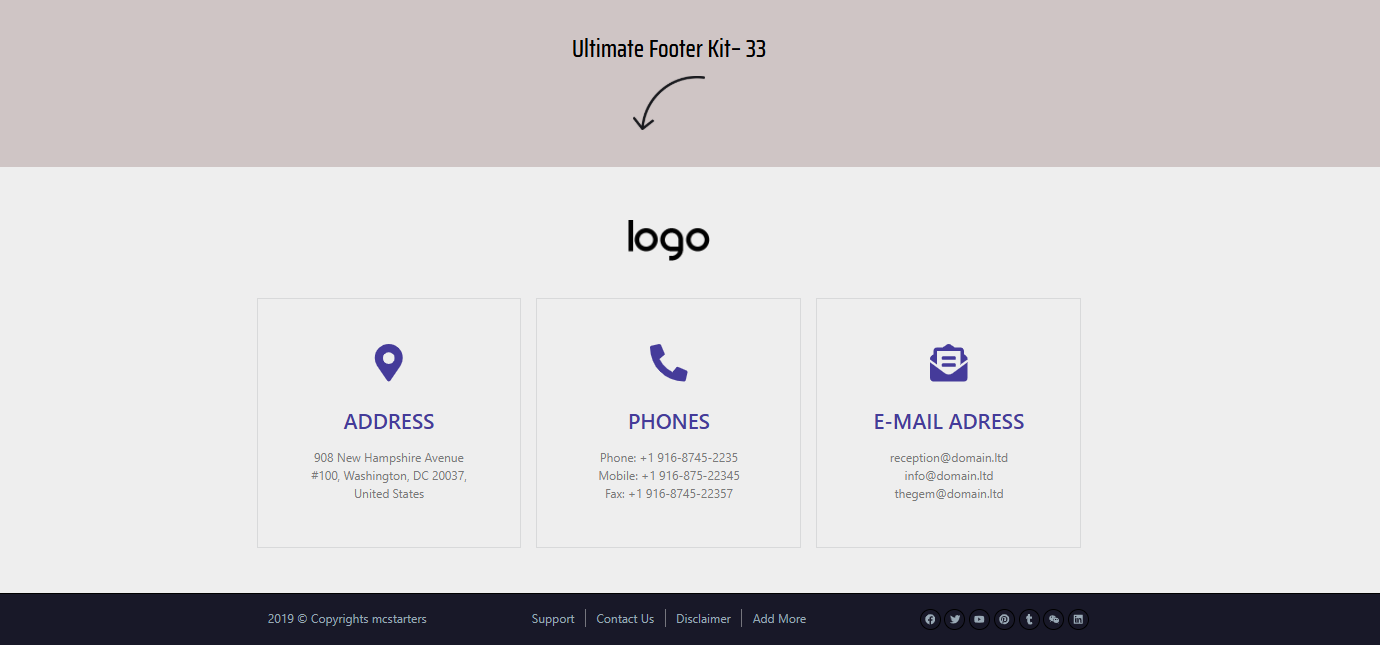
The Layout
This clean light-mode footer replaces traditional text lists with large information cards that instantly communicate important business details.
Key Features
- Address card
- Phone card
- Email card
- Modern icons
- White card design
- Spacious layout
Best Used For
- Medical clinics
- Law firms
- Dental practices
- Local businesses
- Service companies
Divi Footer Template 34 — Multi-City Global Grid
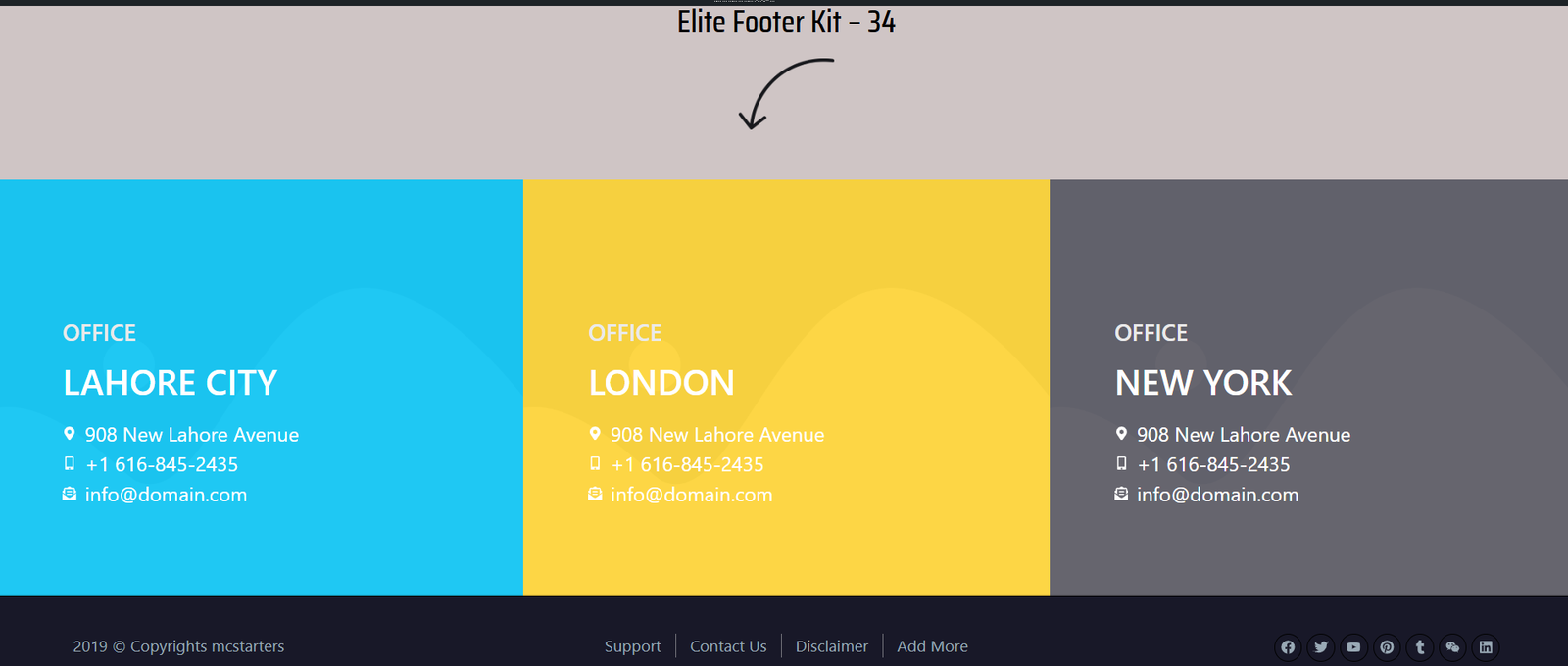
The Layout
A colorful enterprise footer created for companies operating across multiple cities or countries.
Key Features
- Multiple office locations
- Regional information
- Corporate branding
- Multi-color layout
- Office directory
- Enterprise styling
Best Used For
- International companies
- Logistics firms
- Consulting agencies
- Enterprise businesses
- Global organizations
Divi Footer Template 35 — Integrated Office Map Showcase
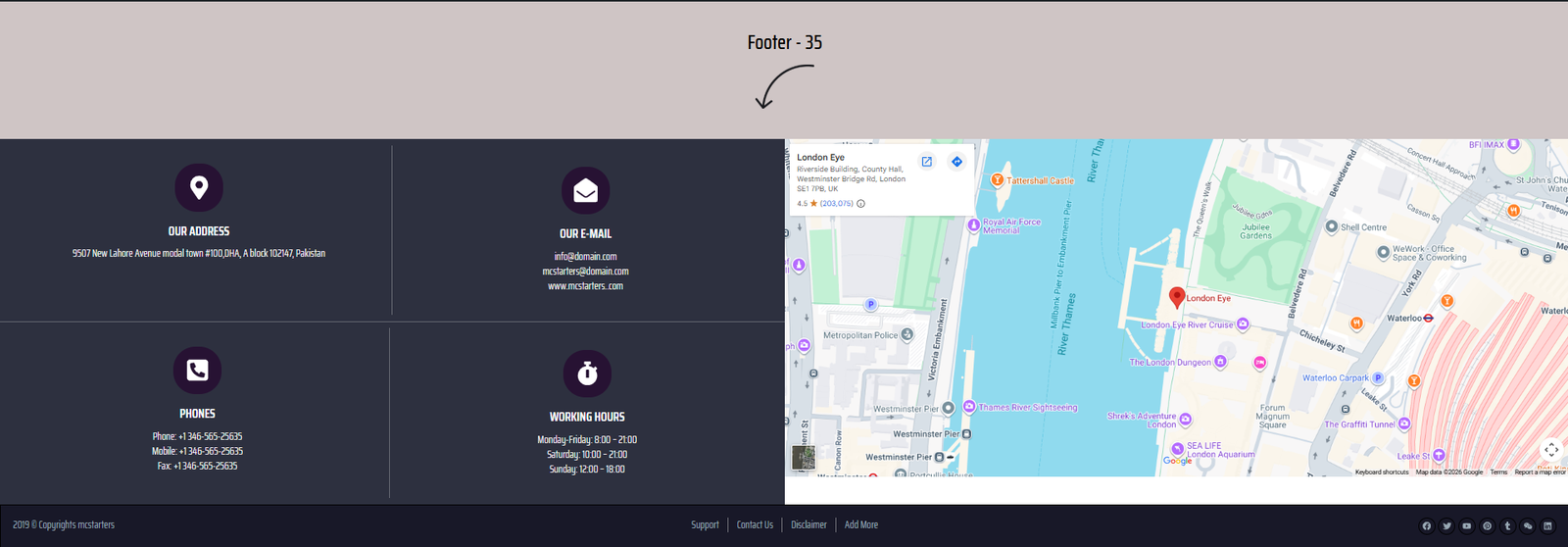
The Layout
A highly effective local business footer combining contact cards with an embedded Google Map to build trust.
Key Features
- Interactive map
- Office location
- Contact cards
- Local SEO optimization
- Service area information
- Mobile-friendly design
Best Used For
- HVAC companies
- Roofing contractors
- Cleaning services
- Moving companies
- Plumbing businesses
Divi Footer Template 36 — High-Contrast Social Header
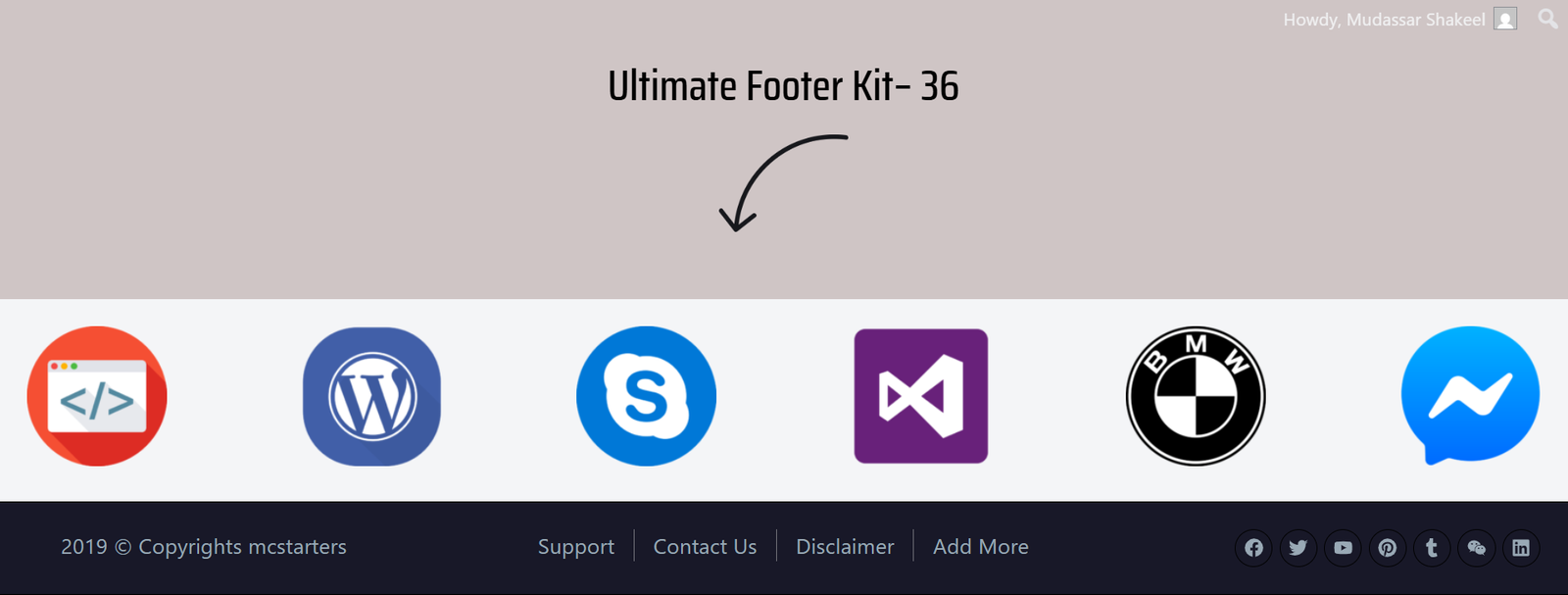
The Layout
This footer places social media engagement at the center of the design with large, colorful platform icons.
Key Features
- Large social icons
- Brand logos
- Community engagement
- Modern layout
- Contact details
- Creative styling
Best Used For
- Creative studios
- Content creators
- Media companies
- App developers
- Marketing agencies
37. Split Map Showcase Footer
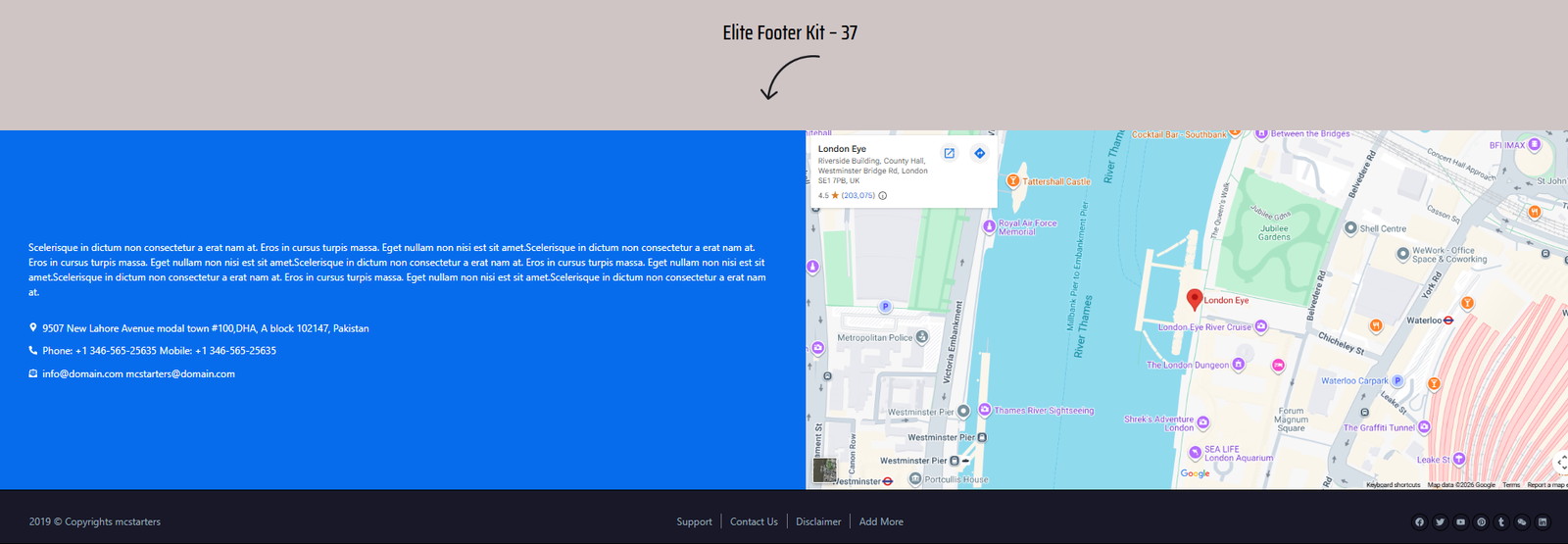
The Split Map Showcase footer combines contact information with a large embedded map. One side displays business details, while the opposite side highlights the service area through Google Maps.
Key Features
- Large embedded map
- Company contact information
- CTA button
- Location highlights
- Responsive two-column design
Perfect For
- Real estate agencies
- Home service companies
- Local businesses
- Construction firms
- Medical clinics
38. Direct Lead Capture Footer
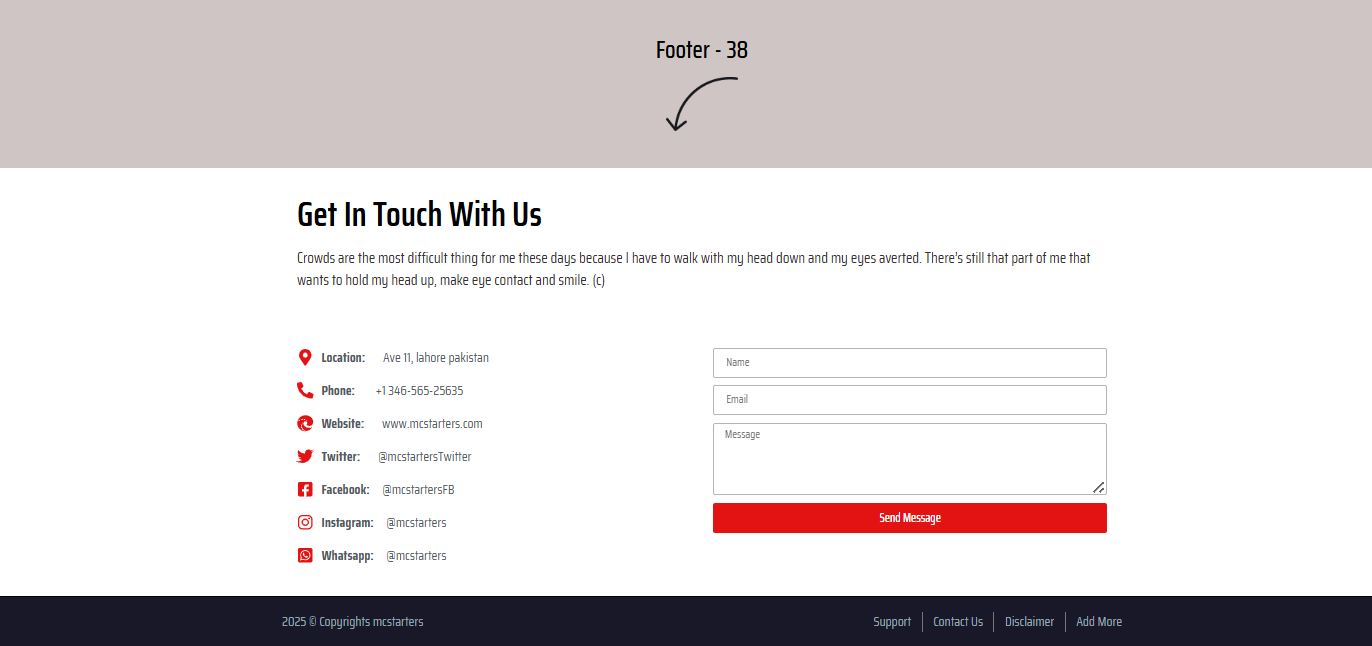
Instead of ending with navigation links, this layout ends with a complete inquiry form that encourages visitors to request a quote before leaving.
Key Features
- Contact form
- Phone information
- Email links
- CTA section
- Clean spacing
Perfect For
- Freelancers
- Agencies
- Consultants
- Contractors
- Local businesses
39. Floating Typography Footer
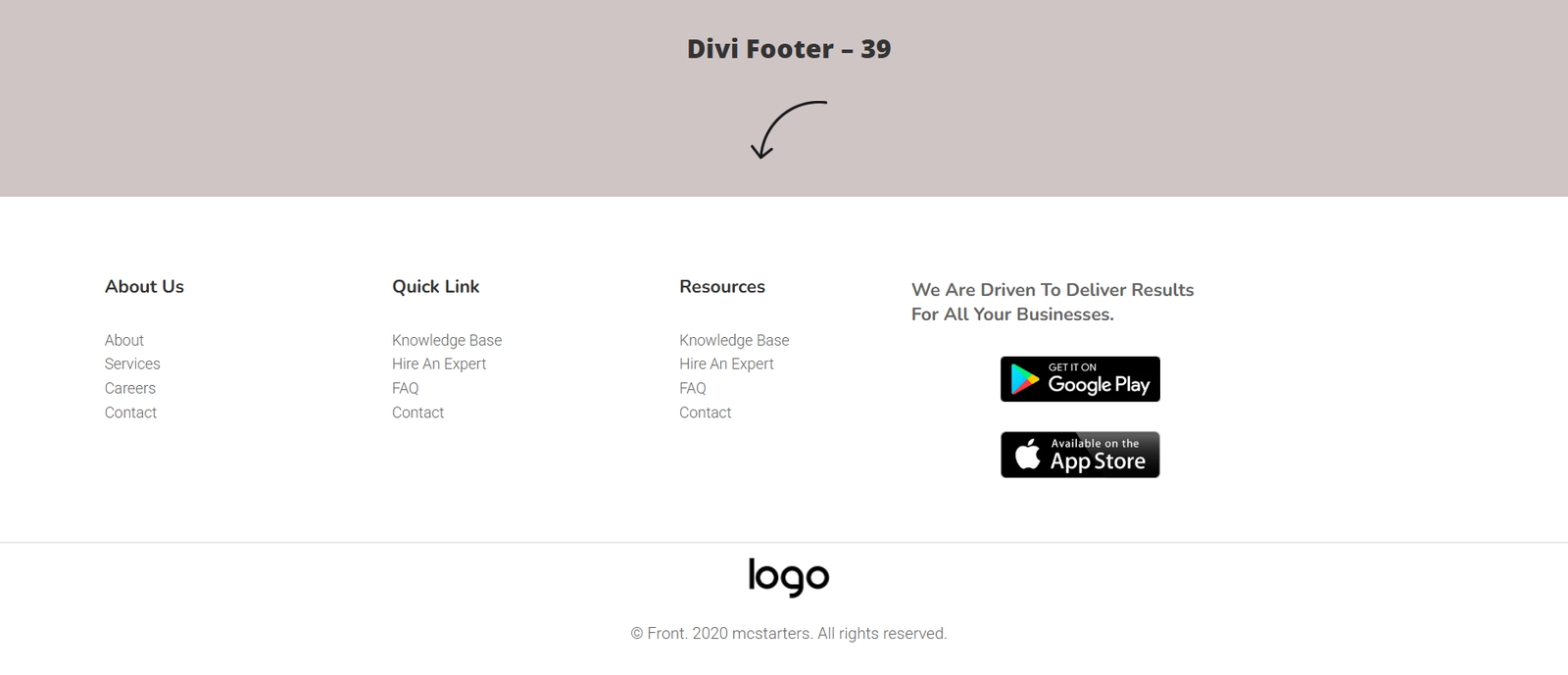
A highly minimalist footer focused on typography rather than graphics.
Key Features
- Large logo
- Clean navigation
- Minimal design
- Trust badges
- Social icons
Perfect For
- Personal brands
- SaaS
- Authors
- Modern portfolios
40. Accent Underline Directory
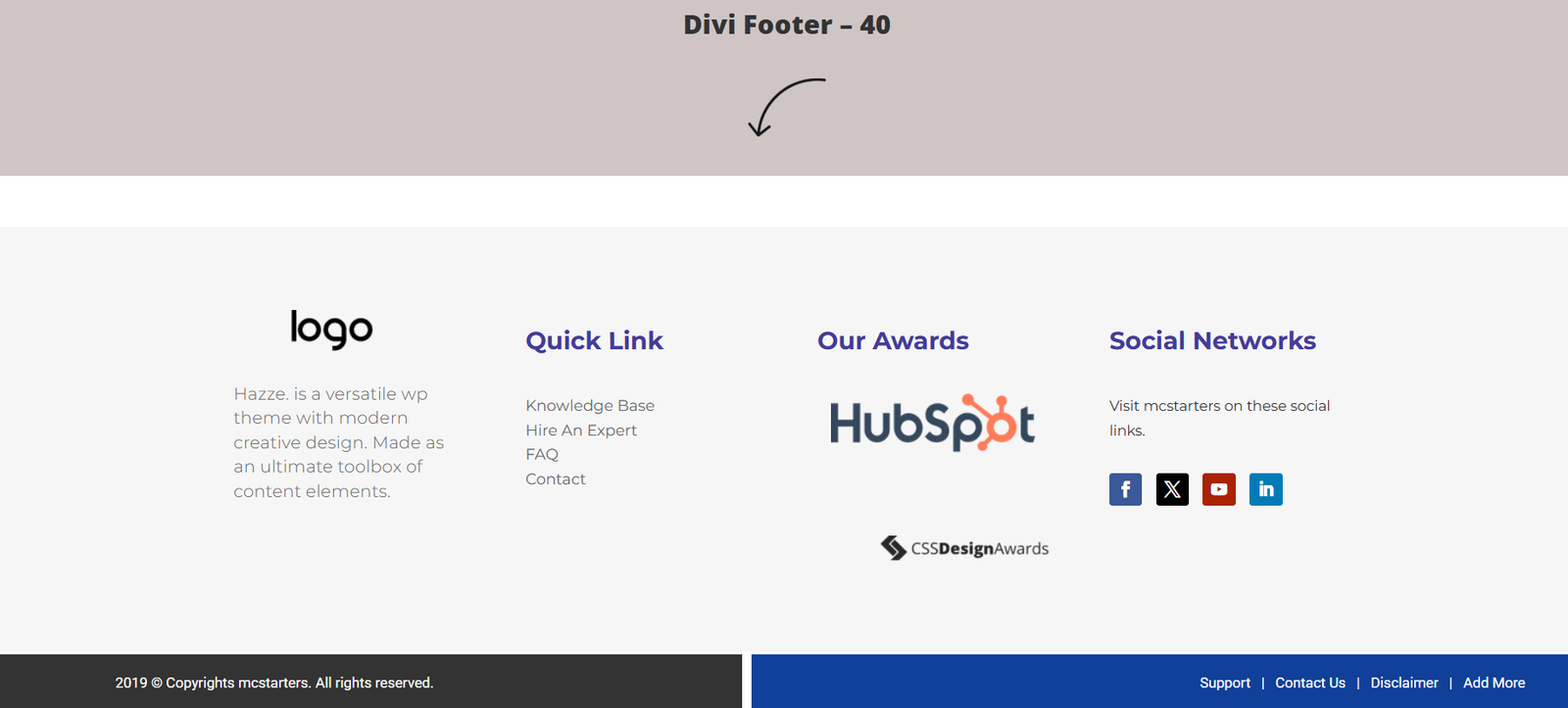
Simple navigation enhanced using colored divider lines and spacing.
Key Features
- Quick links
- Awards section
- Social icons
- Colored divider
- Responsive layout
Perfect For
- Agencies
- Corporate websites
- Law firms
- Educational websites
41. High Contrast Utility Footer
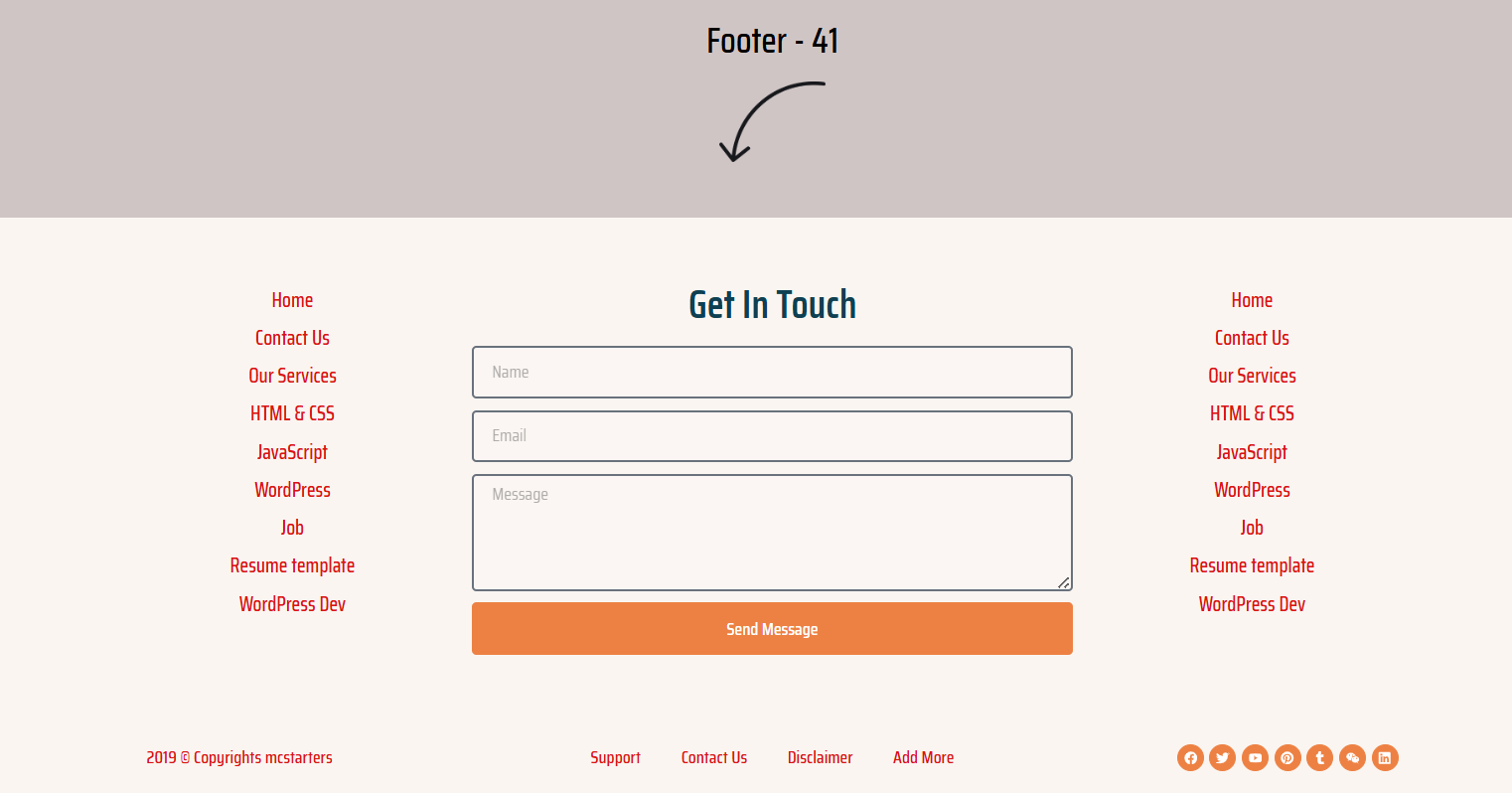
Uses colored content blocks to separate different communication channels.
Key Features
- Contact information
- CTA banner
- Multiple columns
- Newsletter
- Icons
Perfect For
- Membership websites
- Online courses
- Coaching businesses
- Educational institutes
42. Minimal Light Footer
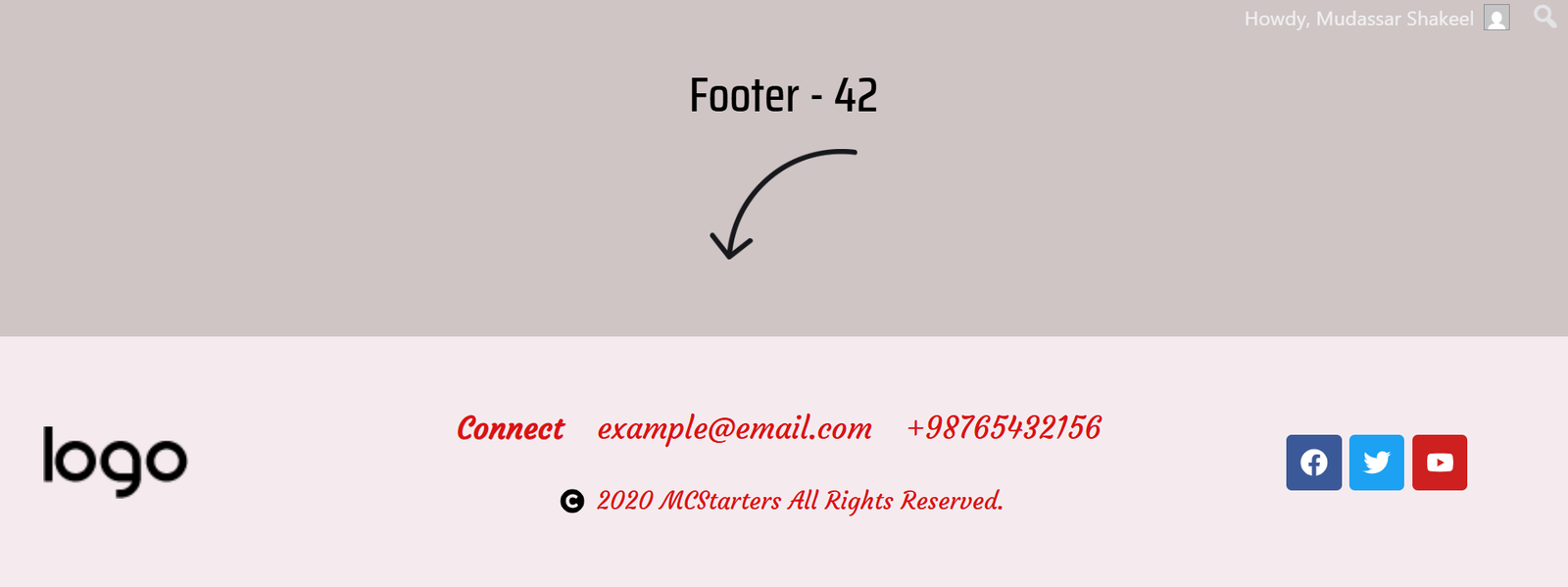
A lightweight footer containing only the essential company information.
Key Features
- Phone
- Social icons
- Copyright
- Small navigation
Perfect For
- Portfolio websites
- Photography
- Designers
- Freelancers
43. Editorial Contact Footer
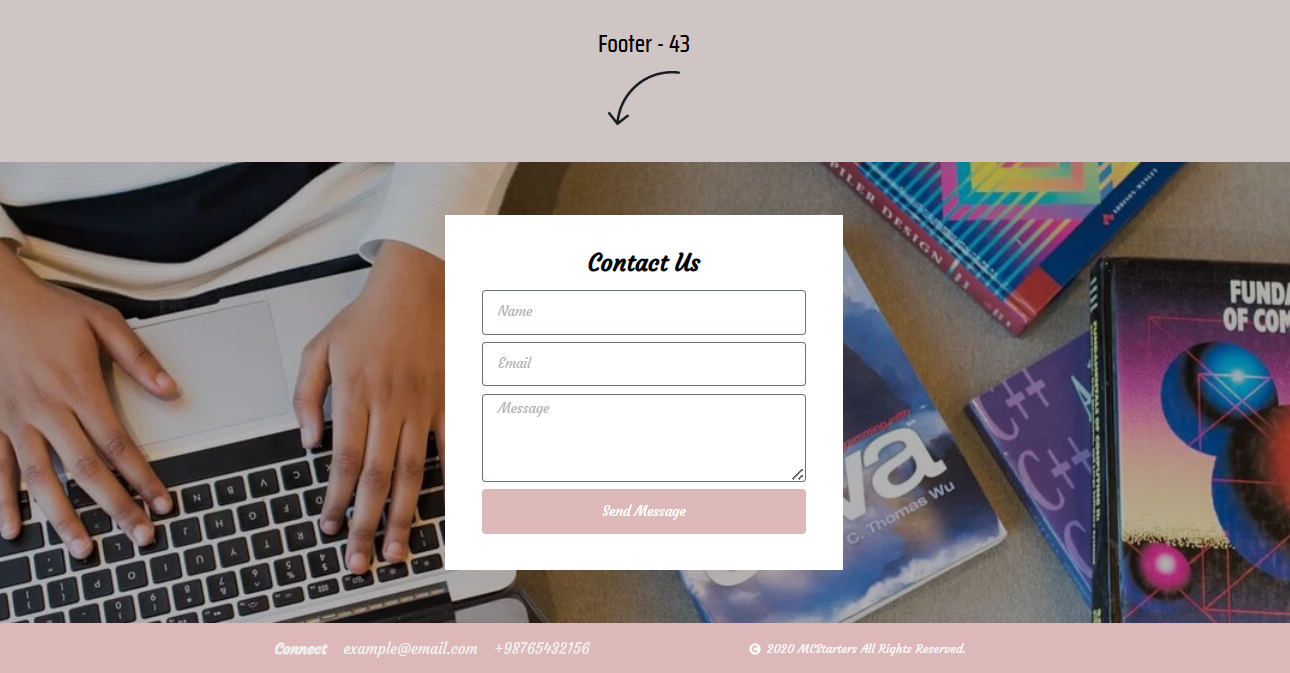
This footer integrates beautiful background imagery with a floating contact form.
Key Features
- Background image
- Contact form
- CTA button
- Modern typography
- Overlay design
Perfect For
- Beauty salons
- Fashion brands
- Creative studios
- Personal brands
44. Panoramic Coverage Map
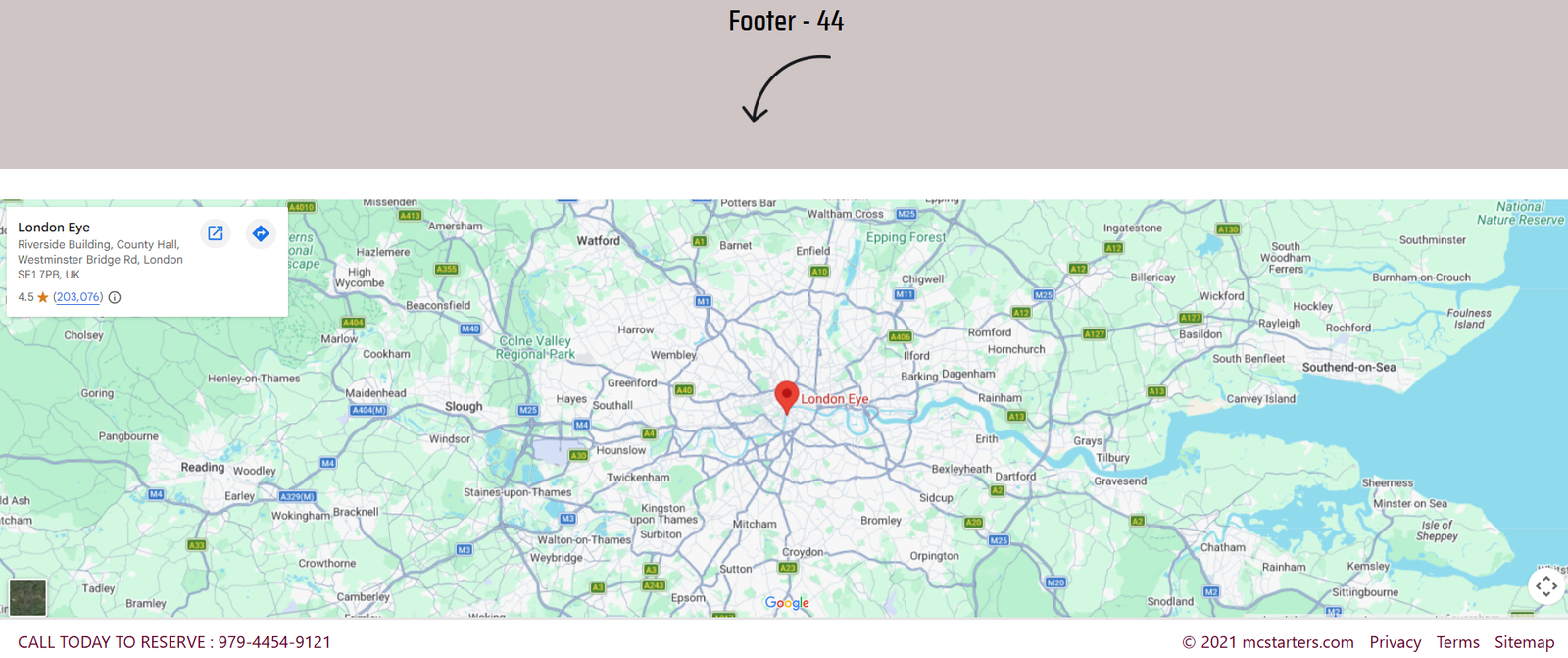
An excellent choice for companies serving multiple cities.
Key Features
- Large service map
- Coverage area
- Phone CTA
- Contact details
- Responsive sections
Perfect For
- HVAC companies
- Movers
- Roofing
- Plumbing
- Delivery companies
45. Map + Newsletter Footer
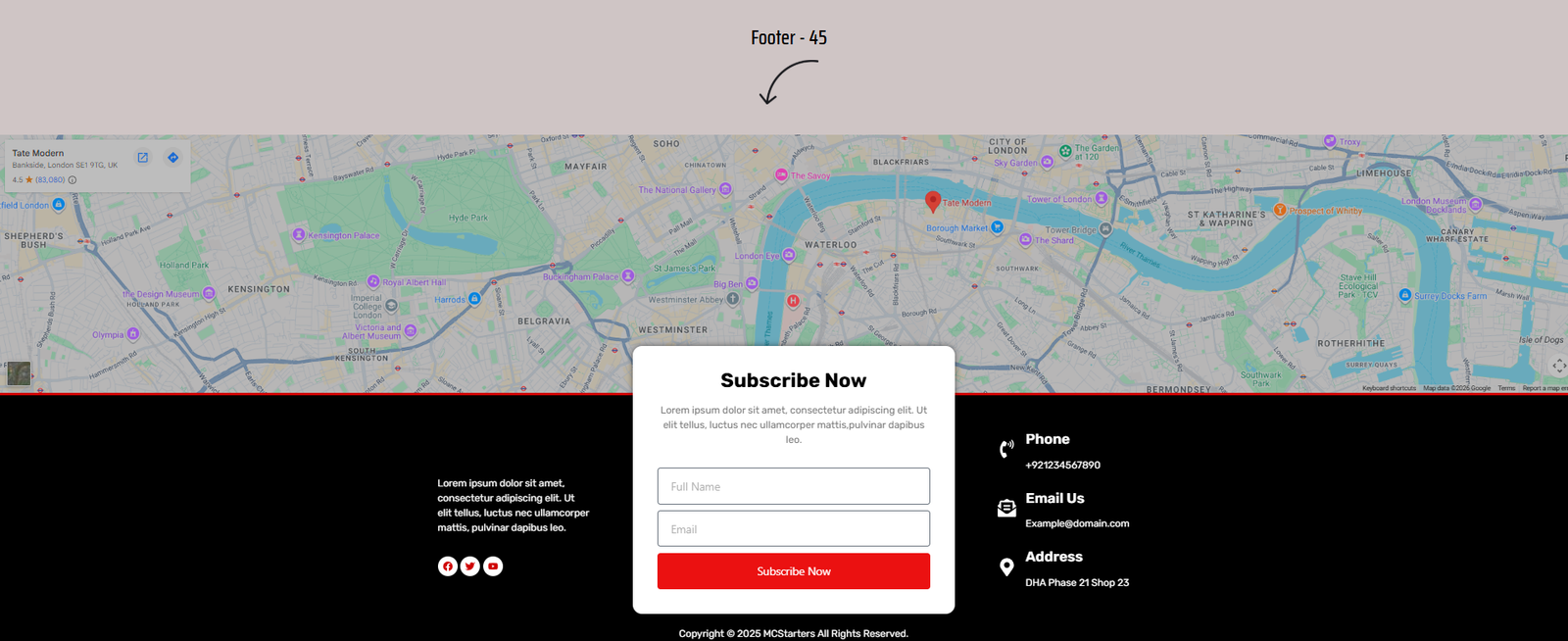
Combines local trust signals with email marketing.
Key Features
- Google Map
- Newsletter form
- Phone section
- Address
- Quick links
Perfect For
- Local businesses
- Ecommerce
- Agencies
- Service providers
46. Global Region Footer
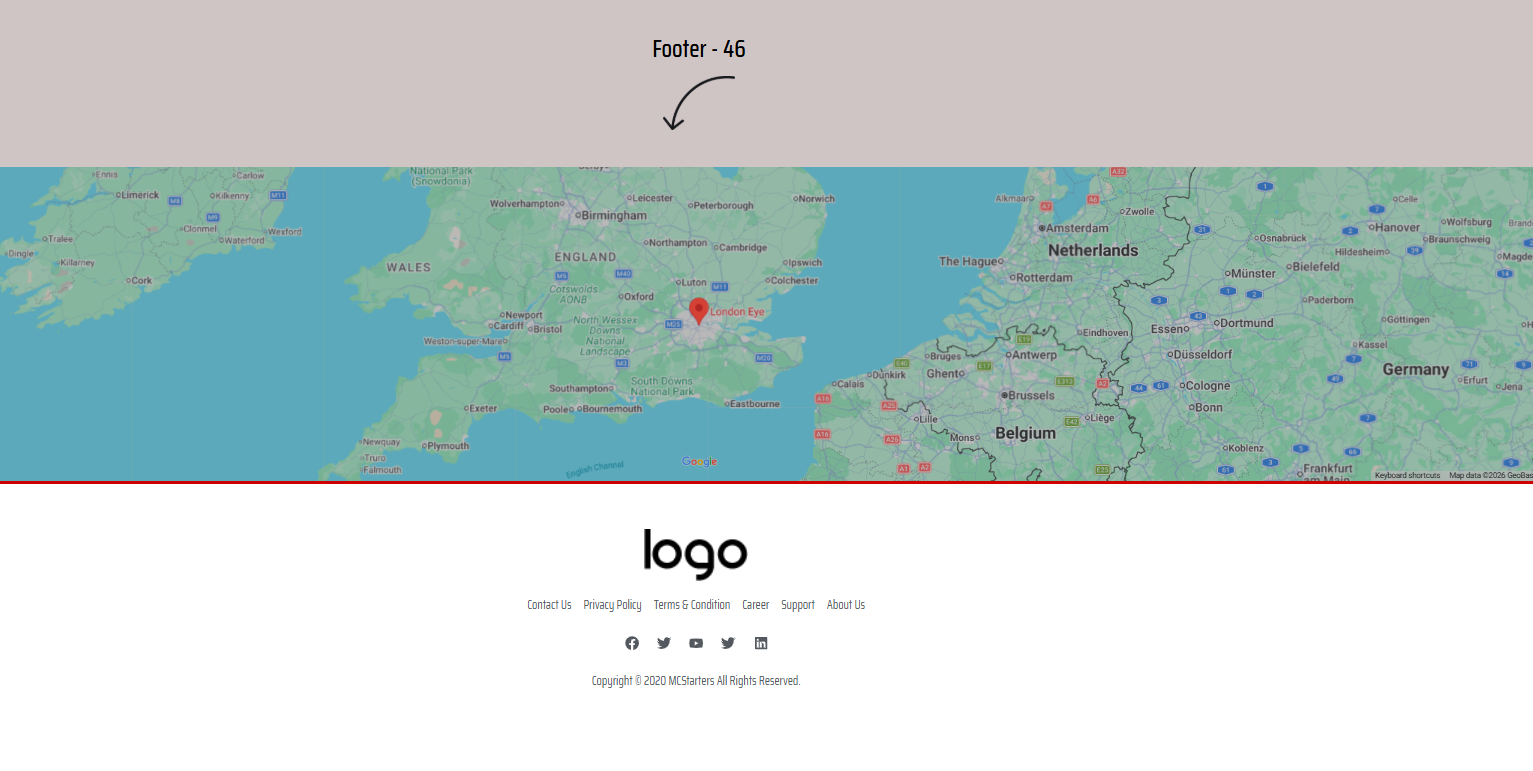
Designed for international companies operating across multiple countries.
Key Features
- World map
- Office locations
- Brand logo
- CTA
- Corporate navigation
Perfect For
- Global agencies
- International SaaS
- Logistics
- Enterprise businesses
47. Social Grid Footer
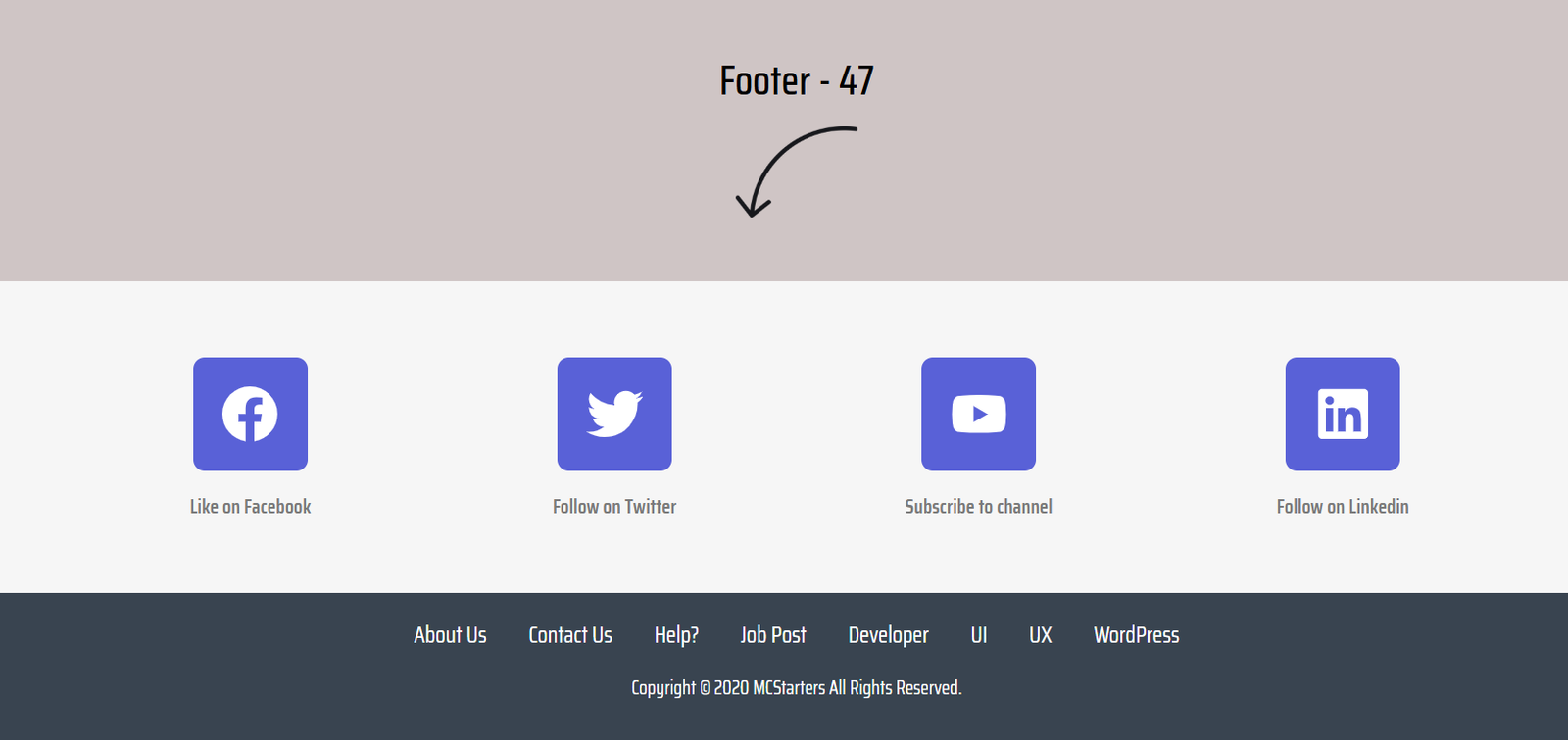
Instead of long navigation menus, this template promotes social engagement.
Key Features
- Large social icons
- Brand colors
- Minimal navigation
- Modern layout
- Quick access
Perfect For
- Gaming communities
- Influencers
- Crypto websites
- Online communities
48. Corporate Indigo Directory
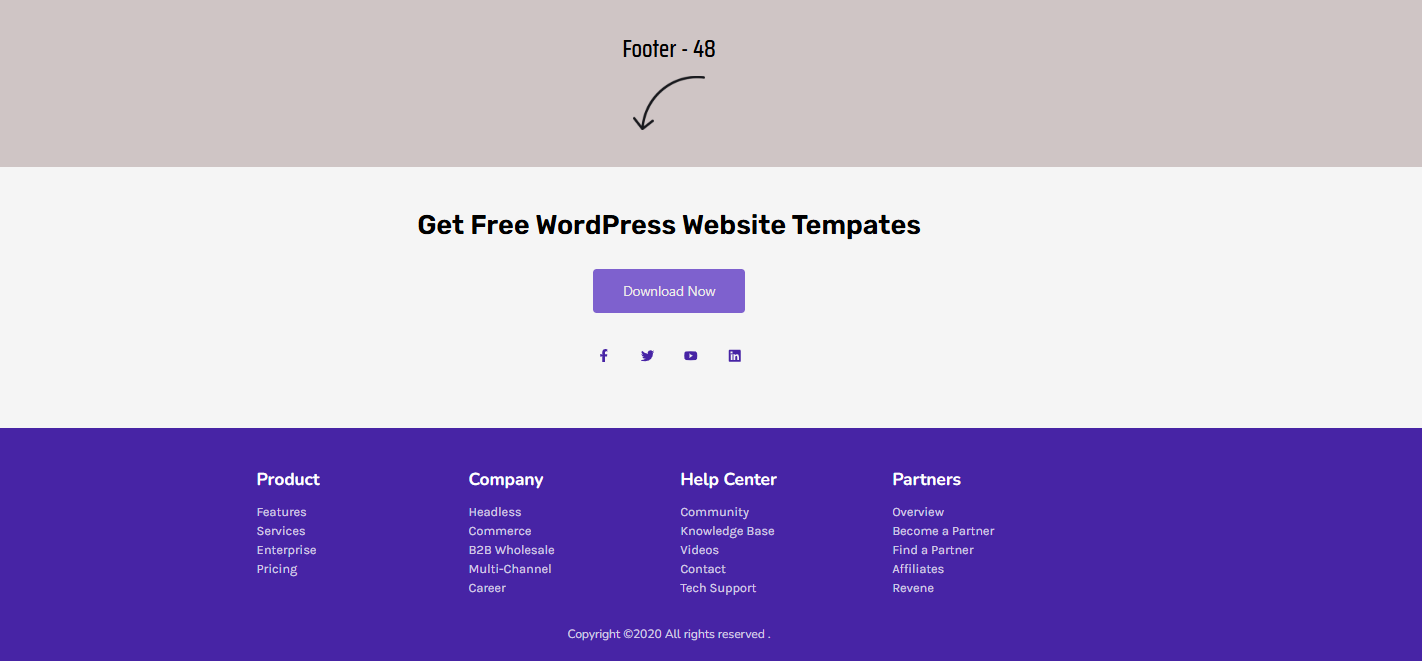
A highly organized footer with multiple navigation columns.
Key Features
- Promotional banner
- Multiple menus
- CTA
- Contact section
- Copyright
Perfect For
- Theme marketplaces
- WordPress businesses
- SaaS
- Agencies
49. Dual Resource Hub
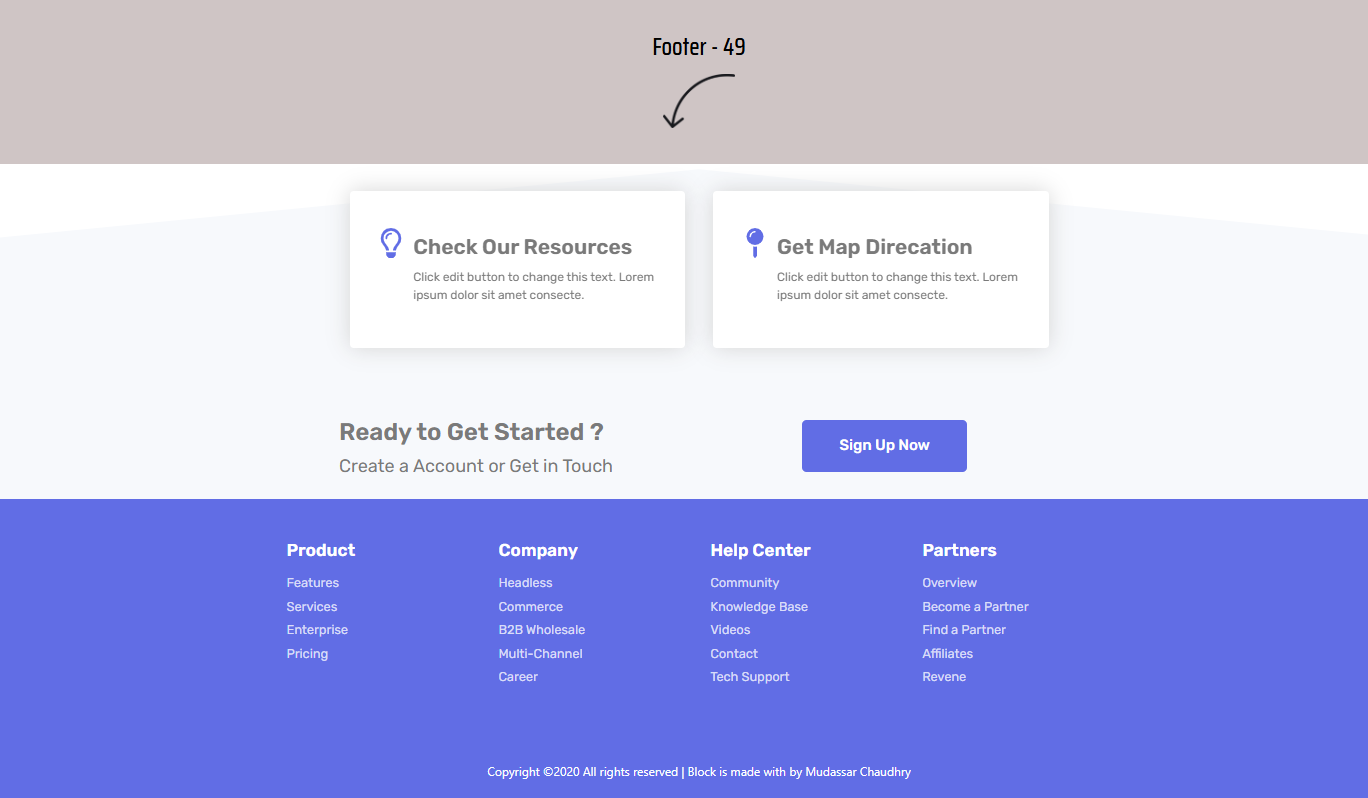
One of the most conversion-focused footer layouts in the collection.
Key Features
- Resource cards
- Maps
- Quick links
- CTA
- Contact information
Perfect For
- Insurance companies
- Medical websites
- Corporate firms
- Professional services
50. High Energy Split Footer
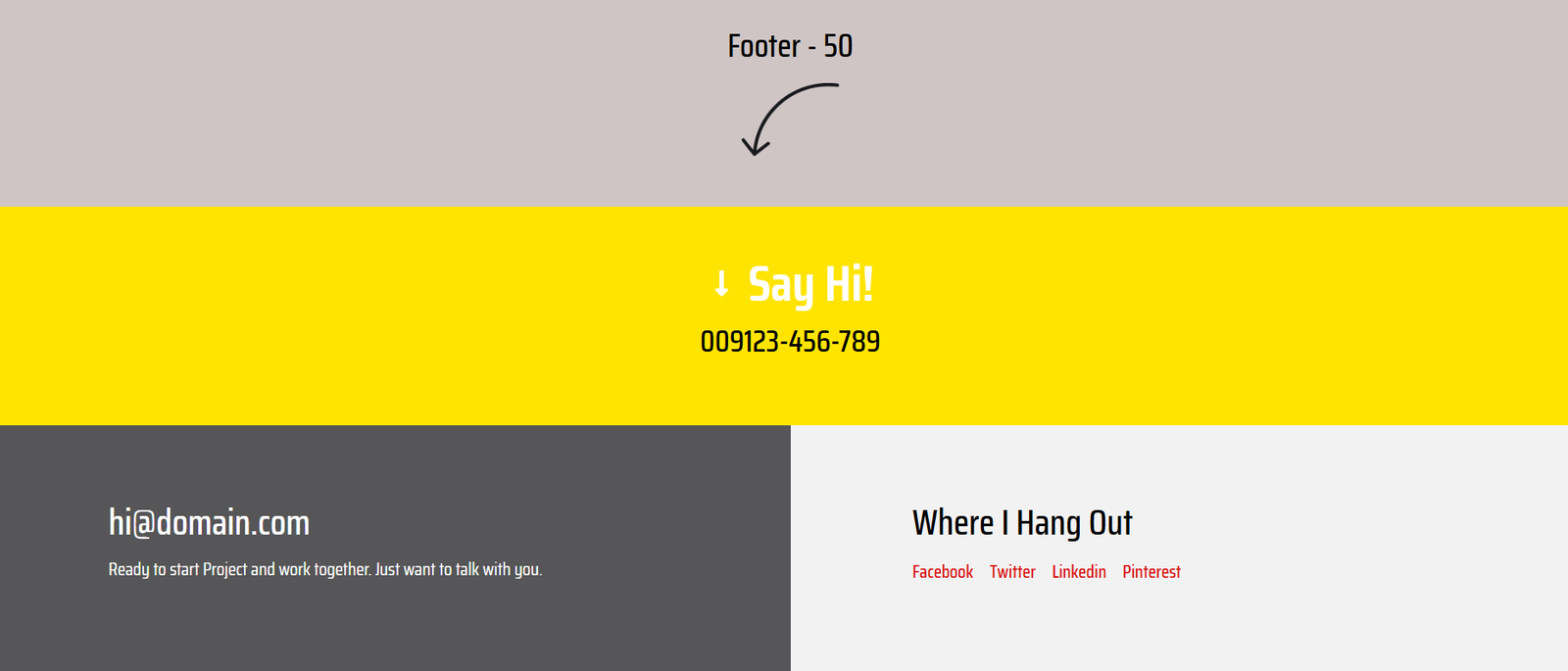
Bright colors immediately grab attention.
Key Features
- Bold colors
- CTA headline
- Contact details
- Newsletter
- Navigation
Perfect For
- Creative agencies
- Branding firms
- Marketing companies
51. Newsletter Strip Footer
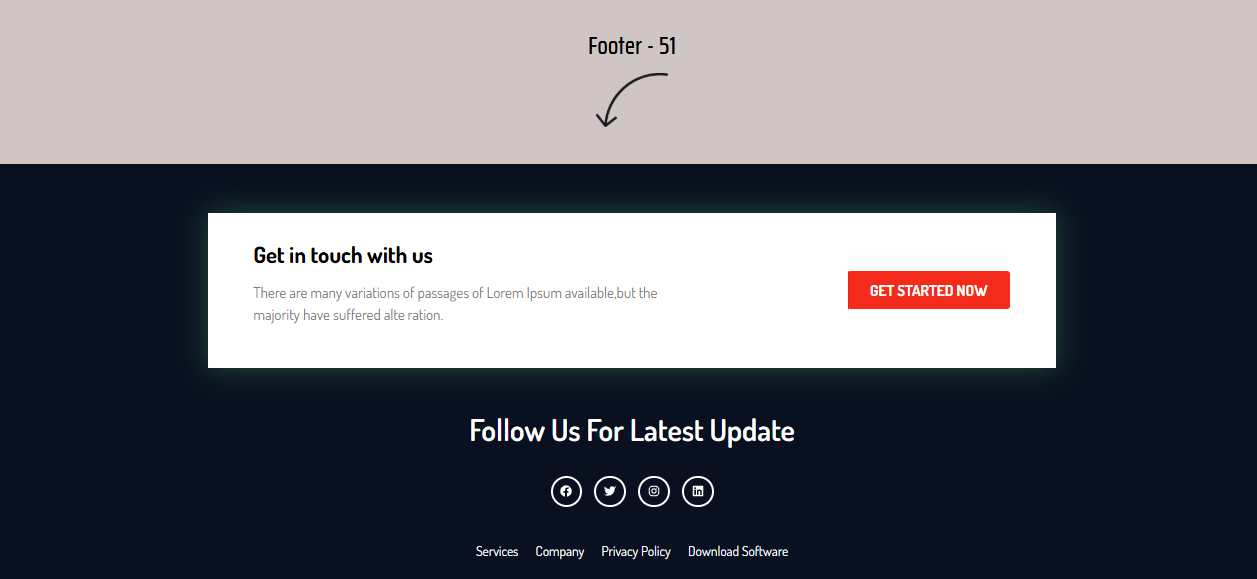
Built almost entirely around subscriber growth.
Key Features
- Email form
- CTA
- Social icons
- Clean spacing
- Responsive layout
Perfect For
- Bloggers
- Publishers
- News websites
- Affiliate marketers
52. Enterprise Directory Footer
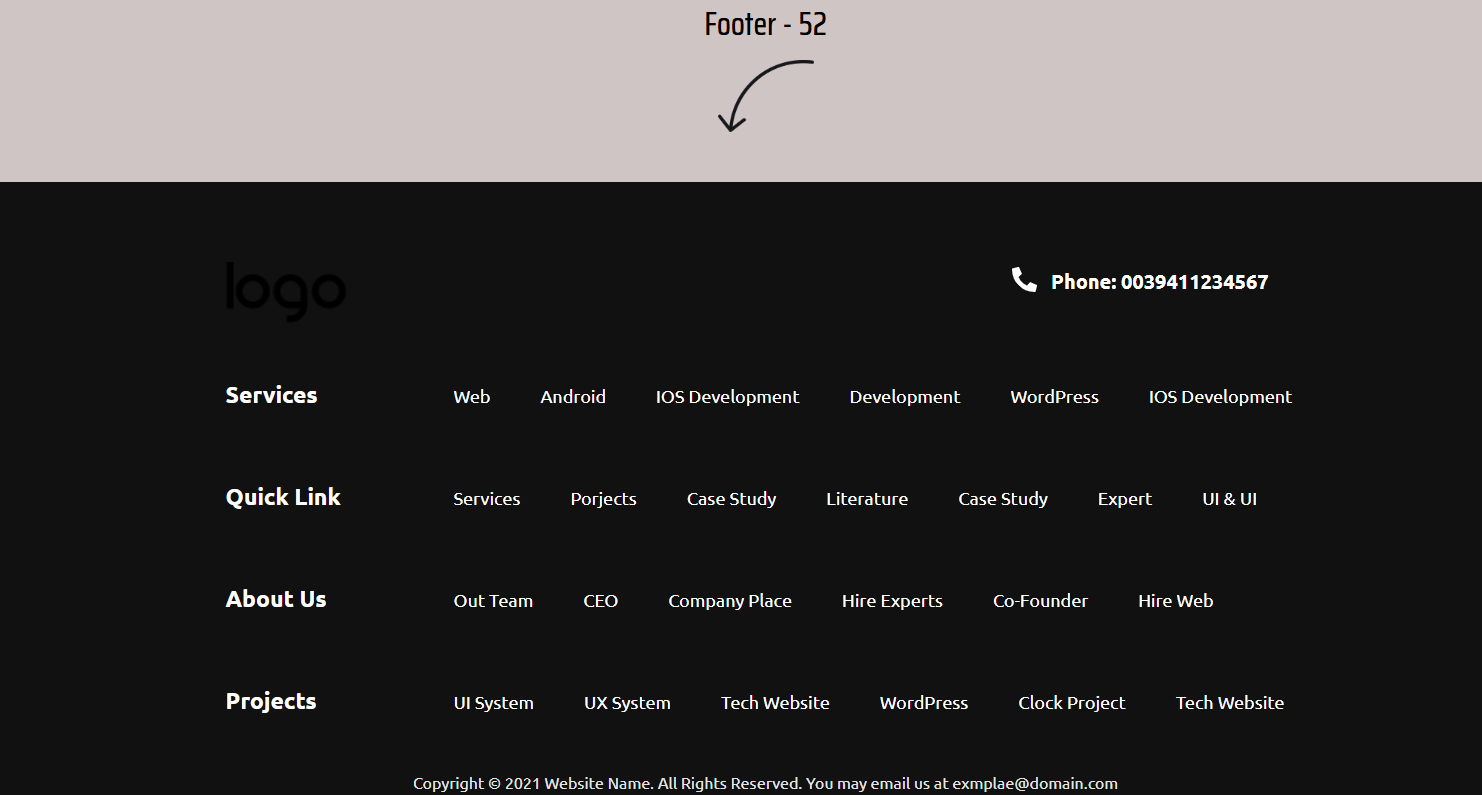
A massive navigation system for large websites.
Key Features
- Multiple columns
- Categories
- Services
- Projects
- Support numbers
Perfect For
- Hosting companies
- Ecommerce stores
- SaaS platforms
- Documentation websites
53. Team Trust Footer
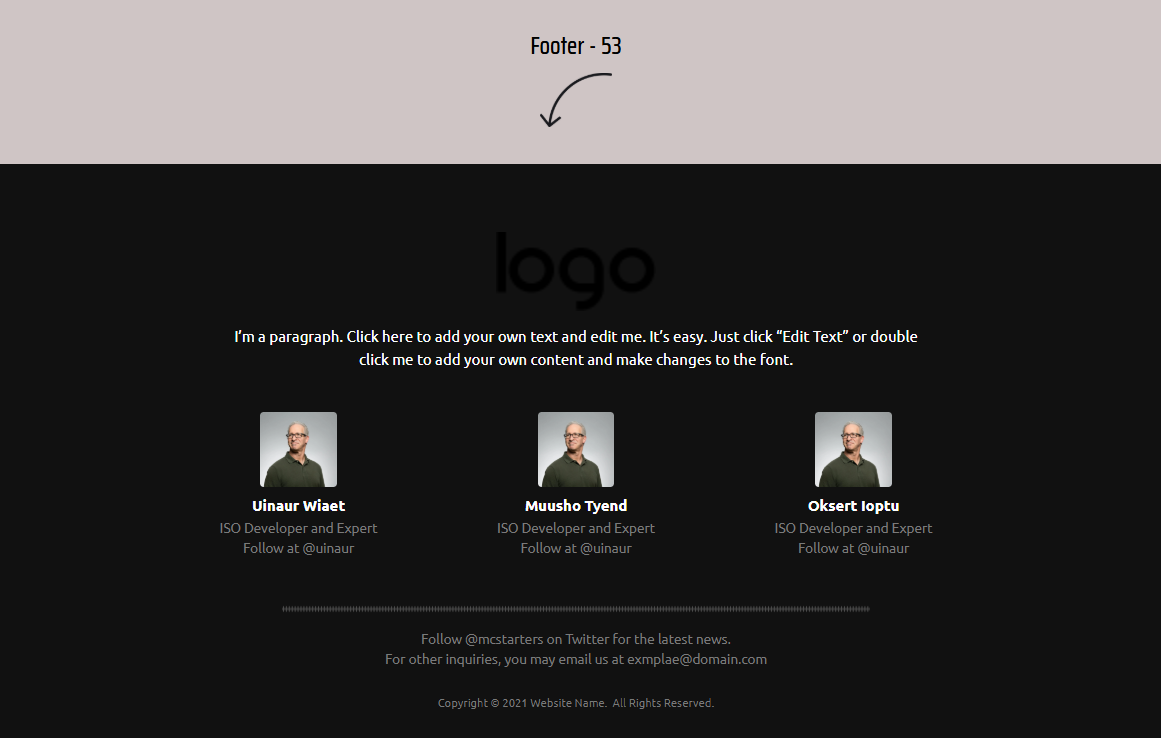
Human faces improve trust.
Key Features
- Team profiles
- Testimonials
- Company logo
- Contact links
- Social proof
Perfect For
- Agencies
- Law firms
- Consultants
- Coaches
54. Icon Utility Footer
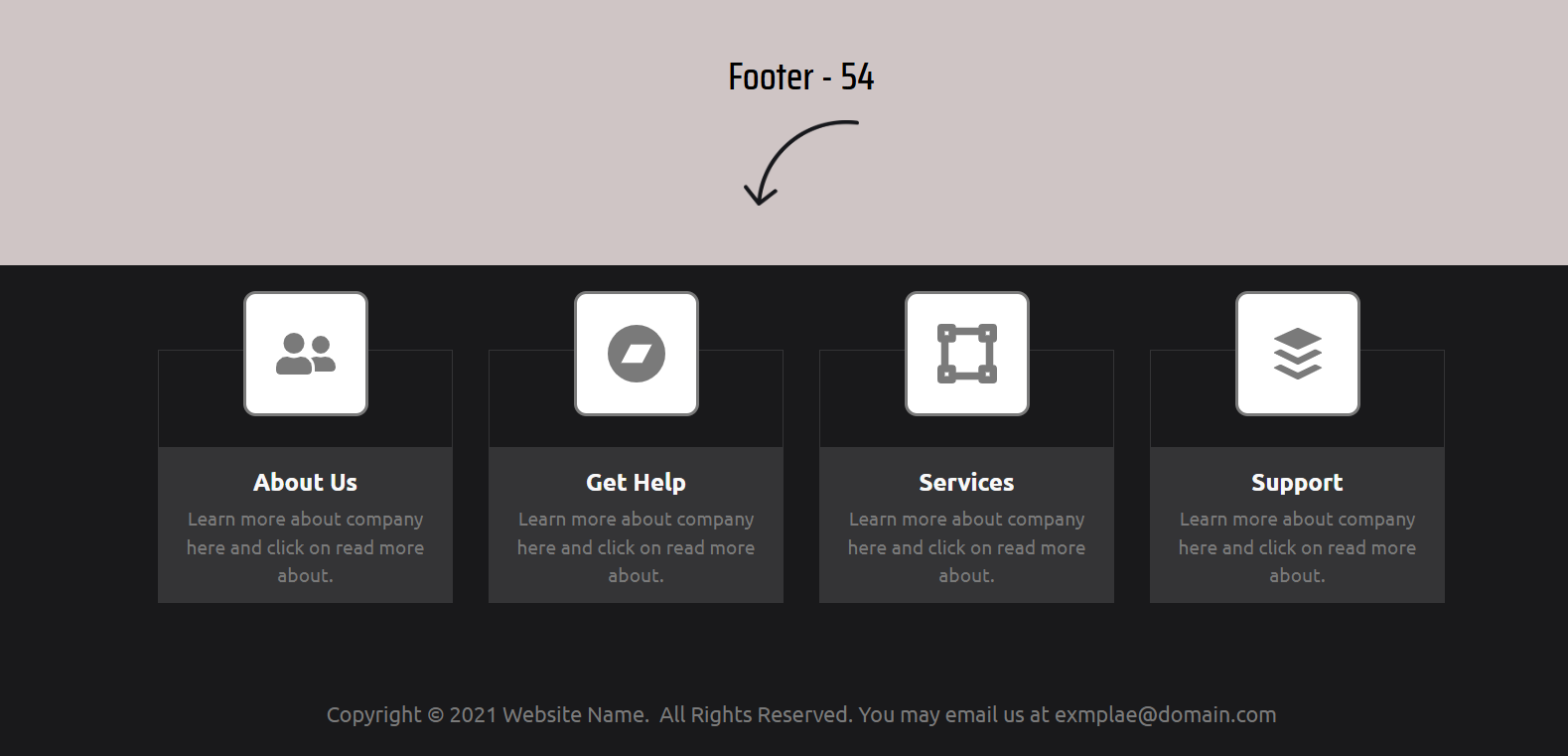
Uses visual cards instead of long navigation menus.
Key Features
- Icon cards
- Help Center
- About page
- Services
- Contact
Perfect For
- Software companies
- Membership sites
- Gaming websites
- Learning platforms
55. Editorial Founder Footer
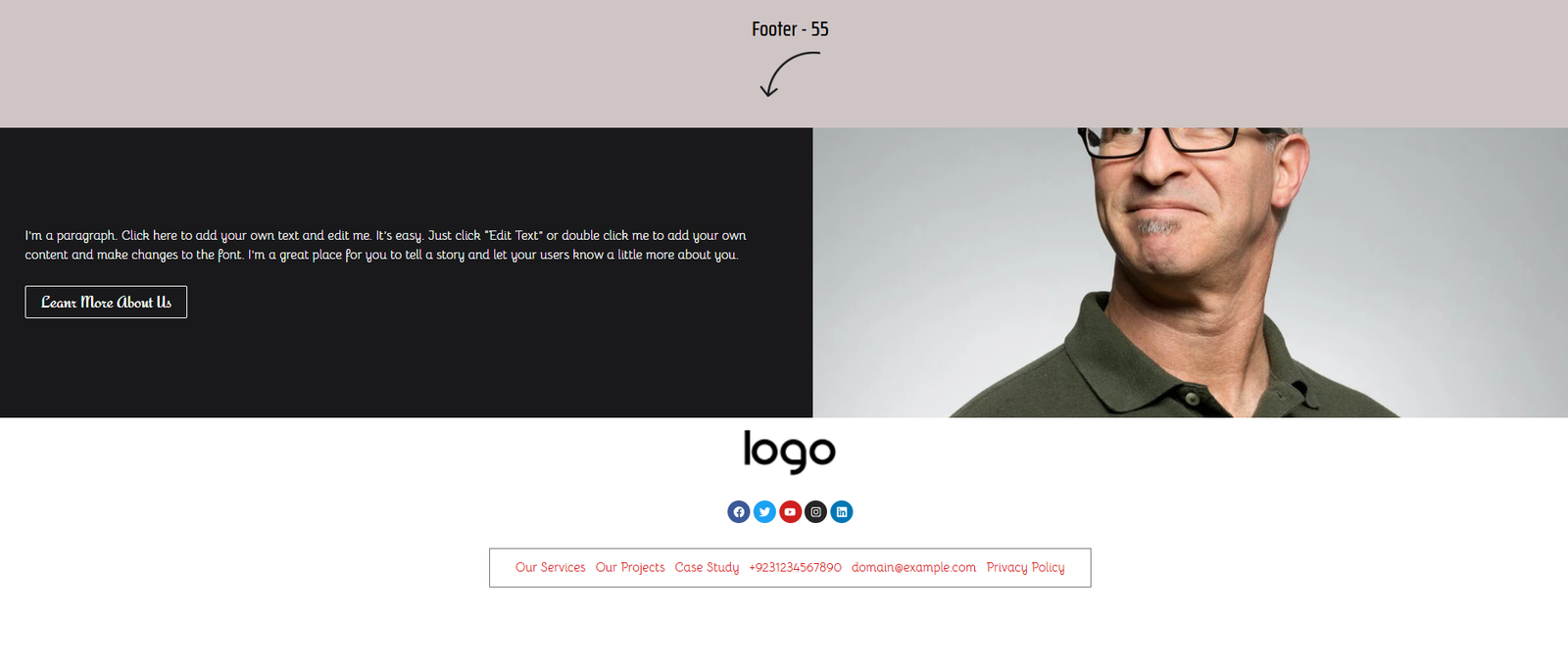
Puts the founder or CEO at the center of the design.
Key Features
- Portrait image
- Founder message
- CTA
- Contact links
- Social proof
Perfect For
- Personal brands
- Speakers
- Consultants
- Executive coaches
56. Contact Card Footer
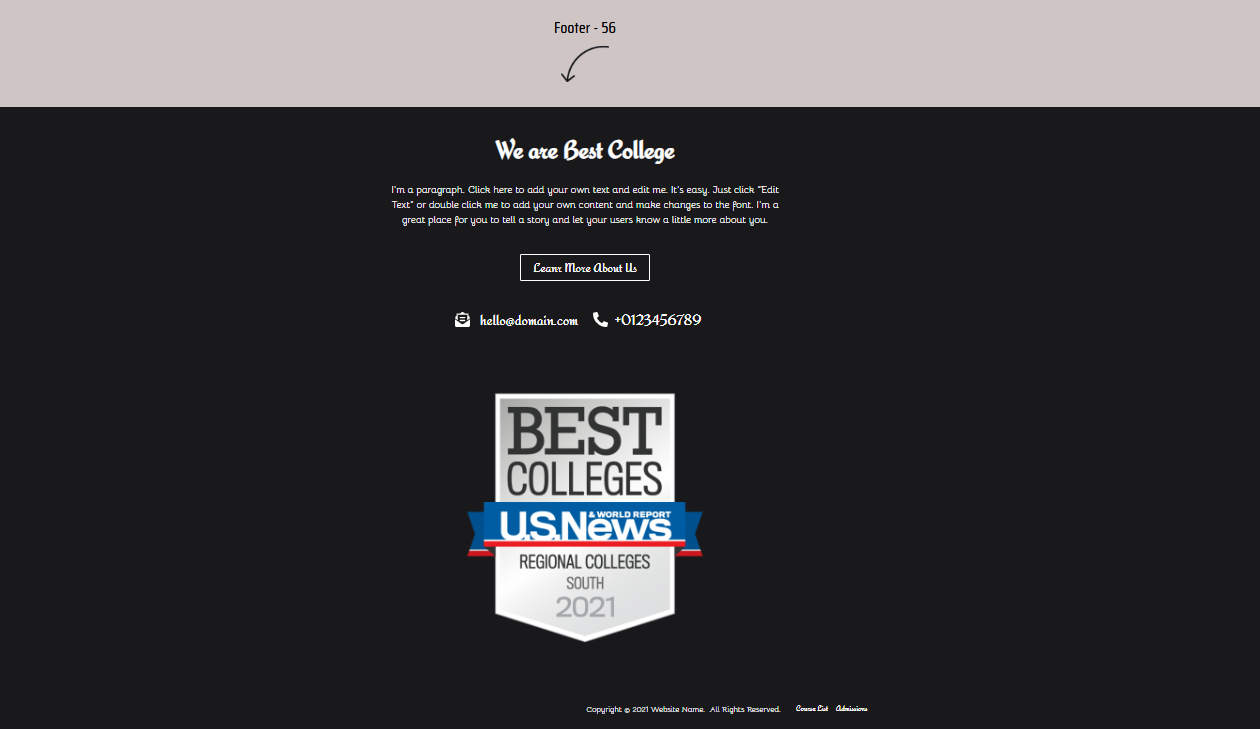
Every important communication channel receives its own dedicated card.
Key Features
- Address
- Phone
- Icons
- CTA
Perfect For
- Clinics
- Dentists
- Lawyers
- Local businesses
57. Deep Blue Enterprise Footer
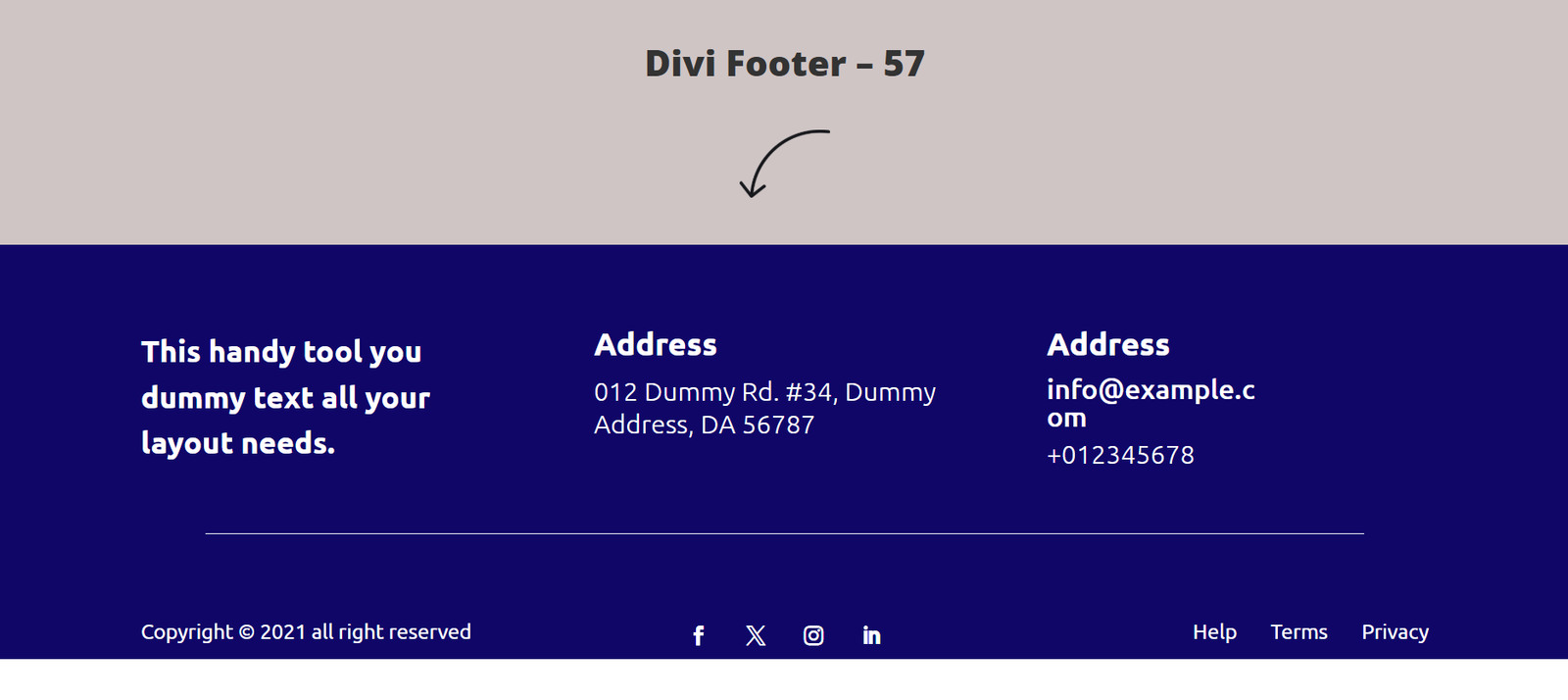
A structured corporate footer designed for enterprise organizations.
Key Features
- Navigation columns
- Address
- Phone
- Business hours
- Social icons
Perfect For
- Engineering firms
- Financial companies
- Logistics
- Corporate businesses
58. Corporate Showcase Footer
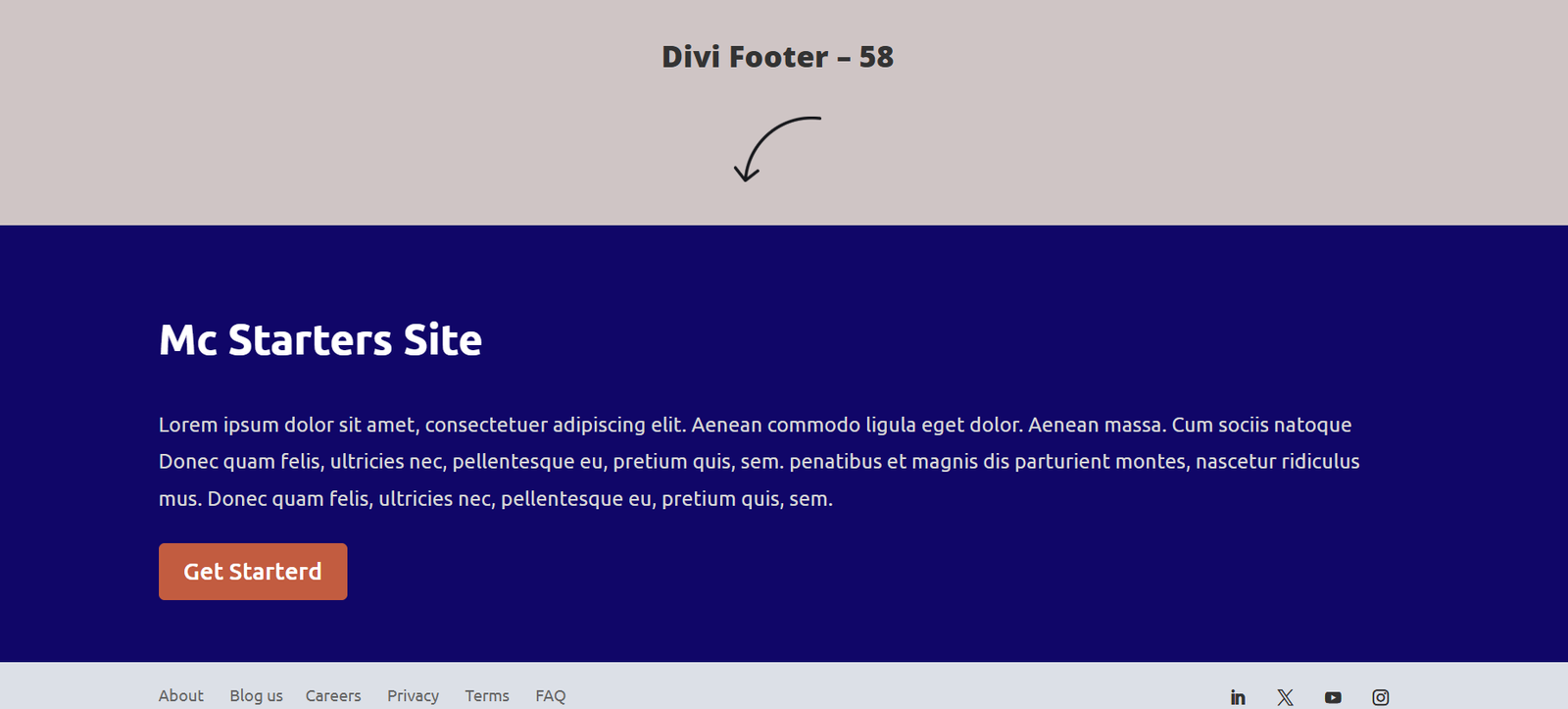
The final template focuses heavily on branding and conversions.
Key Features
- Brand statement
- CTA button
- Navigation
- Newsletter
- Contact information
Perfect For
- Digital agencies
- Software companies
- WordPress businesses
- Marketing firms
Why These Footer Templates Improve User Experience
The footer is often the last opportunity to guide visitors before they leave your website. A professionally designed footer can:
- Increase page views through internal links
- Improve newsletter signups
- Generate more contact form submissions
- Build trust with certifications and company information
- Help visitors quickly find important pages
- Strengthen your overall website branding
Instead of treating the footer as an afterthought, use it as a conversion-focused section that encourages users to continue interacting with your business.
Ready to Build a Better Website?
Explore the complete collection of Divi Footer Templates from Mc Starters and import professionally designed layouts into your Divi Theme Builder with just a few clicks. Whether you’re creating websites for clients or your own business, these templates can save hours of design work while delivering a polished, professional result.
Best Practices for Building Divi Footer Templates
No matter which Divi footer template you choose, following these best practices will improve user experience and conversions.
1. Build Your Footer Using the Global Theme Builder
Create one Global Footer inside the Divi Theme Builder instead of manually adding footers to each page. This makes updates significantly easier.
2. Keep Navigation Organized
Avoid overwhelming users with dozens of links. Group navigation into logical categories such as:
- Company
- Services
- Resources
- Support
- Legal
3. Optimize for Mobile
Desktop footers with four or five columns should automatically stack into a single-column layout on mobile devices.
4. Use Dynamic Content
Automatically display:
- Current year
- Company information
- Contact details
- Dynamic menus
- Social profiles
This reduces maintenance over time.
5. Add Trust Signals
A footer is an ideal location for:
- Customer reviews
- Certifications
- Awards
- Security badges
- Payment icons
These elements can increase credibility before visitors leave your site.
6. Keep Loading Speed Fast
Compress images, use SVG icons where possible, and avoid unnecessary animations that slow down the page.
Download Professional Divi Footer Templates from Mc Starters
Instead of designing every footer from scratch, you can download professionally designed Divi Footer Templates from the Mc Starters Template Library. Our collection includes layouts for agencies, ecommerce stores, SaaS companies, local businesses, portfolios, blogs, corporate websites, and many more.
Each template is fully customizable with the Divi Theme Builder, responsive across all devices, SEO-friendly, and optimized for speed.
Explore the complete Divi Footer Templates collection here:
Frequently Asked Questions
Can I use these Divi Footer Templates on multiple websites?
Yes. After importing a template into Divi Theme Builder, you can customize it and reuse it across multiple WordPress websites, depending on your license.
Do these templates work with the latest Divi version?
Yes. All templates are designed to work with the latest version of Divi and follow current Theme Builder standards.
Can I customize colors and fonts?
Absolutely. Every element—including colors, typography, spacing, icons, buttons, and layouts—can be customized without coding.
Are the templates mobile responsive?
Yes. Every footer is fully responsive and optimized for desktop, tablet, and mobile devices.
Can I use these templates with WooCommerce?
Yes. They work perfectly with WooCommerce stores and can include shopping links, account menus, payment icons, and promotional sections.
Final Thoughts
A footer is much more than the last section of your website—it is an opportunity to build trust, improve navigation, capture leads, and encourage visitors to take action. Whether you prefer a minimalist design, a lead-generation layout, or a feature-rich corporate directory, the right Divi Footer Template can significantly enhance your website’s usability and conversions.
Browse the complete collection at Mc Starters and choose the footer design that best matches your brand, audience, and business goals.