
Most Payoneer beginners struggle with how to contact Payoneer Support. So, today we show you a step-by-step guide on how to send messages, chat live, and call Payoneer support to fix the problem.
Learn How to Create Payoneer Account
Payoneer Customer Service
Please follow every step to contact Payoneer support.
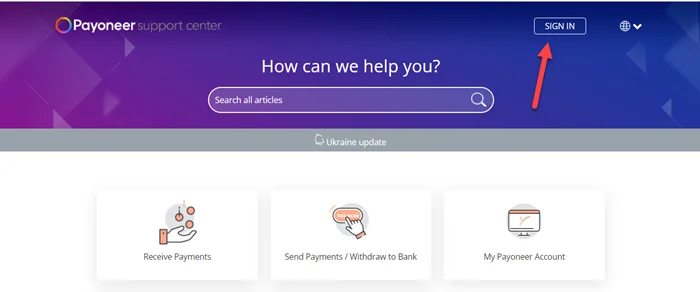
Step 1: Go to Payoneer Support and Click on “Sign In“
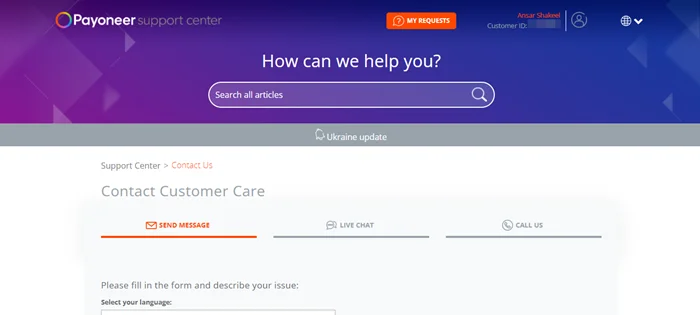
Step 2: Now click on Payoneer Contact and it will take you to the contact customer care page. Here you see all three different options for contact to payoneer.
Send Message Method
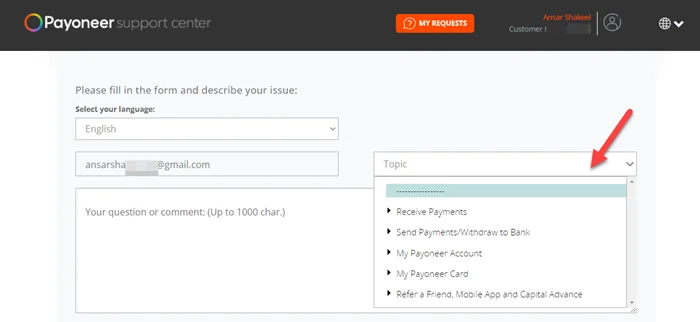
Step 3: In the “Send Message” method you can fill questions or problems with details and choose a topic or sub-topic from the dropdown. Last click on Submit.
Noted: you don’t need to move the live chat method if you are using send message method. Make sure don’t send messages again and again.
Payoneer Live Chat
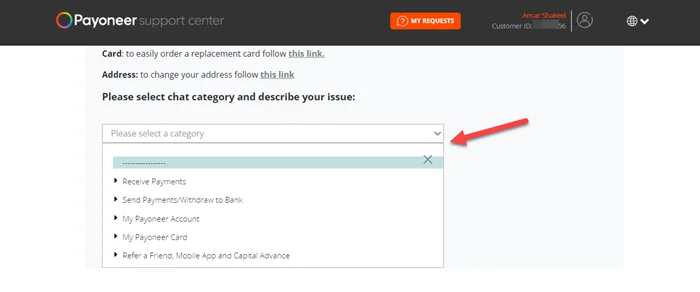
Step 4: If you want to choose live chat then just click on the live chat tab and describe the issue with the topic.
Call Us Method
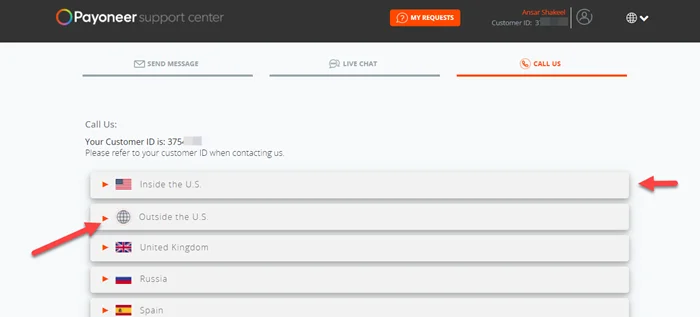
Step 5: Last click on the Call Us tab if you want a direct call with Payoneer support. Click on “Inside the U.S” and “Outside the U.S” to get phone and time detail.
We hope this article helped you learn 3 Way to contact Payoneer support.