
A CRM for client management is software that centralizes every client’s contact details, communication history, and deal status in one place, so nothing falls through the cracks. The best options in 2026 — Zoho CRM, Salesforce, HubSpot, monday CRM, Keap, and ClickUp — each suit a different size and type of business.
Struggling to Manage Client Relationships?
A CRM only works as well as the website and systems feeding it. If your site isn’t capturing and routing leads properly, even the best CRM can’t save you.
What Is a CRM for Client Management?
CRM stands for Customer Relationship Management. It’s software that helps a business organize, track, and act on every interaction it has with current and prospective clients — contact details, conversation history, purchase behavior, and follow-up reminders included.
For client management specifically, a CRM does more than store contacts. It helps you spot which clients need attention, automate routine follow-ups, and personalize outreach based on what a client has actually done, not just what’s in a spreadsheet.
Why Businesses Use a CRM for Client Management
- Fewer dropped leads — every inquiry and follow-up is logged automatically instead of living in someone’s inbox.
- Faster response times — reps see the full history the moment a client reaches out.
- Better forecasting — pipeline stages show exactly where revenue is likely to land each month.
- Consistent client experience — every team member works from the same record, not their own notes.
Pros and Cons of Using a CRM for Client Management
| Pros | Cons |
|---|---|
| Stronger, more consistent client relationships | Setup and data migration take real time |
| Less manual admin work through automation | Subscription costs add up per user |
| Clearer visibility into sales and revenue | Learning curve for non-technical teams |
| Better, more informed decision-making | Ongoing data-hygiene work is needed |
Top 6 CRMs for Client Management in 2026
Here’s how the leading platforms compare on features, pricing, and who they fit best.
1. Zoho CRM
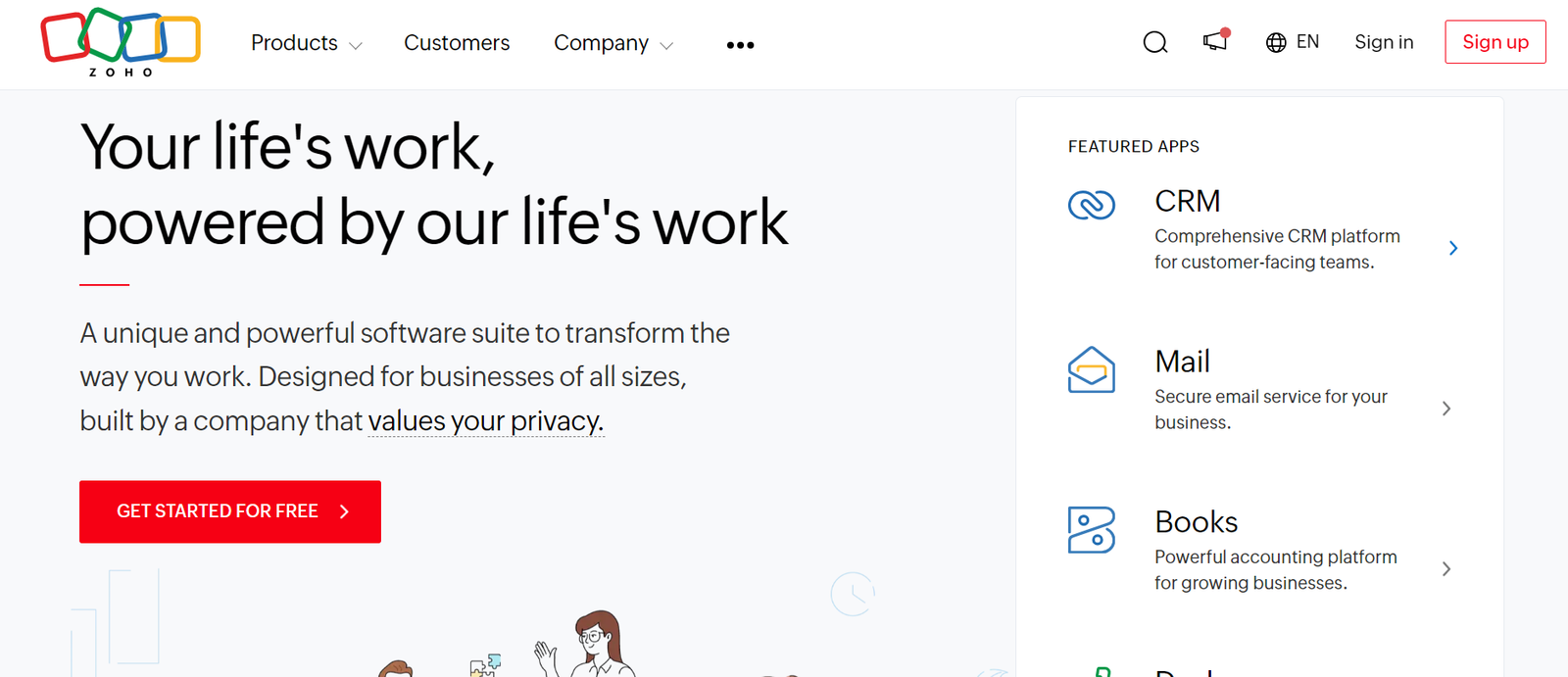
Zoho CRM remains one of the best value picks for client management. It combines contact and pipeline tracking with built-in phone, email, and live-chat channels, so reps can reach clients without switching tools. Its automation and AI-assisted scoring (branded Zia) help prioritize which clients to follow up with first.
Check out our full Zoho CRM guide for a deeper walkthrough of setup and features.
Best for: Small to mid-size teams that want strong automation without enterprise pricing.
| Pros | Cons |
|---|---|
| Built-in calling and messaging channels | Deal pipeline customization is limited on lower tiers |
| Beginner-friendly interface | Full onboarding support is a paid add-on |
| Automation included even on entry plans | Some integrations favor iOS over Android |
Key integrations: Google Workspace, Microsoft 365, WhatsApp, Mailchimp, Slack, LinkedIn Sales Navigator, QuickBooks.
2. Salesforce
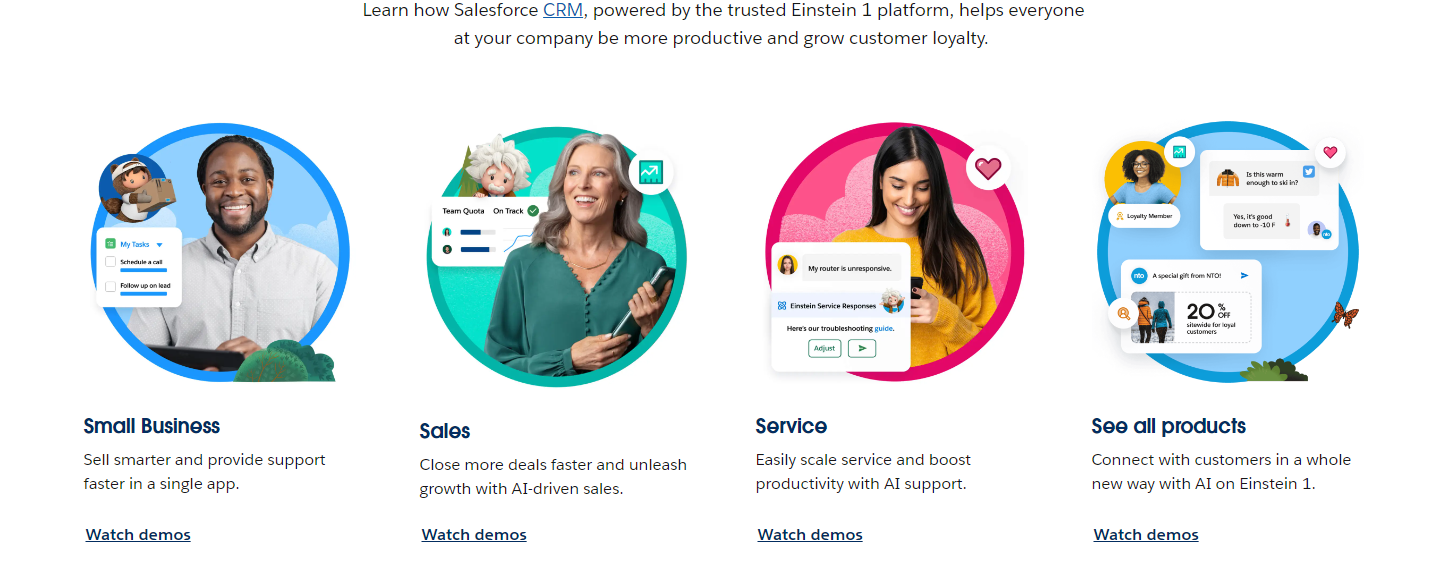
Salesforce is still the CRM most enterprises default to, and for good reason — it scales from a single sales team to a global operation without hitting a feature ceiling. Its Sales Cloud handles pipeline management, while add-on clouds cover service, marketing, and commerce on the same client record.
Best for: Larger teams or agencies that need heavy customization and a big app marketplace.
| Pros | Cons |
|---|---|
| Extremely deep customization and reporting | Steep learning curve for new users |
| Massive third-party app marketplace (AppExchange) | Pricing climbs quickly as you add users and clouds |
| Strong automation and workflow tools | Often needs a dedicated admin to manage well |
3. HubSpot CRM
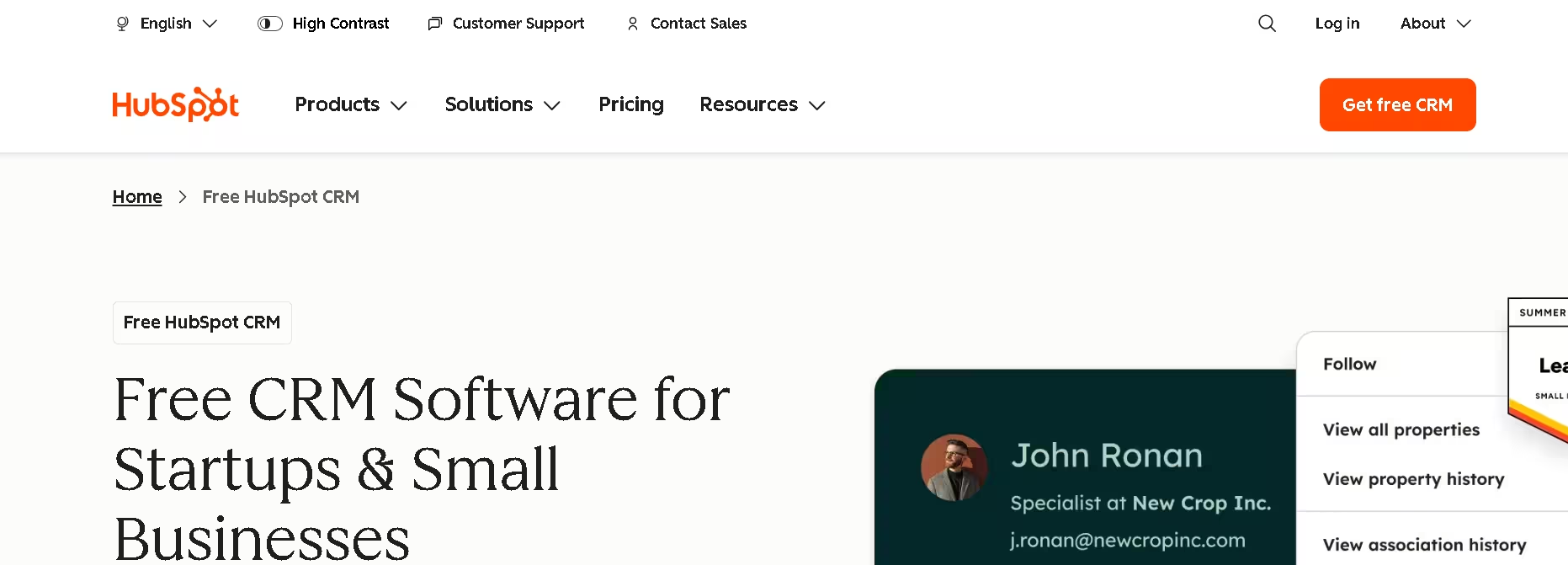
HubSpot pairs a genuinely useful free tier with marketing, sales, and service tools that all share one client timeline. That makes it a strong option for client management once you also want email marketing and support tickets tied to the same contact record, not just sales notes.
Best for: Businesses that want marketing, sales, and support unified around each client.
| Pros | Cons |
|---|---|
| Free plan is genuinely usable, not just a trial | Costs rise fast once you need advanced automation |
| Clean interface with a short learning curve | Some reporting features are locked to higher tiers |
| Marketing, sales, and service data in one record | Contact-based pricing can get expensive at scale |
4. monday CRM
monday CRM builds client management on top of monday’s visual Work OS, so pipelines look like customizable boards rather than rigid forms. Teams that already run projects in monday.com tend to like keeping client data and delivery work in the same workspace.
Best for: Teams that want a highly visual, flexible pipeline and already like board-style tools.
| Pros | Cons |
|---|---|
| Drag-and-drop boards with unlimited custom stages | Can feel unstructured without disciplined setup |
| Strong automation for lead assignment and reminders | Full CRM depth requires higher-tier plans |
| Doubles as light project management | Reporting is less specialized than dedicated CRMs |
5. Keap
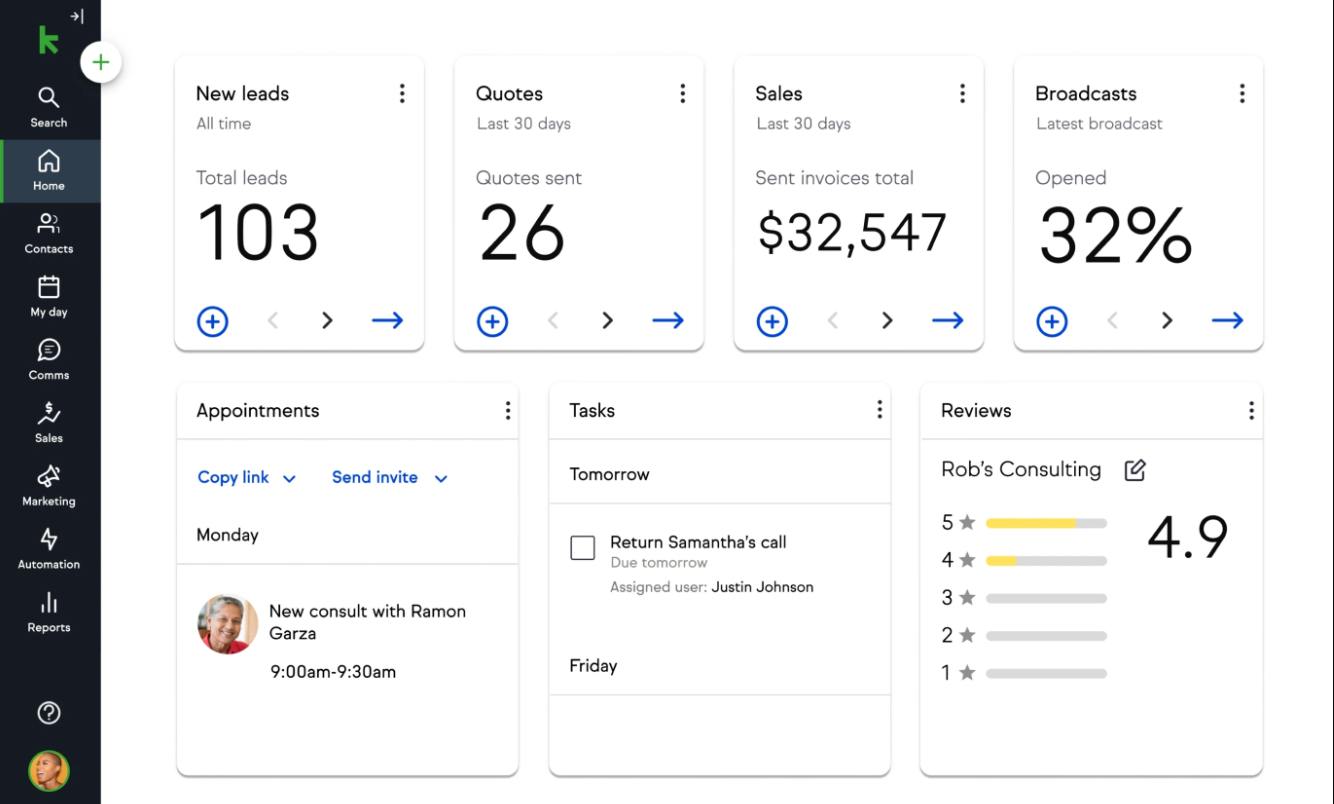
Keap focuses on small businesses that need to capture leads, nurture them automatically, and get paid — all from one tool. Its automation builder is built specifically to move a client from first contact to invoice without manual chasing.
Best for: Solo consultants and small service businesses that want built-in invoicing with their CRM.
| Pros | Cons |
|---|---|
| Automation-first workflow, built for follow-up | Fewer advanced features than enterprise CRMs |
| Includes invoicing and payments | Noticeable learning curve to build automations |
| Solid customer support | Customization is more limited than competitors |
Key integrations: Gmail, Google Calendar, Slack, Shopify, Zoom, Salesforce Sales Cloud.
6. ClickUp
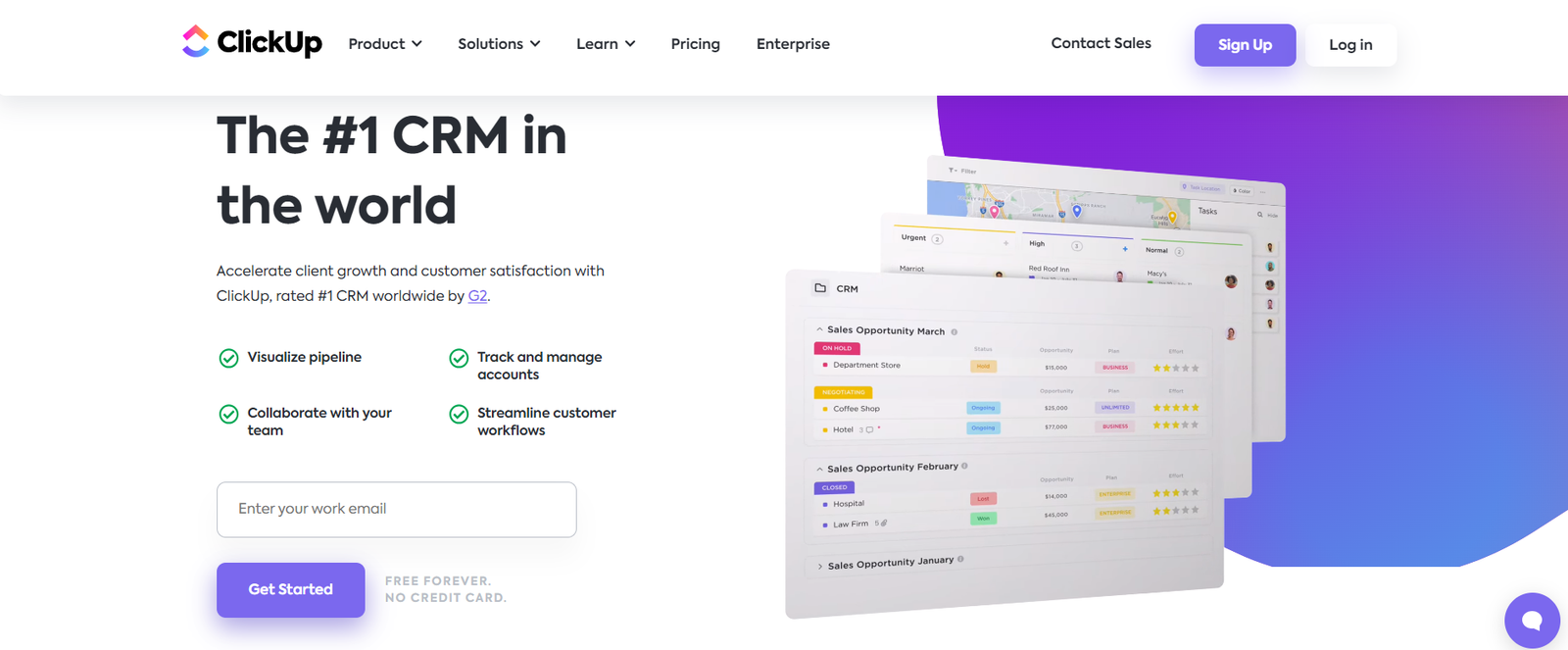
ClickUp isn’t a dedicated CRM out of the box, but its CRM templates turn its task and list views into a workable client management system — especially for teams that already manage projects there. You get client pipelines, kanban boards, and dashboards without adopting a second platform.
Best for: Teams that want client tracking and project delivery in a single app.
| Pros | Cons |
|---|---|
| Familiar drag-and-drop task interface | Reporting is more basic than purpose-built CRMs |
| Multiple views: list, table, kanban, dashboard | Some setup work needed to configure as a CRM |
| Detailed dashboards for tracking activity | Free plan storage is limited |
Not Sure Which Tool Fits Your Business?
The right CRM depends on how clients actually find and contact you in the first place. We help service businesses build the website and lead-capture systems that feed a CRM properly.
How to Choose the Right CRM for Client Management
- Start with team size. Solo or small teams rarely need Salesforce-level complexity — Zoho or Keap will get you there faster.
- Map your client journey first. If marketing, sales, and support all touch the same client, HubSpot’s unified record saves real time.
- Check what you already use. If your team lives in monday.com or ClickUp, extending that tool often beats bolting on a separate CRM.
- Price by user, not by feature list. Per-seat costs multiply fast — confirm pricing at the team size you’ll actually be at in 12 months, not today.
- Pilot with real client data. Import a sample of your actual contacts before committing; that’s where hidden friction shows up.
If you run a niche service business, it’s also worth checking CRM guides built for your industry — for example, our breakdowns of CRM options for towing companies, the best CRM for life coaches, and top CRMs for boat dealerships. If budget is the main constraint, our guide to affordable CRM software for small business is a good next stop.
A CRM Is Only as Good as the Website Feeding It
Even the best CRM for client management can’t fix a website that isn’t capturing leads properly in the first place. If your website isn’t bringing in leads or your forms aren’t routing inquiries anywhere useful, your CRM will stay empty no matter how good the automation is.
That’s usually a website and workflow problem, not a CRM problem. A professional website builds trust that gets visitors to actually submit a form, and tools like GoHighLevel automations can connect that form directly into your follow-up sequence. If you’re building from scratch, our guide on building a B2B website that generates high-quality leads covers the fundamentals your CRM will depend on. And once the leads start coming in reliably, reliable hosting for service businesses keeps your site (and your lead capture) from going down at the worst moment.
Ready to Turn More Visitors Into Clients?
We design and fix websites so the leads your CRM depends on actually show up in the first place.
Conclusion
There’s no single best CRM for client management — the right pick depends on your team size, budget, and how your clients move through your pipeline. Zoho CRM and Keap suit small teams that want automation without enterprise pricing, HubSpot fits businesses that want marketing and sales unified, monday CRM and ClickUp work well for visually-driven or project-heavy teams, and Salesforce remains the choice for larger operations that need deep customization. Whichever CRM you choose, make sure the website and lead-capture systems feeding it are solid first — otherwise you’re automating an empty pipeline.
Frequently Asked Questions
What is the best CRM for small businesses?
For most small businesses, Zoho CRM or Keap offer the best balance of price and features. HubSpot’s free tier is also worth trying if you want marketing tools bundled in from day one. See our full guide to affordable CRM software for small business for more options.
What is CRM and client management software?
CRM and client management software are tools that help businesses organize, track, and manage every interaction with current and potential clients — contact details, conversation history, deal stage, and follow-up tasks — all in one system instead of scattered spreadsheets and inboxes.
Which CRM is best for comprehensive contact management?
Salesforce and HubSpot are typically recommended for comprehensive contact management because they combine detailed contact records with strong reporting and a wide range of integrations. Zoho CRM is a close, more affordable alternative for the same level of contact detail.
Do I need a CRM if I only have a handful of clients?
If you’re managing more than a dozen active clients, a CRM usually pays for itself in time saved on follow-ups alone. Below that, a simpler tool like Keap or even a well-organized spreadsheet can hold you over until you scale.
How much does a CRM for client management typically cost?
Entry-level plans usually start in the range of $12–20 per user per month, mid-tier plans with more automation run $40–90 per user per month, and enterprise CRMs like Salesforce can exceed $100 per user per month once you add specialized modules. Always confirm current pricing directly with the vendor, since plans and tiers change often.
Have questions about setting up your CRM alongside a website that actually converts? Get in touch with our team.