
A CRM with inventory management combines customer records and stock tracking in one system, so sales, order status, and inventory levels stay in sync automatically. The best options for 2026 are Zoho CRM Plus, HubSpot, Salesforce, Vtiger, Odoo, Cin7 Core, and EspoCRM — the right pick depends on your business size and budget.
If you sell physical products, running your CRM and your inventory system as two separate tools creates a constant sync problem: sales reps quote stock that’s already sold, or inventory teams can’t see which orders are actually confirmed. A combined CRM with inventory management closes that gap. Below is a breakdown of the seven strongest options for 2026, what each is actually built for, and how to choose between them.
Quick Comparison: Best CRM With Inventory Management (2026)
| CRM | Best For | Starting Price | Free Plan |
|---|---|---|---|
| Zoho CRM Plus | All-in-one suite for growing teams | $57/user/mo | No (14-day trial) |
| HubSpot CRM | Ease of use, marketing + sales together | Free tier; paid from $20/mo | Yes |
| Salesforce | Enterprise-scale customization | $25/user/mo+ | No |
| Vtiger | Centralized, automated inventory workflows | $12/user/mo | Yes (limited) |
| Odoo | Fully modular, open-source flexibility | Free (self-hosted); $24.90/user/mo hosted | Yes |
| Cin7 Core | Multi-channel retail and wholesale | $349/mo (from) | No |
| EspoCRM | Budget-conscious small teams | Free (self-hosted); $22/user/mo cloud | Yes |
Not Sure Which CRM Actually Fits Your Business?
Picking the wrong CRM is expensive to undo. We help small businesses map their sales and inventory workflow before recommending — or building — the right setup.
What Is CRM With Inventory Management?
CRM with inventory management merges customer relationship management with stock and order tracking in a single platform. Instead of switching between separate sales and warehouse systems, your team sees customer history, order status, and current stock levels in one place.
The main benefits:
- Improved efficiency — no manual reconciliation between sales and stock records.
- Enhanced customer experience — reps can quote accurate availability and delivery times instantly.
- Better inventory control — stock levels update automatically as orders close.
- Informed decision-making — sales and inventory data live in the same reports.
The 7 Best CRM With Inventory Management Platforms
1. Zoho CRM Plus — Best All-in-One Suite
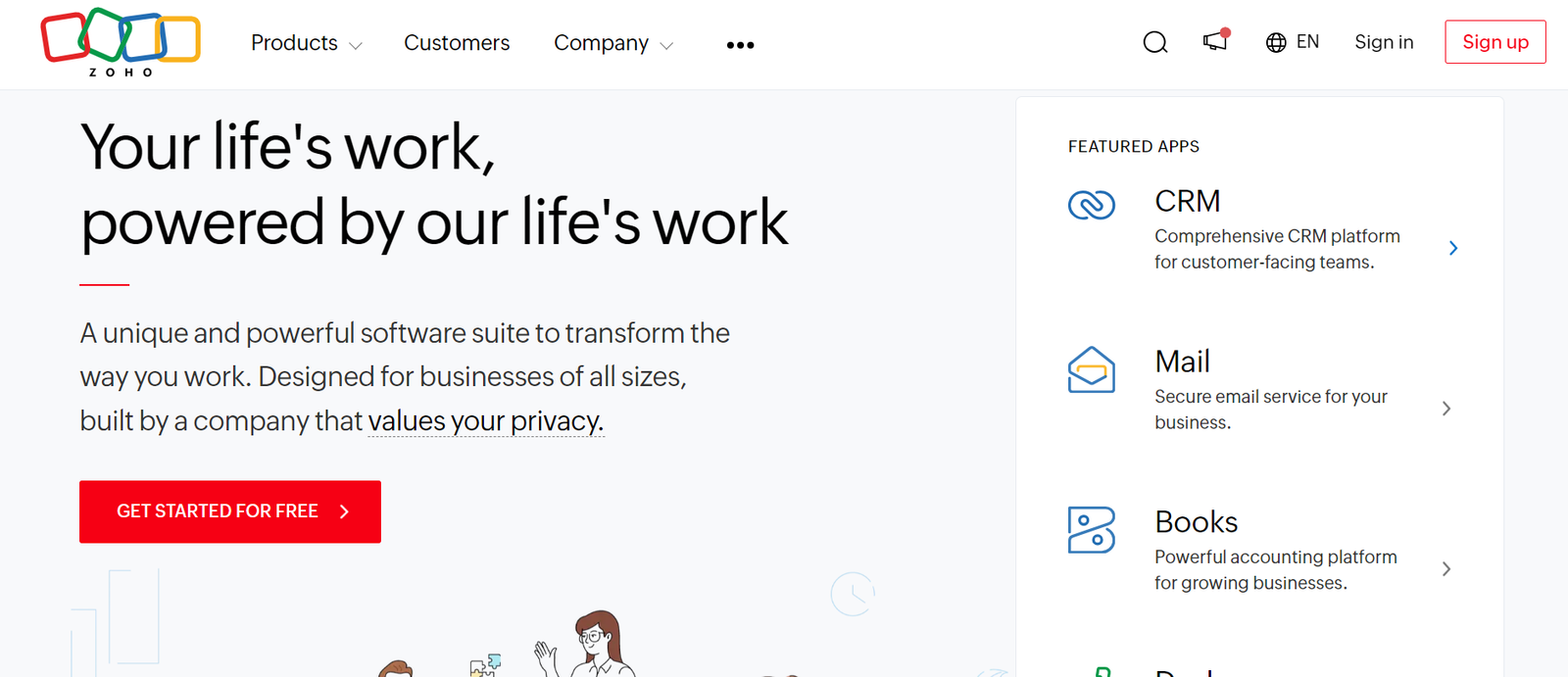
Zoho CRM Plus bundles CRM, inventory, and several other business apps (help desk, marketing, analytics) into one subscription. It includes warehouse management, purchase order processing, and inventory optimization tools, making it one of the most complete options on this list. See our full Zoho CRM breakdown for a deeper look at pricing tiers.
Pros: comprehensive feature set, strong customization, scales well as you grow. Cons: complex initial setup, learning curve for new users.
2. HubSpot CRM — Best for Ease of Use
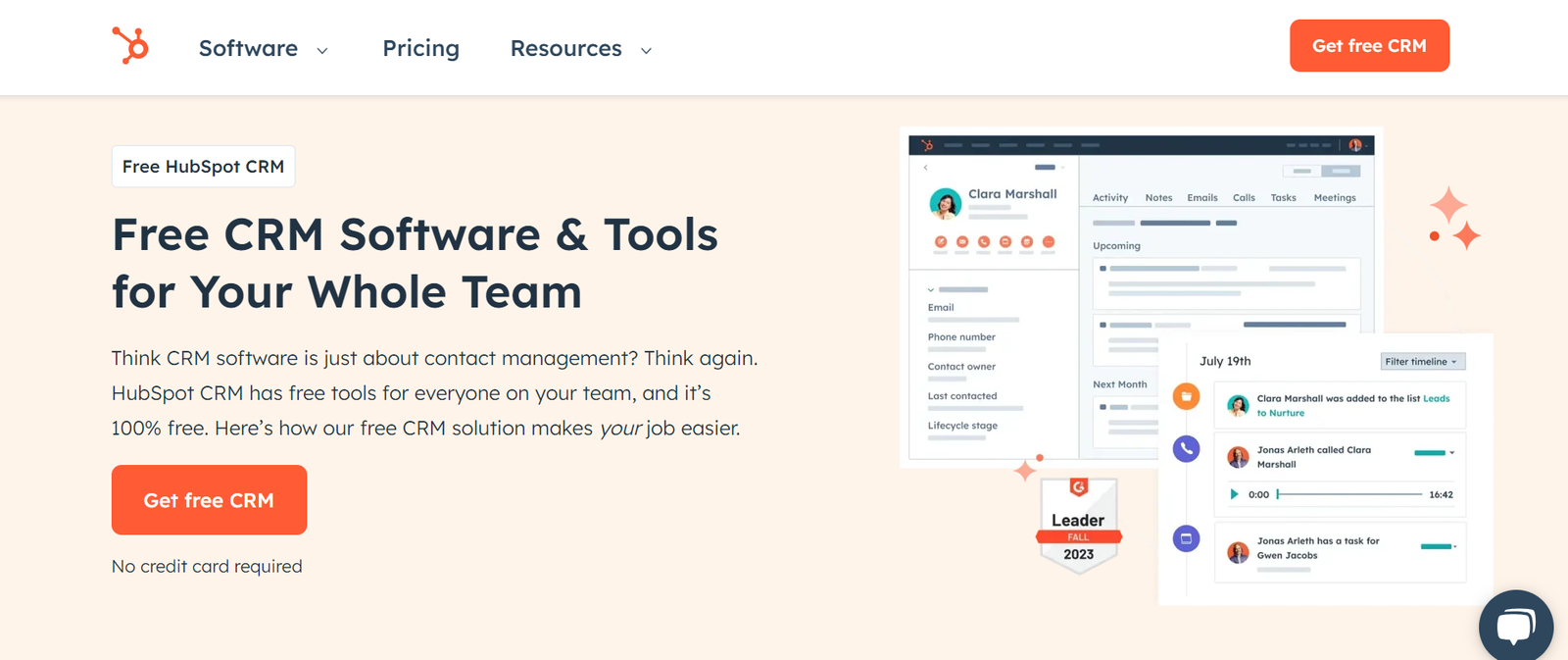
HubSpot’s platform includes product catalog management, order tracking, and e-commerce integrations alongside its well-known free CRM tier. It’s the easiest of the seven to onboard a team onto quickly. Read our full HubSpot review, pricing, and alternatives before committing.
Pros: user-friendly interface, genuinely useful free version, all-in-one platform. Cons: advanced inventory features sit behind higher-priced tiers.
3. Salesforce — Best for Enterprise Customization
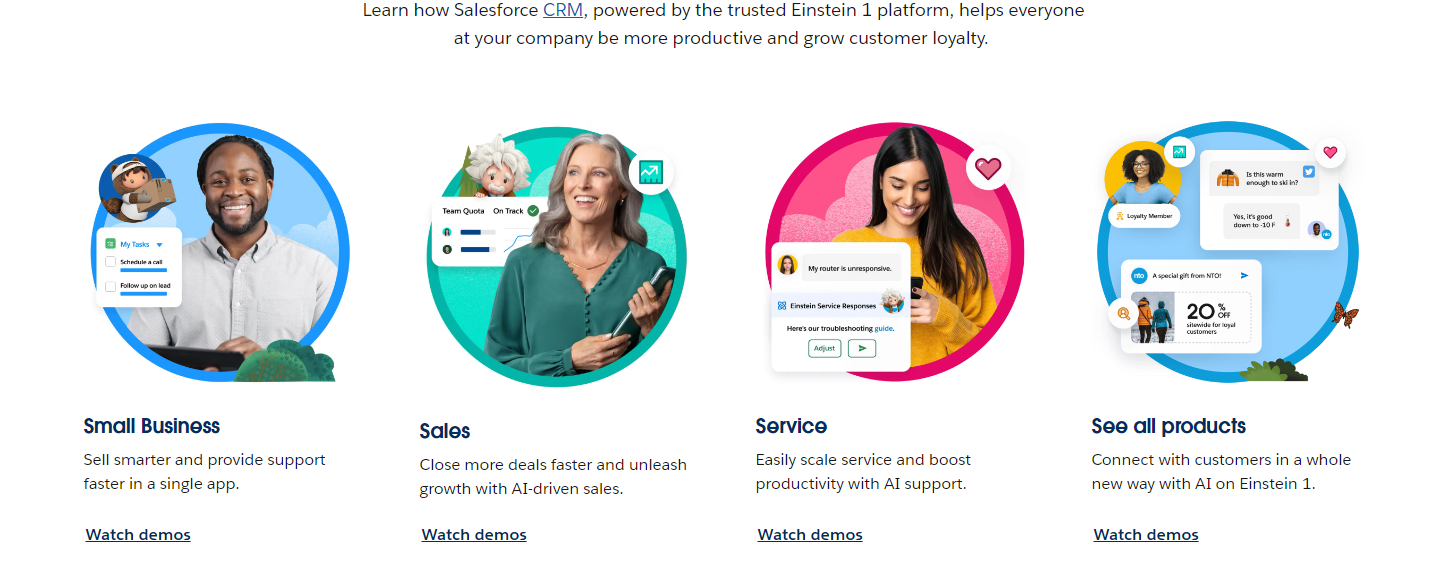
Salesforce’s Inventory Management module adds real-time inventory tracking, order management, and demand forecasting on top of the industry’s most customizable CRM. It’s overkill for a small shop, but it’s the strongest option once you’re managing complex, multi-warehouse operations. If you’re scaling past a small team, compare it against options built for large companies.
Pros: real-time tracking, highly customizable reporting. Cons: costly setup, steep learning curve.
4. Vtiger — Best for Centralized, Automated Inventory
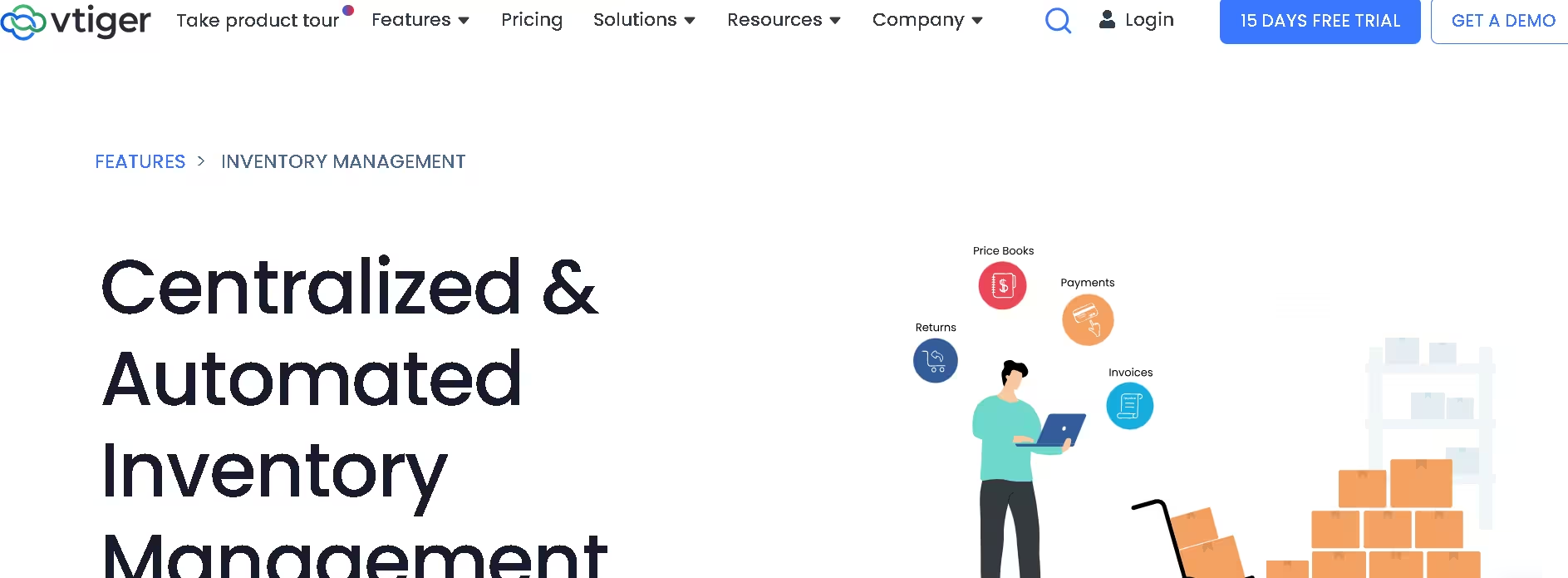
Vtiger is built around centralizing inventory data with sales and support in one automated workflow, at a noticeably lower price point than Salesforce or Zoho. It’s a strong middle-ground pick for teams that want automation without enterprise pricing.
Pros: affordable per-user pricing, solid automation out of the box. Cons: smaller ecosystem of integrations than the bigger players.
5. Odoo — Best Open-Source, Modular Option
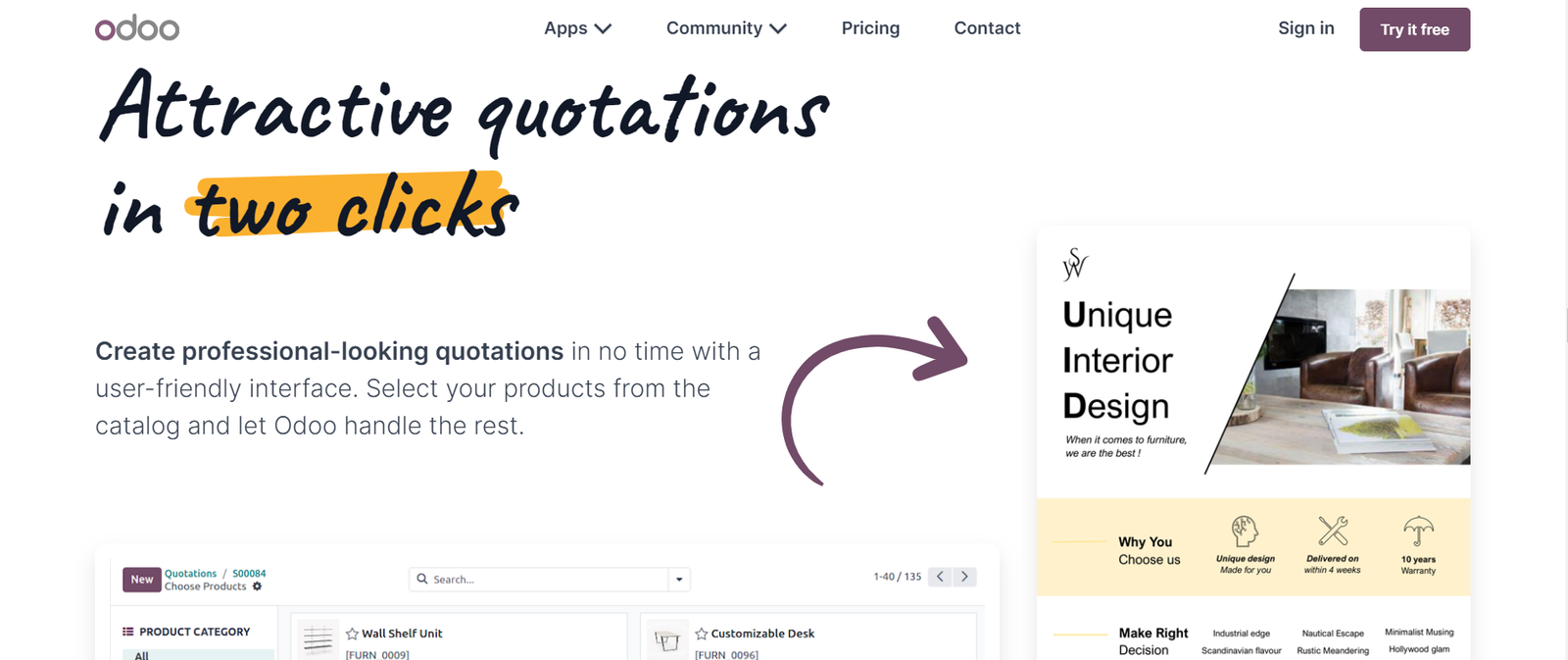
Odoo offers a fully modular CRM with integrated inventory management, including barcode scanning, serial number tracking, and automated reordering. Because it’s open-source, you only pay for the modules you actually use.
Pros: highly customizable, self-hosting keeps costs down, strong inventory-specific features. Cons: requires more technical setup, community support varies by module.
6. Cin7 Core — Best for Multi-Channel Retail
Cin7 Core is built specifically for businesses selling across multiple channels — online store, marketplaces, and wholesale — and needing inventory to stay accurate across all of them simultaneously. It’s less of a general CRM and more of an inventory-first platform with CRM features layered on.
Pros: purpose-built for multi-channel stock accuracy, strong reporting. Cons: highest price point on this list, overkill for single-channel sellers.
7. EspoCRM — Best Budget Option
EspoCRM is a free, open-source CRM that supports inventory-tracking add-ons, making it the most affordable entry point on this list for small teams that want CRM-plus-inventory without a large subscription. For a broader look at low-cost options, see our guide to affordable CRM software for small business.
Pros: free self-hosted tier, low total cost. Cons: fewer built-in inventory features than purpose-built platforms; relies more on add-ons.
Already Have a CRM but Inventory Is Still a Mess?
Sometimes the fix isn’t a new CRM — it’s better integration between the tools you already have. We can audit your current stack and tell you honestly what needs to change.
How to Choose the Right CRM With Inventory Management
- Scalability — will it hold up as your customer base and stock volume grow, or will you outgrow it in a year?
- Integration capability — does it connect cleanly with your accounting software, e-commerce platform, or ERP?
- User-friendliness — a powerful CRM your team won’t use is worse than a simple one they will.
- Customization — can you adapt fields, workflows, and reports to how your business actually operates, not just how the vendor assumes it does?
- Support and maintenance — what’s included, and what costs extra once you’re live?
If your CRM needs are industry-specific rather than general inventory, it’s often worth checking a purpose-built option — we cover several, including CRMs for manufacturing, client management, and CRM with built-in dialer features for sales-heavy teams.
Frequently Asked Questions
What is the best CRM with inventory management for small businesses?
For most small businesses, EspoCRM or Vtiger offer the best balance of inventory features and affordability. Larger or fast-growing teams tend to outgrow them faster and move to Zoho CRM Plus or HubSpot.
Does every CRM include inventory management?
No. Most CRMs are built primarily for customer relationship management and don’t include native inventory tracking. Look specifically for CRMs with built-in inventory modules — like Zoho CRM Plus, Vtiger, or Odoo — or ones that integrate cleanly with dedicated inventory software.
Can Salesforce be used for inventory management?
Salesforce doesn’t include native inventory management by default, but it supports third-party inventory apps through the Salesforce AppExchange, and its own Inventory Management module adds real-time tracking for enterprise users.
How much does a CRM with inventory management cost?
Pricing ranges from free (self-hosted EspoCRM or Odoo) to $50+ per user per month for full-suite platforms like Zoho CRM Plus or Cin7 Core. Most small businesses land between $12–$25 per user per month for a solid mid-tier option.
What’s the difference between CRM inventory management and standalone inventory software?
A CRM with inventory management keeps customer data and stock levels in the same system, so sales and inventory stay automatically in sync. Standalone inventory software tracks stock only, and requires manual or API-based syncing with whatever CRM you use separately.
Conclusion
The right CRM with inventory management depends less on which platform has the most features and more on matching the tool to your business size, technical comfort, and budget. Small teams are usually best served by EspoCRM or Vtiger, mid-size businesses by Zoho CRM Plus or HubSpot, and complex multi-channel operations by Cin7 Core or Salesforce.
Need Help Setting Up Your CRM the Right Way?
Choosing the CRM is step one — configuring it so your sales and inventory teams actually trust the data is the part most businesses get wrong. Let’s fix that.