There are 1000 websites on the internet for front end developers but today I am going to show you 6 Useful Websites For Front End Developer. You can also find best AI Tools for Designers
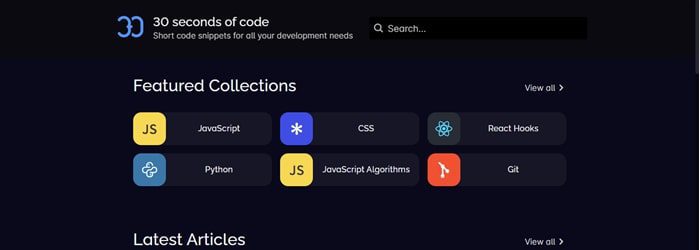
30 seconds of code is a website that provides free quality learning resources for web developers. They have different snippet collections in various programming language.
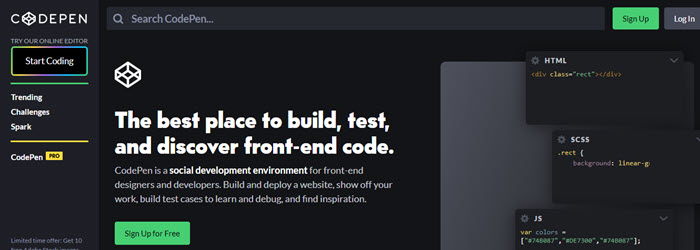
CodePen is a social development environment for front-end developers and designers. Developers & Designers build and deploy a website or snippers to show off your work.
Yes, 7000+ job openings for front-end developers in 2022. Front-end development is still in high demand, as seen by the expanding technical needs of numerous businesses.
Where should a front end web developer start?
Front end web developer can start careers with html, JavaScript and CSS learn. These are basic language to become a front end developer.
The world of design is ever-evolving, and in today’s fast-paced technological landscape, Artificial Intelligence (AI) tools are playing an increasingly prominent role, particularly for designers. As a seasoned design expert, I’ve witnessed firsthand how AI design tools for graphic designers have transformed the creative process. From automating routine tasks to inspiring innovative concepts, AI is revolutionizing how designers work. Here are the top 13 AI tools for designers that can unleash your creativity today.
Automation Between Apps Custom Workflow Creation Time-Saving Integrates with 2,000+ Apps
Adobe Sensei
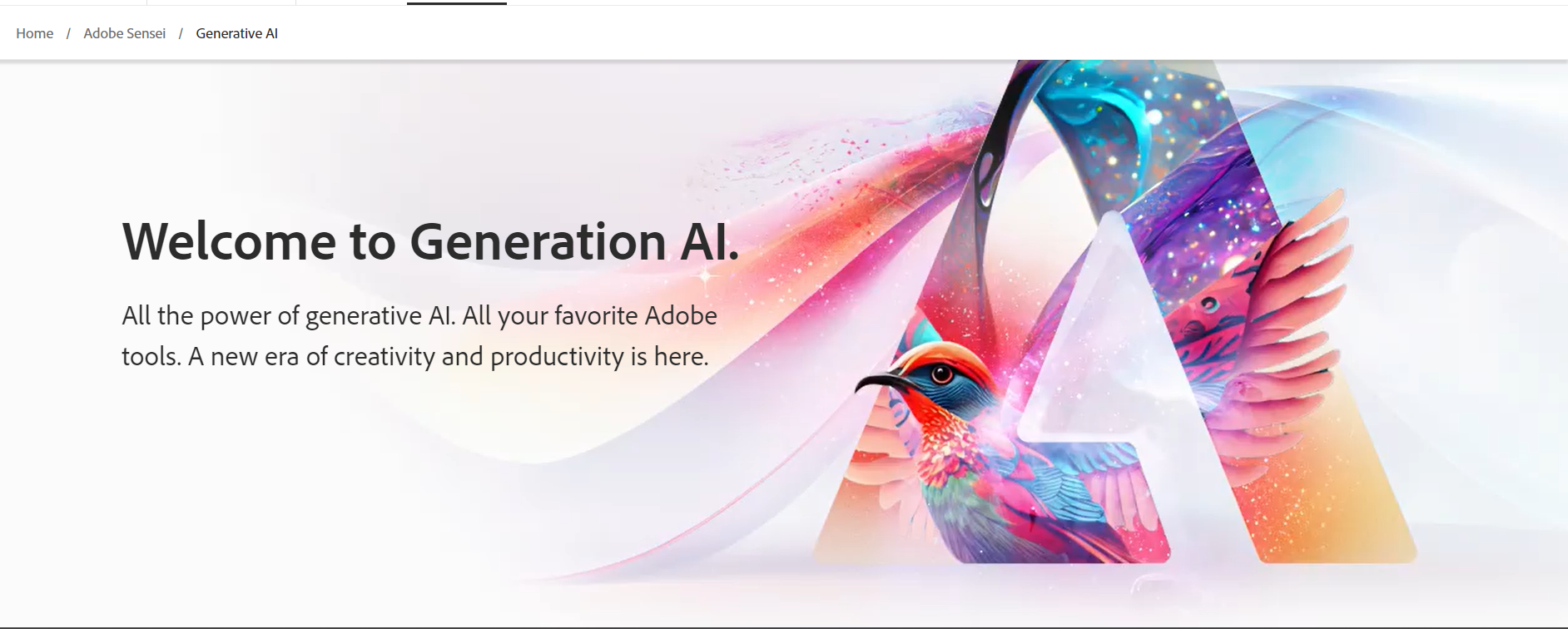
Adobe Sensei, one of the best AI software for creative designers, amplifies human abilities. It offers features like automatic tagging and advanced image recognition, transforming a day’s work into mere minutes and enabling designers to focus on pure creativity.
Automatic Tagging: Instantly categorizes content for easier access and organization.
Image Recognition: Identifies and analyzes visual elements within images.
Intelligent Editing: Suggests improvements and automates repetitive design tasks.
Content Personalization: Adapts content based on user behavior for a personalized experience.
Canvas Design Suggestions
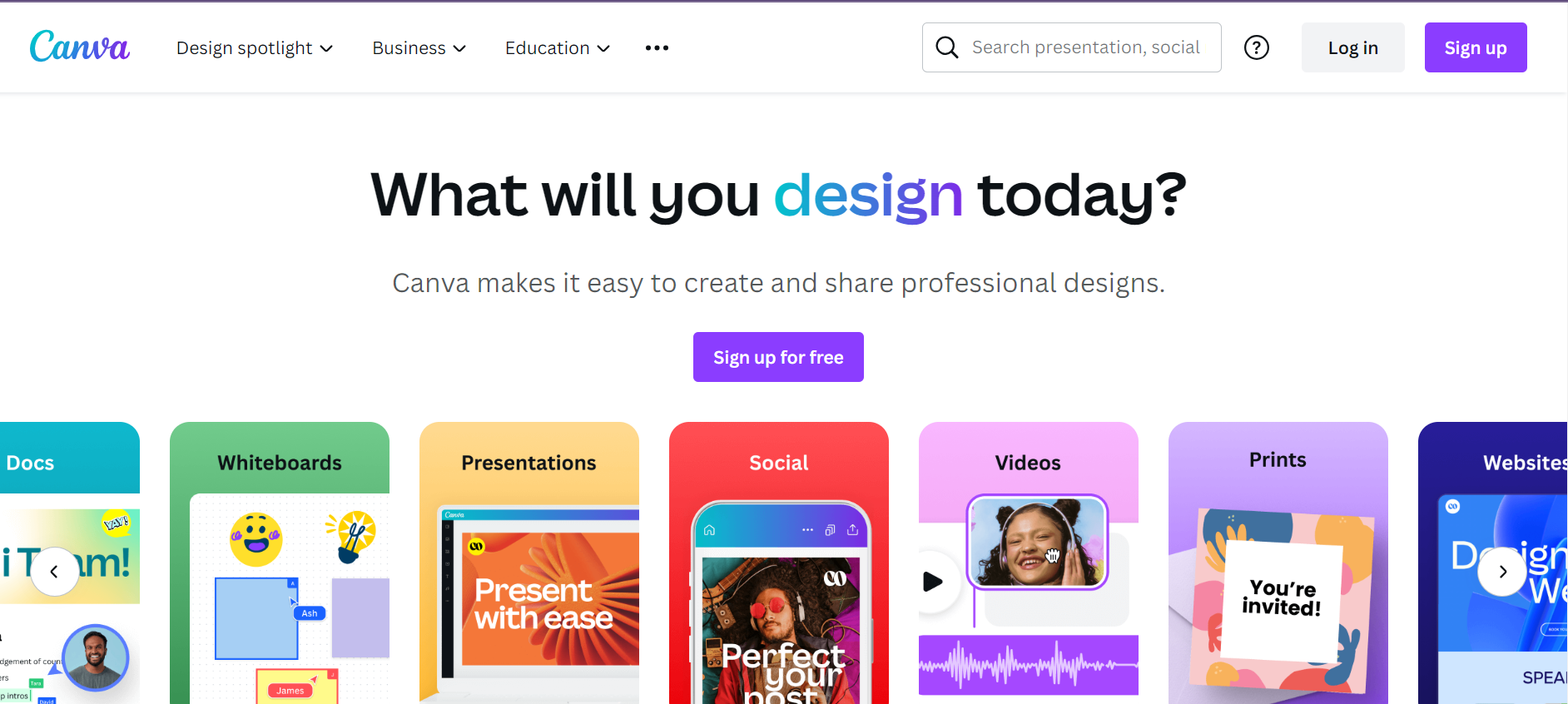
Canvas AI-powered design applications utilize machine learning to provide users with design suggestions tailored to their preferences. It aids in choosing colors, layouts, and elements that fit your style, streamlining the design process. It is AI tools for designers to customize their own designs.
Color Selection Assistance: Recommend color combinations based on your design.
Layout Recommendations: Suggest layouts tailored to your preferences.
Font Pairing: This helps you choose fonts that complement each other.
Content Optimization: Offers ideas for more engaging visuals and text placement
DeepArt
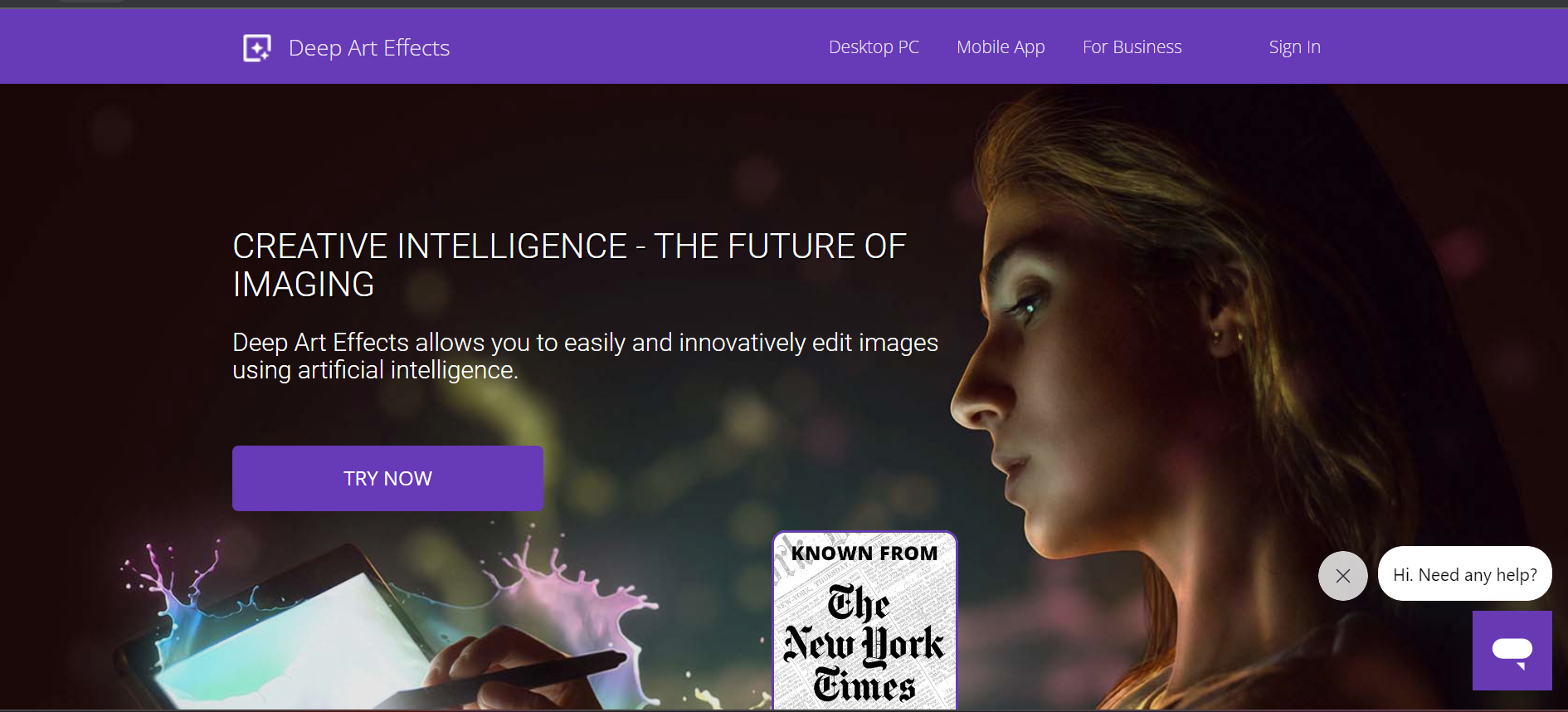
DeepArt, an example of a creative AI tools for designers, allows the transformation of designs through neural networks. It analyzes and applies artistic styles from famous paintings, adding a unique artistic flair to your digital work.
Style Transfer: Applies artistic styles from famous paintings to your images.
Custom Style Creation: This allows you to create your own unique style based on existing art.
High-Resolution Rendering: Delivers high-quality output for professional use.
Social Sharing Integration: Easily share your artwork on social media platforms.
Unbounce
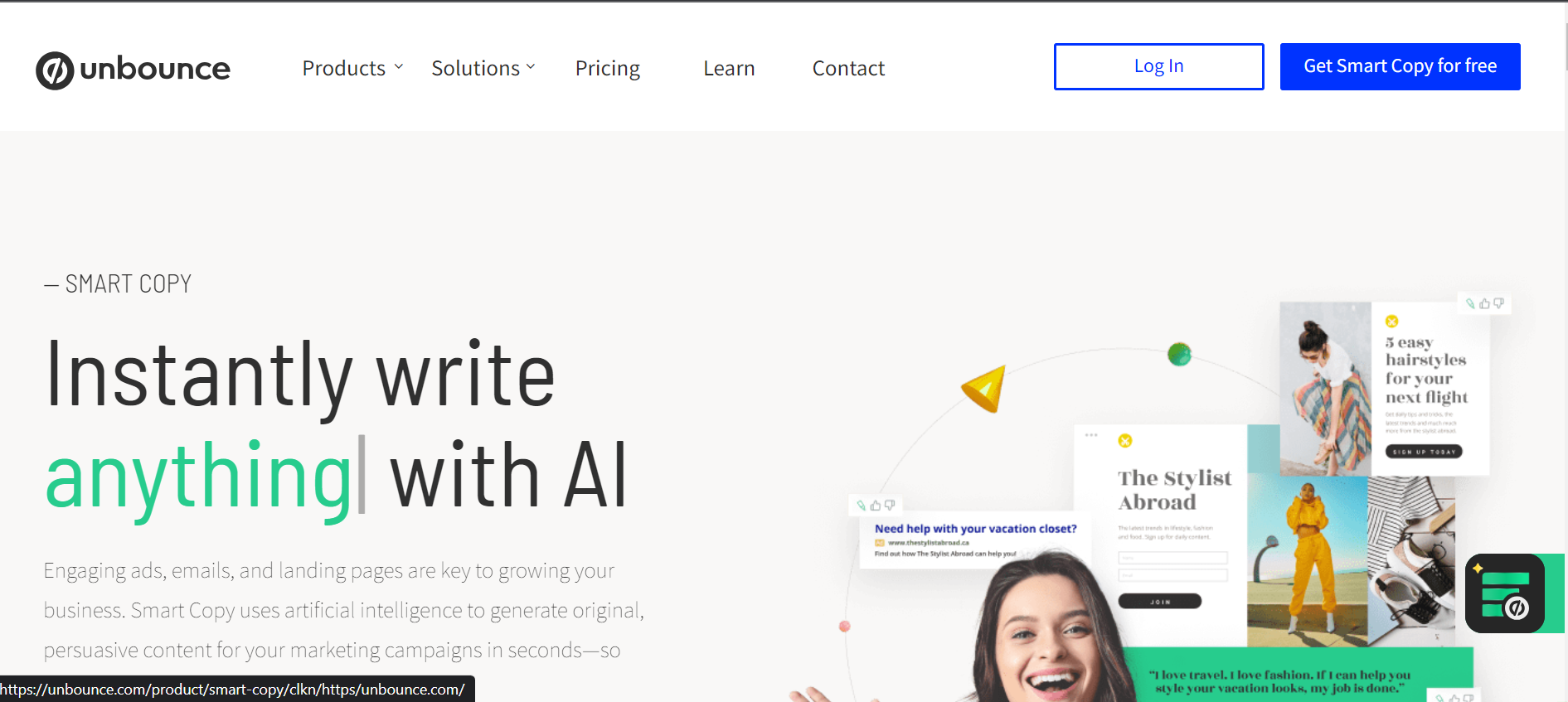
Unbounce AI is a game-changer for designers and copywriters alike, leveraging AI for a compelling copy that complements design. It acts as a graphic design AI assistant, eradicating writer’s block with creative algorithms.
Copy Generation: Creates compelling copy that aligns with your design.
Multiple Language Support: Writes copy in various languages to reach a global audience.
Brand Voice Customization: Adjust the writing style to match your brand’s voice.
Content Optimization: Provides insights to optimize copy for search engines (SEO).
RelayThat
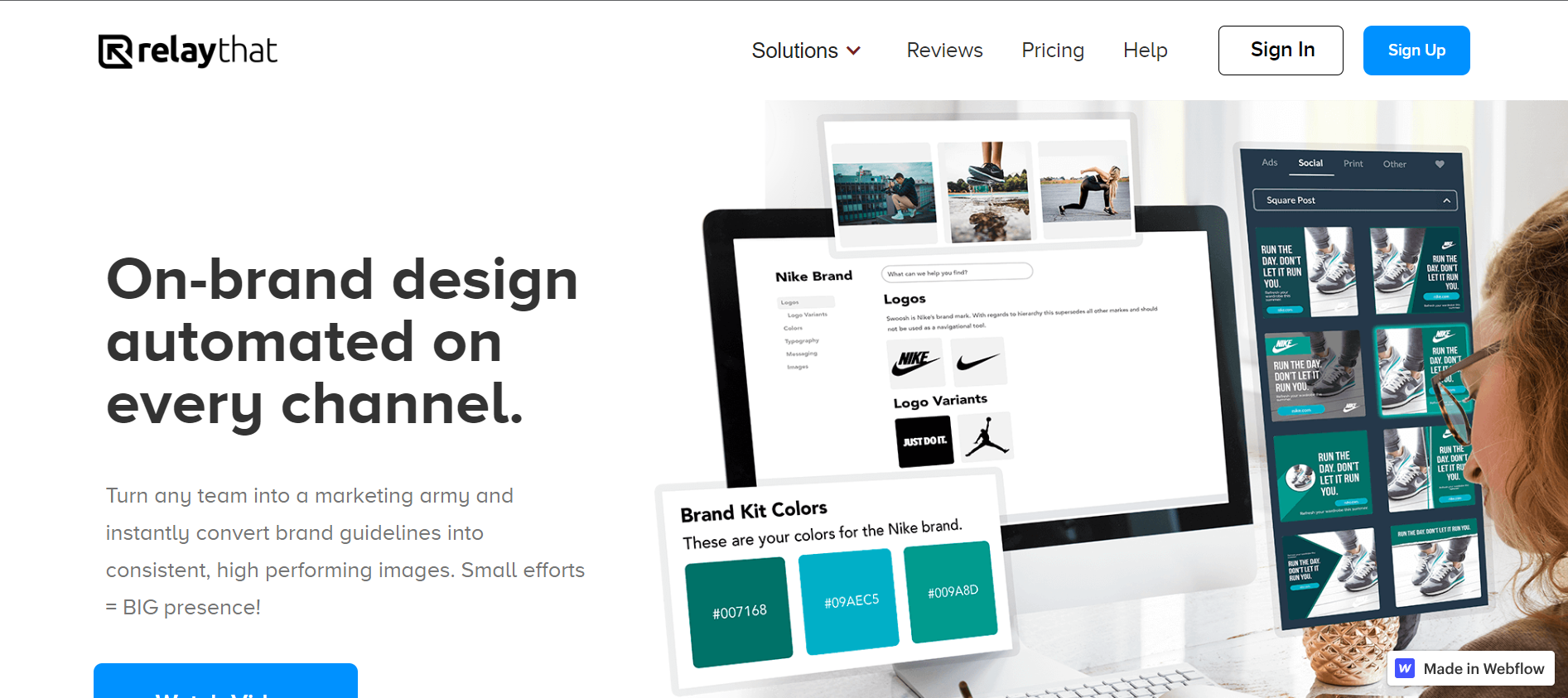
RelayThat, one of the top AI tools for visual design, automates maintaining brand consistency across platforms. It offers design templates aligned with your brand’s aesthetic, ensuring a cohesive visual identity.
Automated Design Across Platforms: Ensures brand consistency everywhere.
Pre-Made Templates: Offers numerous templates tailored for different platforms.
One-Click Resize: Easily resize designs for different social media channels.
Collaboration Tools: Allows team collaboration for a streamlined design workflow.
Lumen5
Lumen5, an AI-driven video creation platform, is perfect for designers looking to delve into video marketing. It transforms existing content into engaging videos, providing a valuable addition to design automation with artificial intelligence.
Content Conversion to Video: Turns articles and blog posts into engaging videos.
Custom Branding: Adds your branding elements like logos and colors.
Automated Storyboarding: Plans video structure based on your content.
Social Media Integration: Facilitates sharing across various social platforms.
Wix ADI (Artificial Design Intelligence)
Wix ADI is synonymous with AI-enhanced design workflow. It crafts personalized website designs based on user answers, catering to both seasoned pros and design novices.
Personalized Design Creation: Builds websites tailored to user needs and preferences.
Content Import: Seamlessly imports content from existing websites or social media.
Mobile Optimization: Ensures that websites look great on all devices.
SEO-Friendly: Provides SEO guidance to improve search engine rankings.
Tailor Brands
Tailor Brands’ AI-powered logo maker offers AI-driven prototyping tools for designers. It efficiently builds brand identity with logos crafted to user preferences.
AI-Powered Logo Creation: Crafts logos based on user inputs and preferences.
Multiple File Format Support: Delivers logos in various formats for different uses.
Social Media Kit: Provides resized logos for various social platforms.
Runway ML
Runway ML, one of the AI tools for UX/UI designers, provides an accessible entry into machine learning for designers. It brings AI’s creative potential directly to your fingertips, without the need for expertise.
Accessibility to Machine Learning Models: No expertise is needed to use complex models.
Creative Experimentation: Allows for experimentation with different AI functionalities.
Integration with Design Tools: Connects with your preferred design software.
Community Collaboration: Join a community of creators to learn and share.
Artisto
Artisto is a mobile app that uses AI to transform videos into artwork. It takes inspiration from world-renowned art and applies those styles to video content. It is a AI tools for designers to design websites.
AI-Driven Video Effects: Transforms videos with artistic styles and effects.
User-Friendly Interface: Easy to use, even for those new to video editing.
High-Quality Output: Renders videos in HD for professional use.
Social Integration: Directly share your creations on social platforms.
Logojoy
Logojoy (now Looka) simplifies logo design with AI. Input your preferences, and it crafts a logo tailored to your brand, epitomizing design optimization using AI.
Interactive Logo Design: Designs logos based on user preferences and inputs.
Brand Style Guide: Creates guidelines to ensure consistent brand appearance.
Multiple Revisions: Allows tweaking and revising the design.
Business Card & Merchandise Design: Extends branding to physical products.
Crimson Hexagon
Crimson Hexagon, one of the machine learning tools in design, analyzes audiences, tracks brand perception, and observes competitors. It guides design decisions with data-driven insights.
Audience Analysis: Understand your audience’s behavior and preferences.
Brand Perception Tracking: Monitors how your brand is perceived over time.
Competitor Observation: Keeps tabs on what competitors are doing.
Content Optimization: Provides data-driven insights for content improvement.
Zapier
Zapier connects favorite apps and tools, including many design platforms. Acting as an AI assistant, it takes care of mundane tasks, freeing time for creative exploration.
Automation Between Apps: Connects your favorite design tools and automates tasks.
Custom Workflow Creation: Tailors workflows to fit your specific needs.
Time-Saving: Eliminates repetitive tasks, freeing up more time for creativity.
Integrates with 2,000+ Apps: Connects with virtually any tool you might use.
Conclusion
In an age where technology is seamlessly intertwined with creativity, AI tools for designers to reshape the design landscape. From automating mundane tasks to offering innovative solutions, the 13 AI tools for designers listed above cater to designers’ needs at every level. They empower AI tools for designers to explore new creative horizons, maintain brand consistency, and even delve into areas such as video marketing and audience analysis. The fusion of AI with design not only saves time but also enhances the creative process, pushing boundaries, and unlocking endless possibilities.
AI tools for designers to create designs faster and more cheaply due to the increased speed and efficiency it offers. The AI suggest design adjustments based on data.
What are the AI tools used to create a design?
AI tools used to create a design. Attention Insight Font Joy Let’s Enhance Copy.Ai DeepArt Uizard
Which AI Tool is Best for Design?
The “best” AI tool for design depends on specific needs and preferences. For a comprehensive solution, Adobe Sensei offers a wide range of features like image recognition and automatic tagging. For simpler tasks, tools like Canva’s Design Suggestions provide intuitive design assistance. It’s advisable to explore different tools to find the one that best aligns with your particular requirements.
How Can Designers Use AI?
Designers can use AI in various ways, depending on the tool and its capabilities. Some common applications include:
· Automating routine and time-consuming tasks. · Generating design suggestions tailored to individual preferences. · Applying artistic styles from famous paintings or other inspirations. · Enhancing branding through consistent visuals. · Analyzing user behavior to create more effective UI/UX designs.
Is There an AI Tool for Graphic Design?
Yes, several AI tools cater specifically to graphic design. Tools like Adobe Sensei, Canva’s Design Suggestions, and Tailor Brands’ logo maker leverage AI to enhance various aspects of graphic design. They can streamline the process, foster creativity, and maintain brand consistency.
What Are the Best Generative AI Tools for Designers?
Generative AI tools enable designers to create new and unique designs through algorithms. Some of the best include:
· Runway ML: A platform that allows designers to experiment with machine learning, offering unique design possibilities. · DeepArt: An AI tool that applies artistic styles from renowned paintings to digital work. · Artisto: A mobile app that uses AI to transform videos into artworks. · Wix ADI: Specializes in crafting personalized website designs based on user inputs.
In this resources post we look at the best WooCommerce WordPress themes for any E-Commerce category. We have selected themes with fast loading, AJAX product preview, beautiful design, many demo variations, and great support.
WooCommerce is a plugin that integrate with every e-commerce website. It is the best plugin for building online store. We are list Best WooCommerce WordPress Themes For your online Store.
Jevelin is an simple and easy to use and highly convenient WooCommerce theme. Jevelin WooCommerce theme comes with build in page builder. We customize website through this page builder.
Kalium is a fast loading and multiple purposes WooCommerce theme. This theme comes with multiple Demo site and 100+ Shortcodes & 18 Bonus Elements. It is also easy to setup.
TheGem is the best and an easy to use WooCommerce theme. They comes with 60 beautiful demo website templates which help you to make woocommerce website easily.
If you want flexible WooCommerce WordPress theme, then you must buy Jayla theme. This clean, modern theme. You can deploy for making shoes and furniture to clothing, cosmetics, sunglasses, jewelry websites. It is easy to setup with drag and drop system.
Porto is truly the ultimate theme you can get your hands on. It is a multi-purpose WooCommerce theme that has everything you need when it comes to selling online. There are 100 of demo sites.
Wokiee is a powerful and easy-to-use WooCommerce WordPress theme for any type of online store you would like to set up. From books, smartphones, and bikes to furniture, clothing, shoes, bags, and many other shops, you can make them all and then some.
Do you have a bunch of data that you need to organize? Often, a table is best for this purpose. With tables, you also compare features for different products.
In this article, we have listed some of the best WordPress table plugins. It can help with creating tables on a website. We use these plugins for personal and client websites.
Ninja Tables is a premium drag and drop table builder that helps you rearrange data easily. They have an impressive amount of features at no cost. It is the best wordpress responsive table plugin. Here are the core features of Ninja Tables.
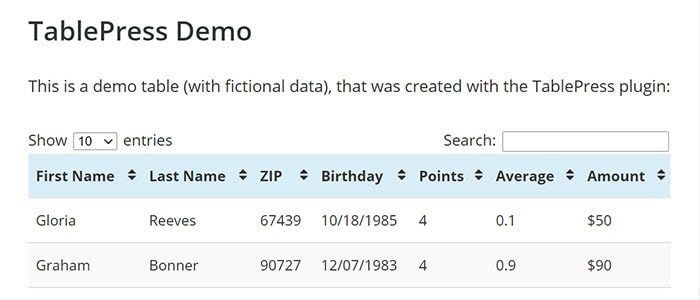
TablePress is the simple table plugin for WordPress. It is popular and available in the WordPress directory. It has 800,000+ downloads. With shortcodes, you can add a table in a post, page and any custom post types. Some core features of TablePress.
Shortcodes Available
Table structure can contain connected/combined cells
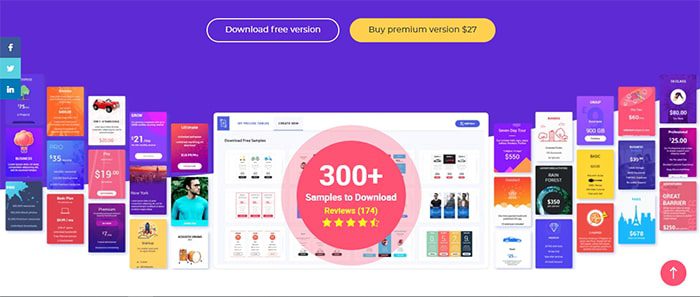
ARPrice is the Responsive Pricing Table Plugin. It comes with a massive amount of templates. It has a Fully Featured Admin Panel to customize every part of tables. Take a look at some core features of the ARprice table plugin. It is also the best wordpress advanced table plugin.
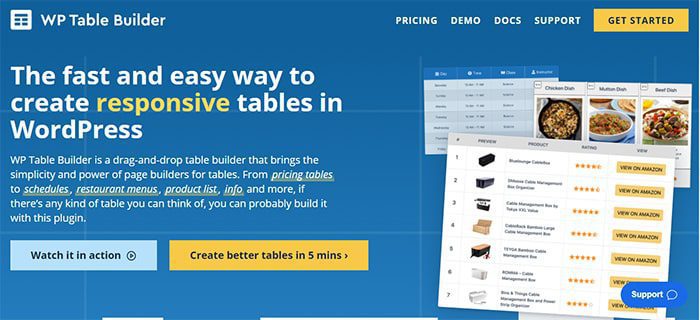
WP Table Builder is a drag and drop table builder plugin for WordPress. It’s insanely easy to create responsive tables with WP Table Builder. It is the best wordpress table plugin. Check it some core features of WP Table Builder.
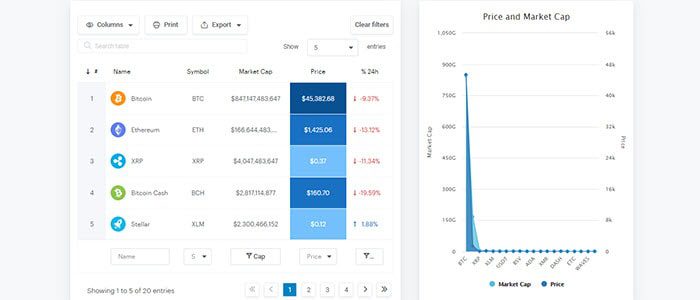
WPDataTables is a WordPress Table Plugin for creating and editing dynamics and. responsive tables and charts, generating SQL queries, or even building. Some top features of Wp Data Tables Plugin.
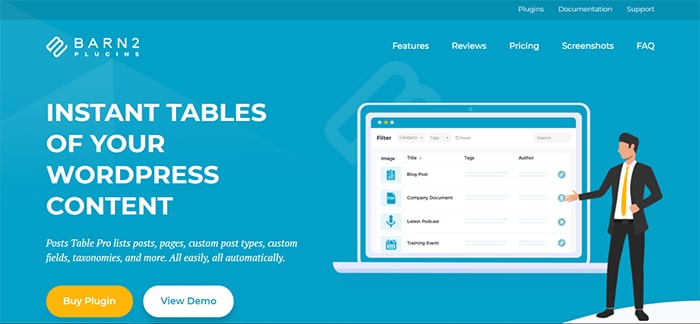
Posts Table Pro is a WordPress table plugin that displays website content in a searchable, sortable table. Choose your columns, add filters, and more. Check it some features of posts table pro.