
The best WordPress maintenance services in 2026 handle updates, security monitoring, backups, and speed optimization for $29–$250+ per month, with pricing scaling based on support hours, white-label options, and whether unlimited edits are included.
This guide ranks the top 10 providers by price, features, and who they’re actually built for.
Running a WordPress site without a maintenance plan is a bit like skipping oil changes on a car — nothing goes wrong until, suddenly, everything does. A missed plugin update, an unpatched vulnerability, or a slow-loading homepage can quietly cost you traffic, leads, and trust.
That’s where WordPress support and maintenance services come in. The right provider handles security patches, performance tuning, and backups in the background so your site stays online and your team can focus on the business, not the backend.
Below, we’ve updated our roundup for 2026 with current pricing ranges, what each service is genuinely good at, and how to pick the right one for your situation.
Why Do You Need a WordPress Maintenance Service?
Before comparing providers, it’s worth understanding what maintenance actually protects you from:
- Security Protection – Stops malware, brute-force login attempts, and known plugin exploits before they take your site down.
- Performance Optimization – Keeps page load times low through caching, image compression, and database cleanup — all of which affect SEO rankings.
- Automatic Backups – Gives you a clean restore point if a hack, bad update, or human error breaks the site.
- Plugin & Core Updates – Closes the vulnerabilities that come from running outdated plugins.
- Expert Support – Fixes issues fast without requiring you to touch a line of code.
Skipping maintenance doesn’t just risk downtime — it’s one of the quieter reasons a business website stops bringing in leads in the first place.
Stop Firefighting Your WordPress Site
Tired of chasing plugin errors and slow load times? Our team can take WordPress maintenance off your plate entirely.
Top 10 WordPress Maintenance Services at a Glance
Pricing on these plans changes fairly often, so treat the figures below as a starting-price reference and confirm current rates on each provider’s site before buying.
| Service | Starting Price | Best For | Key Feature |
|---|---|---|---|
| WP Buffs | ~$79/month | Agencies & high-traffic sites | 24/7 monitoring & white-label plans |
| GoWP | ~$29/month | Web design agencies | White-label content edits & reporting |
| FixRunner | ~$59/month | Small businesses with frequent fixes | Ticket-based support requests |
| Maintainn | ~$85/month | Developers & complex builds | Code-level maintenance |
| Valet | ~$275/month | Enterprise & mission-critical sites | Proactive, hands-on security |
| WP Site Care | ~$79/month | Growing businesses & eCommerce | Balanced features, WooCommerce support |
| The WP Guy | ~£75/month | UK-based businesses | Local, human support |
| WP Maintainer | ~$29/month | Personal blogs & small sites | Budget-friendly automation |
| Wordify | ~$99/month | Security-focused sites | Real-time malware scanning & WAF |
| Pressable | ~$25/month* | All-in-one hosting + maintenance | Jetpack-powered hosting bundle |
*Pressable’s entry price is for hosting; full managed maintenance sits higher.
Mc Starters – Best Overall for Full-Service WordPress Care
Key Features:
- Security monitoring, malware scanning, and hardening
- Speed and performance optimization tailored to your theme and plugin stack
- Regular backups with easy restore points
- Elementor and Divi expertise alongside standard WordPress maintenance
- Direct support from the team that builds and fixes the site — not a ticket queue
Best For: Business owners who want one team handling security, speed, design fixes, and support together, instead of stitching together separate tools. If you’re also weighing custom WordPress development vs. pre-made themes, Mc Starters can advise on the right foundation before maintenance even starts.
WP Buffs — Best for Agencies & High-Traffic Sites
Key Features:
- 24/7 security monitoring & malware removal
- Speed optimization & caching setup
- White-label reporting for agencies
- Uptime monitoring & emergency fixes
Best For: Businesses that want premium, largely hands-off maintenance and don’t mind paying more for depth of coverage.
GoWP — Best for Designers & Agencies (White-Label Support)
Key Features:
- WordPress core, theme, and plugin updates
- Security hardening & backups
- Content updates & page edits, billed separately from core maintenance
- Dedicated account manager
Best For: Web designers who want to resell maintenance under their own brand without staffing a support team.
FixRunner — Best for Small Businesses & Frequent Fixes
Key Features:
- Ticket-based support requests for one-off fixes
- Daily backups & malware scans
- Performance optimization
- Plugin/theme troubleshooting
Best For: Bloggers and small business owners who run into recurring technical issues and want a support line on call, rather than unlimited edits every month.
Maintainn (by WebDevStudios) — Best for Developers
Key Features:
- Code reviews & debugging
- Security audits & vulnerability fixes
- Automated backups & staging sites
- Emergency hack repair, similar in spirit to a dedicated hacked-site recovery process
Best For: Developers and agencies managing multiple client sites with custom code.
Valet — Best for Premium, Enterprise-Grade Maintenance

Key Features:
- Proactive security measures
- Performance tuning & caching
- Plugin & theme updates
- Staging environment management
Best For: High-end or mission-critical websites where downtime has a real revenue cost, and a monthly retainer buys peace of mind.
Enterprise-Grade Care, Without the Enterprise Price Tag
Not every business needs a $275+/month plan to get proactive security and staging support. We build that level of care into every project.
WP Site Care — Best for Business Owners & eCommerce

Key Features:
- 24/7 security monitoring
- WooCommerce optimization
- On-page SEO improvements
- Database optimization
Best For: Online stores and business websites where uptime and checkout reliability directly affect revenue — the same reason every e-commerce site needs WordPress support.
The WP Guy — Best for UK-Based Businesses
Key Features:
- Emergency WordPress support
- Speed optimization & caching
- Security hardening
- Plugin & theme management
Best For: UK businesses that want a local, responsive support team in a similar time zone.
WP Maintainer — Best for Personal Blogs & Small Sites
Key Features:
- Automated WordPress updates
- Daily backups & uptime monitoring
- Hack repair guarantee
- Affordable, entry-level pricing
Best For: Bloggers and small businesses that mainly need reliable automation without a large monthly bill.
Wordify — Best for Security-Focused Websites
Key Features:
- Real-time malware scanning
- Web application firewall (WAF)
- Performance optimization
- Dedicated support team
Best For: Sites handling sensitive data, like membership platforms or anything storing customer information — the kind of site covered in our WordPress security tips.
Pressable (by Automattic) — Best for Managed Hosting + Maintenance
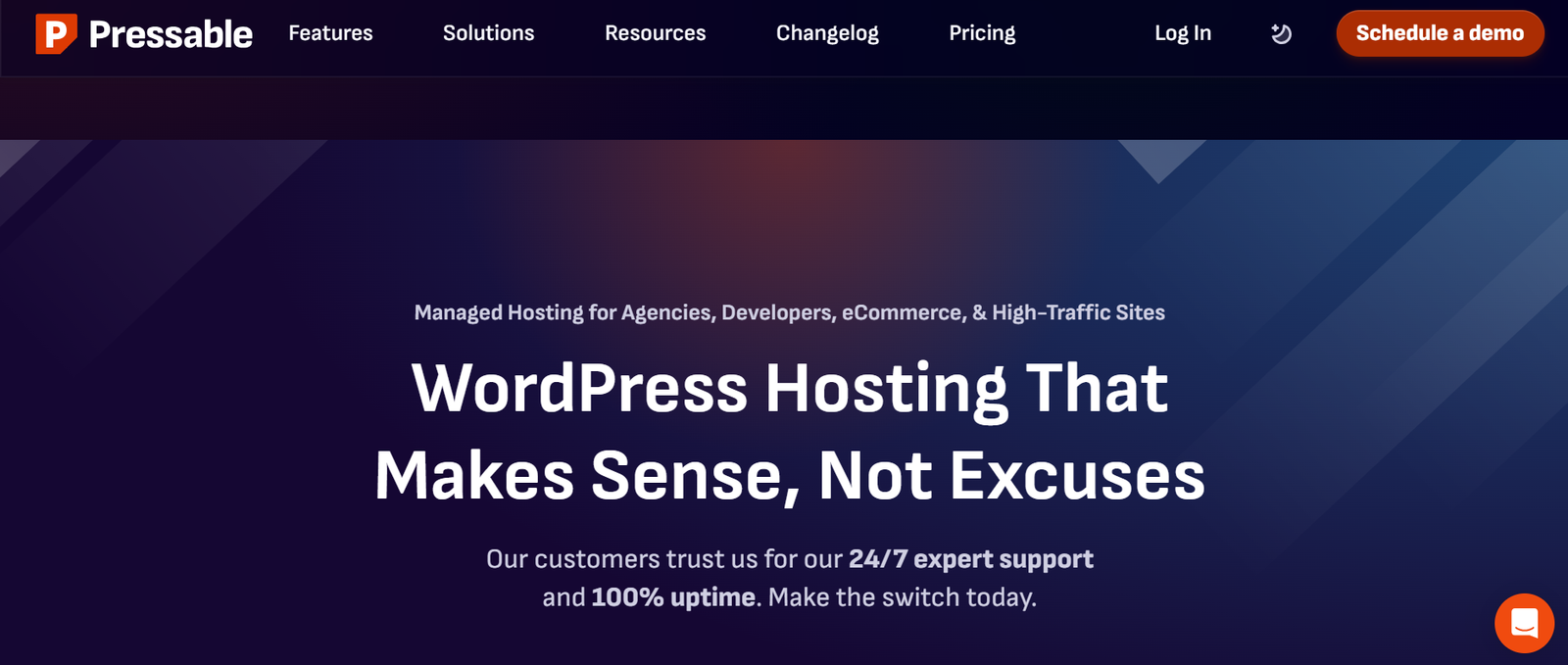
Key Features:
- Jetpack security integration
- Automatic WordPress updates
- Expert 24/7 support
- Scalable cloud hosting bundled with care
Best For: Users who’d rather buy hosting and maintenance from a single provider instead of managing two separate vendors.
How to Choose the Right WordPress Maintenance Service
When comparing WordPress maintenance services, weigh these factors against your actual risk, not just the price tag:
- Security Features – Malware scans, a firewall, and SSL management as standard, not an upsell.
- Performance Optimization – Caching, a CDN, and image compression, since site speed directly affects SEO.
- Support Quality – Actual response-time SLAs, not just “24/7” marketing copy.
- Backup Solutions – Frequency, offsite storage, and how easy it actually is to restore a backup.
- Pricing Model – Flat monthly fee vs. hourly emergency support vs. unlimited edits — pick the model that matches how often you actually need changes.
If your site was custom-built or migrated by a WordPress developer, lean toward providers comfortable with code-level maintenance, like Maintainn or Valet, rather than pure automation tools.
Not Sure Which Plan Fits Your Site?
Every site’s risk profile is different. We’ll help you figure out exactly what level of WordPress maintenance you actually need — no upsell.
Final Thoughts
Keeping your WordPress site secure and fast doesn’t have to be complicated. The right WordPress maintenance service handles the unglamorous but critical work — updates, backups, monitoring — so a small issue never turns into a white screen of death or a full-blown hack.
Top Recommendations for 2026:
- Best Overall: WP Buffs
- Best for Agencies: GoWP
- Best for Small Businesses: FixRunner
- Best for Security-Sensitive Sites: Wordify
If you’re still weighing your options, our team can also walk through what to ask before hiring a WordPress developer if you’re considering a hybrid of maintenance plus custom dev work.
Frequently Asked Questions
Will a WordPress maintenance service improve my site’s speed?
Yes. Most plans include caching setup (Redis, Varnish, or CDN configuration), image compression, database cleanup, and PHP or server-level tuning. Providers like WP Site Care and Valet specialize specifically in speed and performance work.
What’s the best WordPress maintenance service for beginners?
For beginners, FixRunner (affordable, ticket-based support), WP Maintainer (simple, automated updates), and Pressable (hosting plus maintenance in one place) are the easiest starting points.
How much does WordPress maintenance actually cost in 2026?
Basic update-and-monitor plans typically start around $29–$59/month. Full-service plans with unlimited edits, staging, and faster SLAs generally run $150–$300/month, with enterprise or WooCommerce-heavy sites sometimes priced higher.
Can I just maintain my WordPress site myself?
Technically yes, but it takes consistent time: testing updates before applying them, monitoring for vulnerabilities, and verifying backups actually restore. Most business owners find it cheaper to outsource this than to absorb the risk of getting it wrong once.
What’s the difference between “unlimited edits” and “update-and-monitor” plans?
Update-and-monitor plans cover core maintenance (updates, backups, security scans) but charge extra for content changes. Unlimited-edits plans bundle ongoing design and content tweaks into the monthly fee, which costs more but suits sites that need frequent changes.