One Time Payment
Time-saving Solution
Easy to Customization
Improved User Experience
Compatibility with Elementor Pro
Compatibility with Elementor
Download In One Click – No Ads
Stop building websites from scratch. Save time with our easy Elementor templates. Just download the templates, import it with one click, and you’re done.
Browse 300+ templates across categories. Filter by builder, type, or niche.
Instant download after secure checkout. Includes all source files & assets.
One-click import via Elementor or Divi. No coding required.
Swap colors, fonts, content — and go live. It’s that simple.
Trusted by freelancers, agencies & developers in 100+ countries

Find quick answers to all your questions about using our templates. Explore our full range of services designed to support your goals. Let our team help you find the perfect solution.
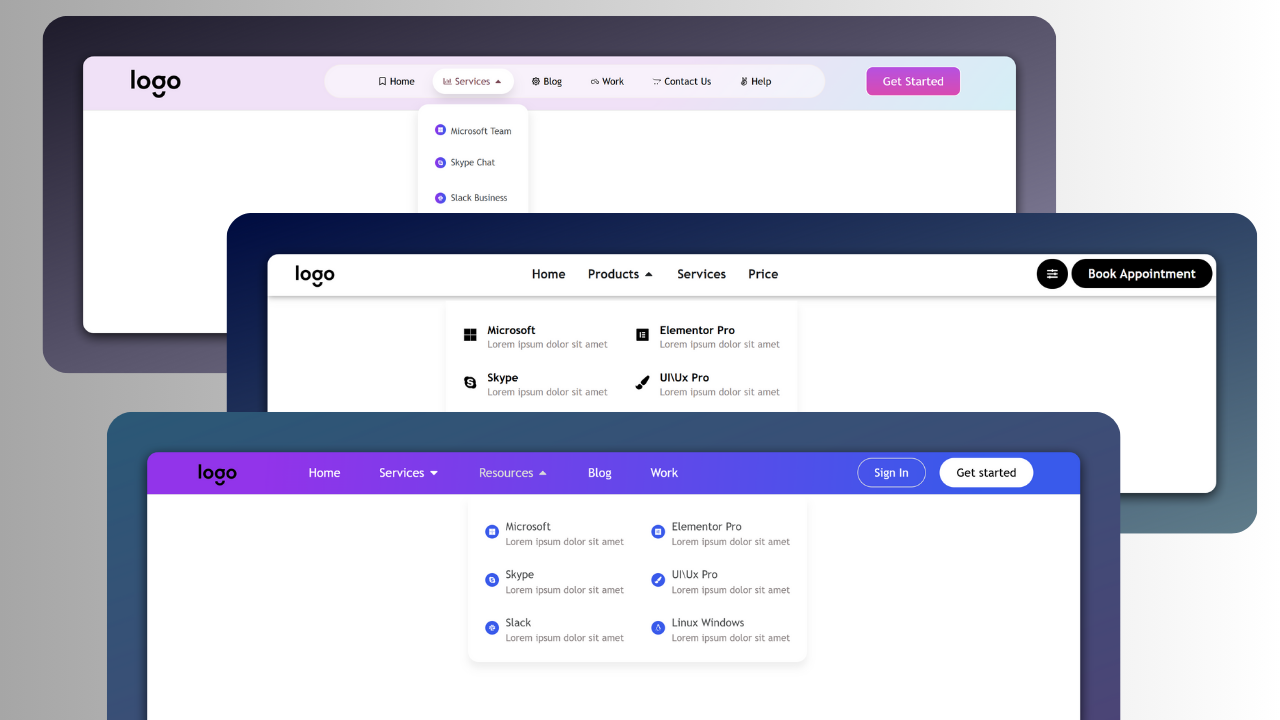
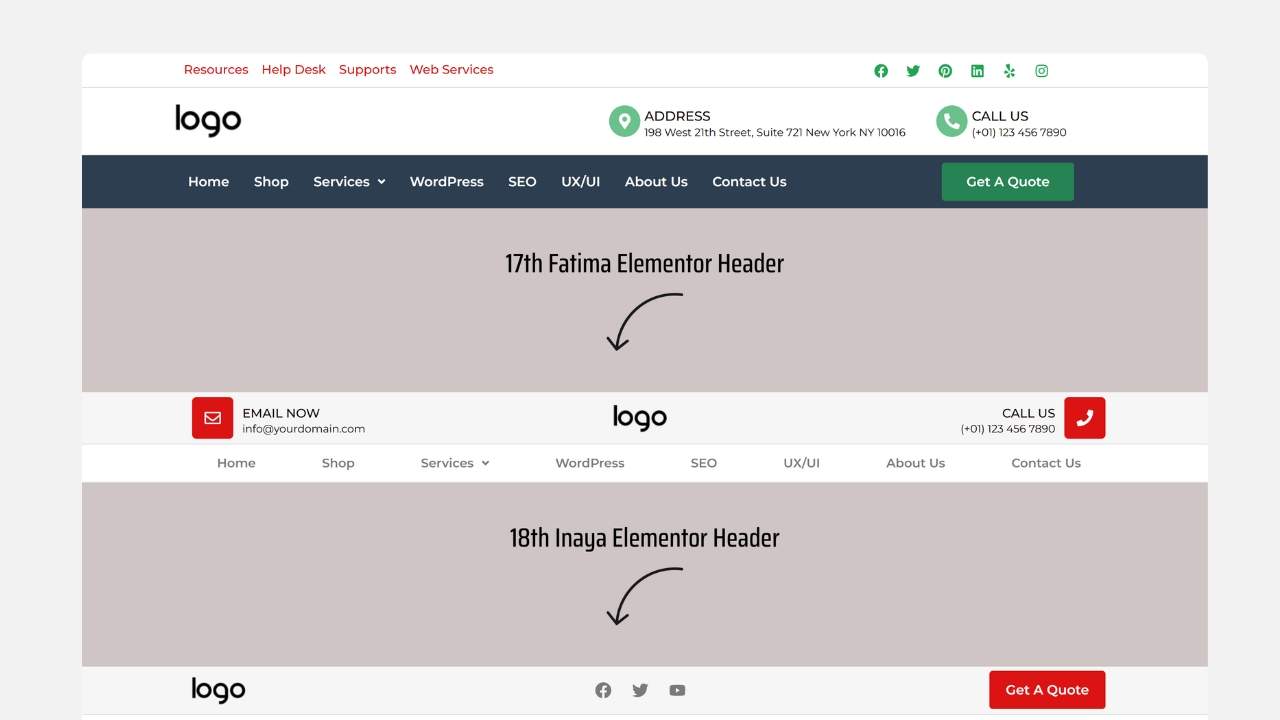
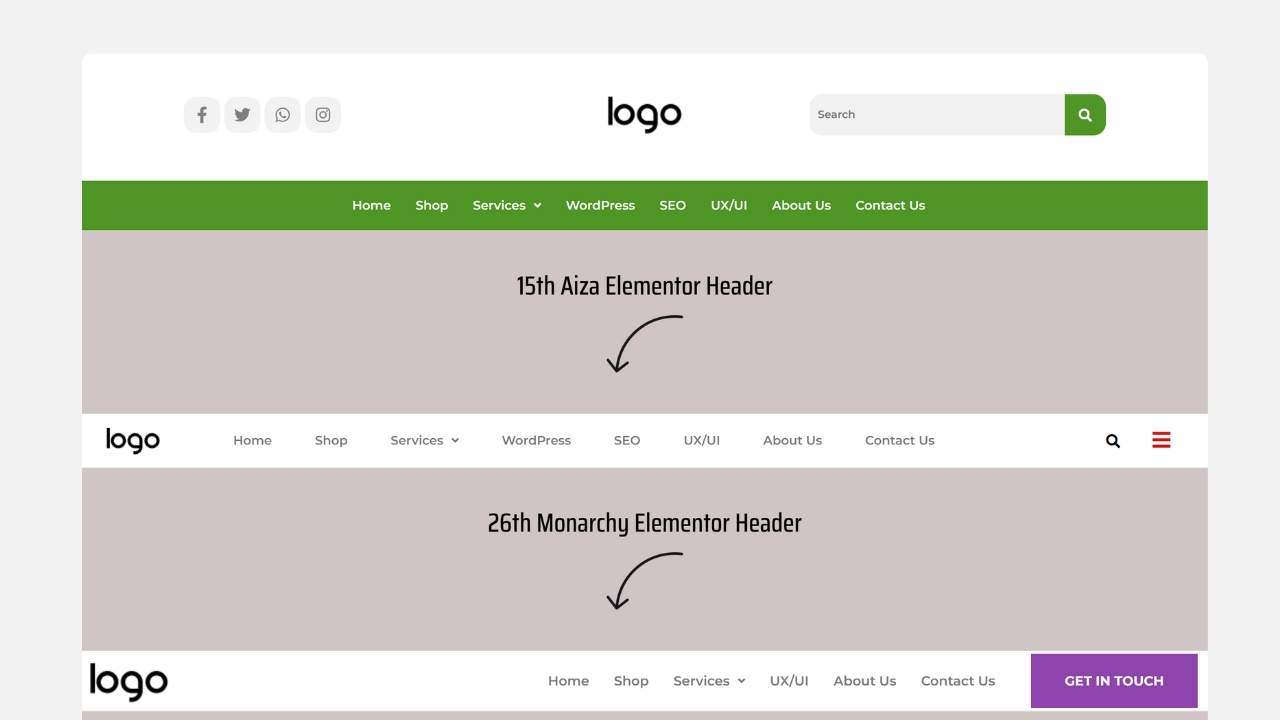
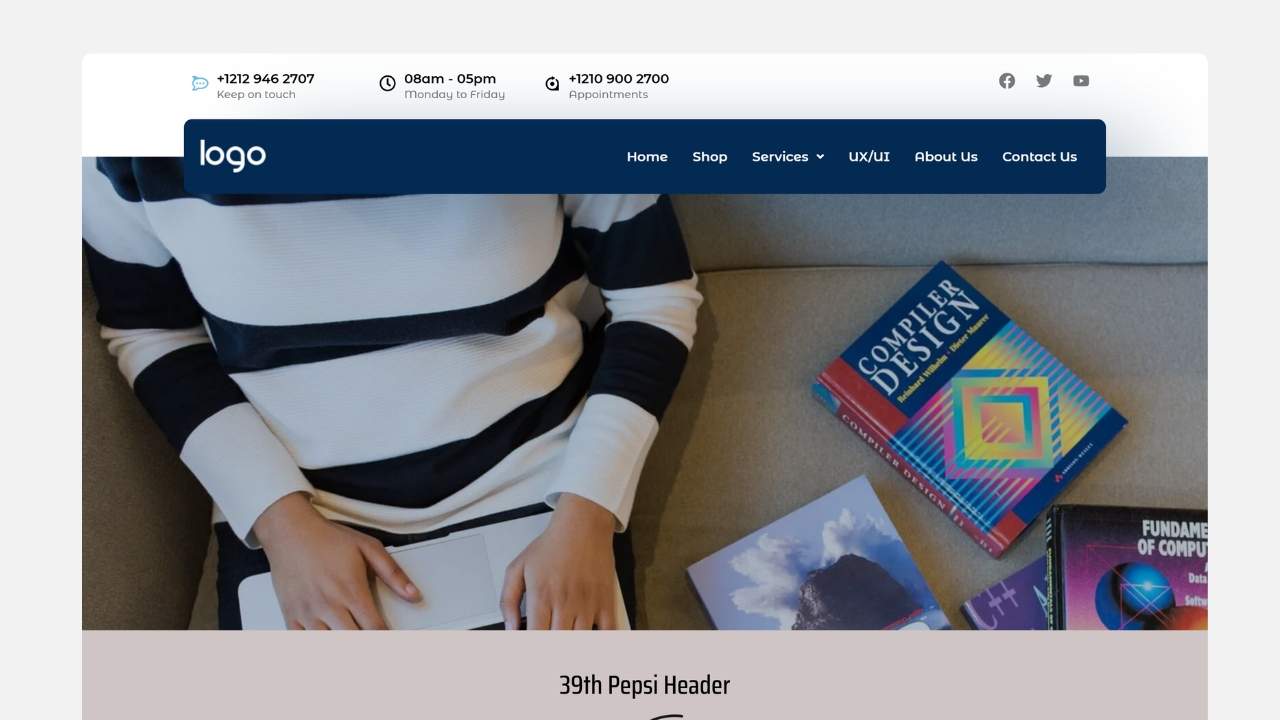
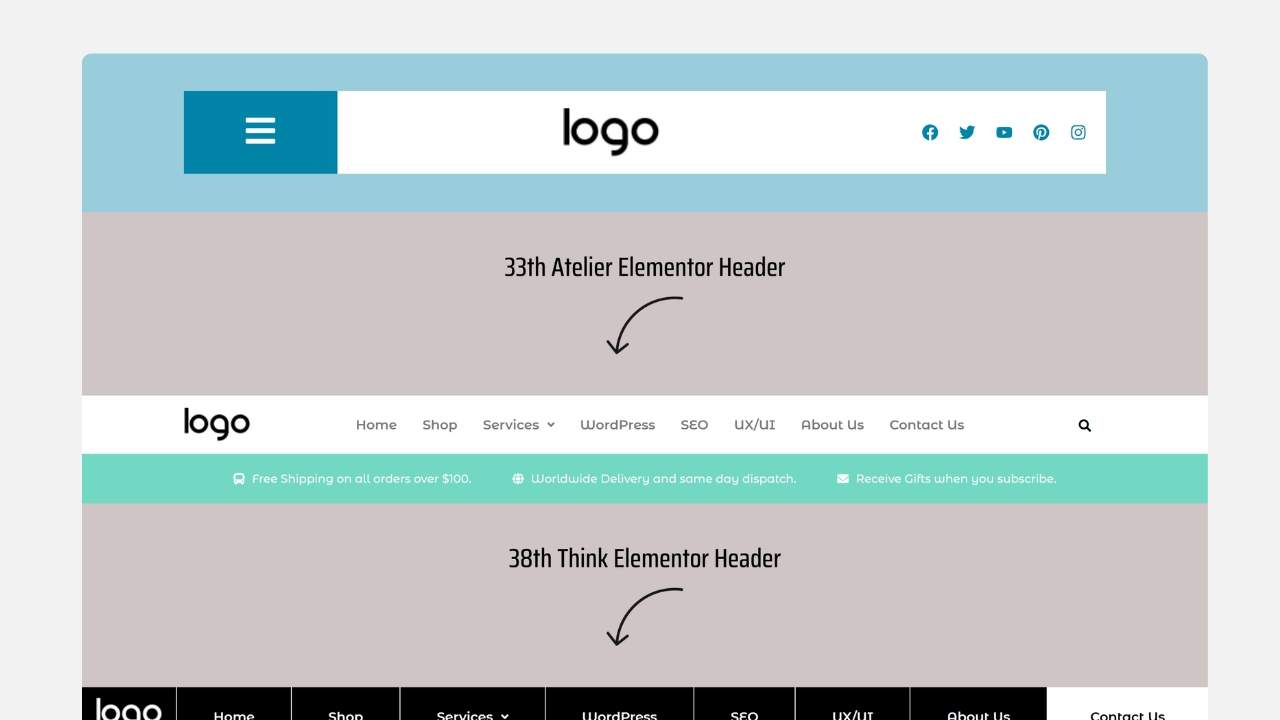
Elementor header templates are pre-designed layouts that you can easily customize to create the header section of your website. These templates include elements like logos, navigation menus, call-to-action buttons, and more.
To use an Elementor header template, first, make sure you have the Elementor plugin installed and activated. Then, navigate to your WordPress dashboard and open the Elementor editor. Under “Templates,” you’ll find pre-designed header templates. Choose one that fits your style, and click “Insert.” After that, you can customize it with your branding, colors, fonts, and content. You can also set it as a global header for your website to appear across all pages.
Yes! While Elementor provides pre-designed header templates, you can also create a custom header from scratch. Using Elementor’s drag-and-drop editor, you can add elements like navigation menus, logos, and widgets to design a completely unique header. Additionally, Elementor Pro allows you to create global headers that you can apply across all your website’s pages with a consistent look.