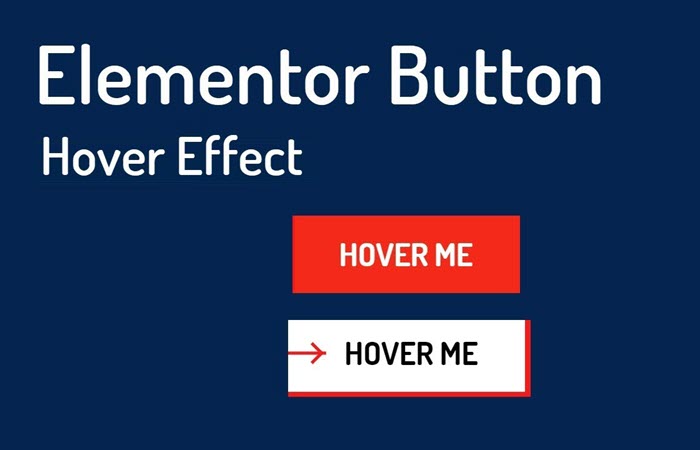
Button Block v1 contain 3 button with different design. These Design with Elementor and with custom CSS which you find in requirement tab. It is easy to edit using Elementor page builder.
Download this free Elementor block and make website button more cool.
Top Feature:
-
- Responsive button Design
- Clean and Beautiful design
- Easy to Edit
Note: Design Inspiration & Code by BestJquery. We just implement in Elementor Page Builder.
Button #1 CSS
#btn1{
border: none;
position: relative;
z-index: 1;
transition: all 0.3s ease 0s;
}

#btn1:before,
#btn1:after{
content: '';
background: #DABAF4;
width: 90%;
height: 5px;
border-radius: 10px;
opacity: 0.5;
transform: translateX(-50%);
position: absolute;
top: 0;
left: 50%;
z-index: -1;
transition: all 0.3s ease;
}
#btn1:after{
top: auto;
bottom: 0;
}
#btn1:hover:before,
#btn1:hover:after{
width: 115%;
opacity: 1;
}
#btn1 span{ display: block; }
#btn1 span:before,
#btn1 span:after{
content: '';
background: #DABAF4;
height: 70%;
width: 5px;
border-radius: 10px;
opacity: 0.5;
transform: translateY(-50%);
position: absolute;
left: 0;
top: 50%;
z-index: -1;
transition: all 0.3s ease;
}
#btn1 span:after{
left: auto;
right: 0;
}
#btn1:hover span:before,
#btn1:hover span:after{
height: 135%;
opacity: 1;
}
@media only screen and (max-width: 767px){
.btn1{ margin-bottom: 20px; }
}
Button #2 CSS
#btn2{
overflow: hidden;
position: relative;
z-index: 1;
transition: all 0.3s ease 0s;
}
#btn2:focus{ color: #fff; }
#btn2:hover{
color: #fff;
background: #1bcad3;
border: none;
box-shadow: 0 0 5px #5B86E5;
}
#btn2 i{
margin-left: 5px;
transition: all 1s ease 0s;
}
#btn2:hover i{ transform: rotate(360deg); }
#btn2:before{
content: '';
background: linear-gradient(to right, transparent, #5B86E5);
height: 100%;
width: 20%;
position: absolute;
right: 0;
top: 0;
z-index: -1;
transition: all 0.3s ease 0s;
}
#btn2:hover:before{ width: 100%; }
@media only screen and (max-width: 767px){
#btn2{ margin-bottom: 20px; }
}
Button #3 CSS
#btn3 {
padding: 6px 10px 3px;
border-radius: 0;
position: relative;
z-index: 1;
transition: all 0.3s ease 0s;
}
#btn3:hover {
color: #fff;
text-shadow: 0 0 5px #555;
}
#btn3:before,
#btn3:after{
content: '';
background-color: #0abde3;
height: 100%;
width: 50%;
transform: skewX(30deg) translateX(100%) translateY(12%);
position: absolute;
left: 0;
top: 0;
z-index: -1;
transition:all 0.3s;
}
#btn3:after{
background-color: #222;
transform: skewX(30deg) translateX(-100%) translateY(11%);
left: auto;
right: 0;
top: auto;
bottom: 0;
}
#btn3:hover:before,
#btn3:hover:after{
transform: skewX(0) translateX(0) translateY(0);
}
#btn3.red:before{ background: #ff6b6b; }
#btn3.green:before{ background: #1dd1a1; }
#btn3.orange:before{ background: #ffa047; }
@media only screen and (max-width: 767px){
#btn3{ margin-bottom: 20px; }
}