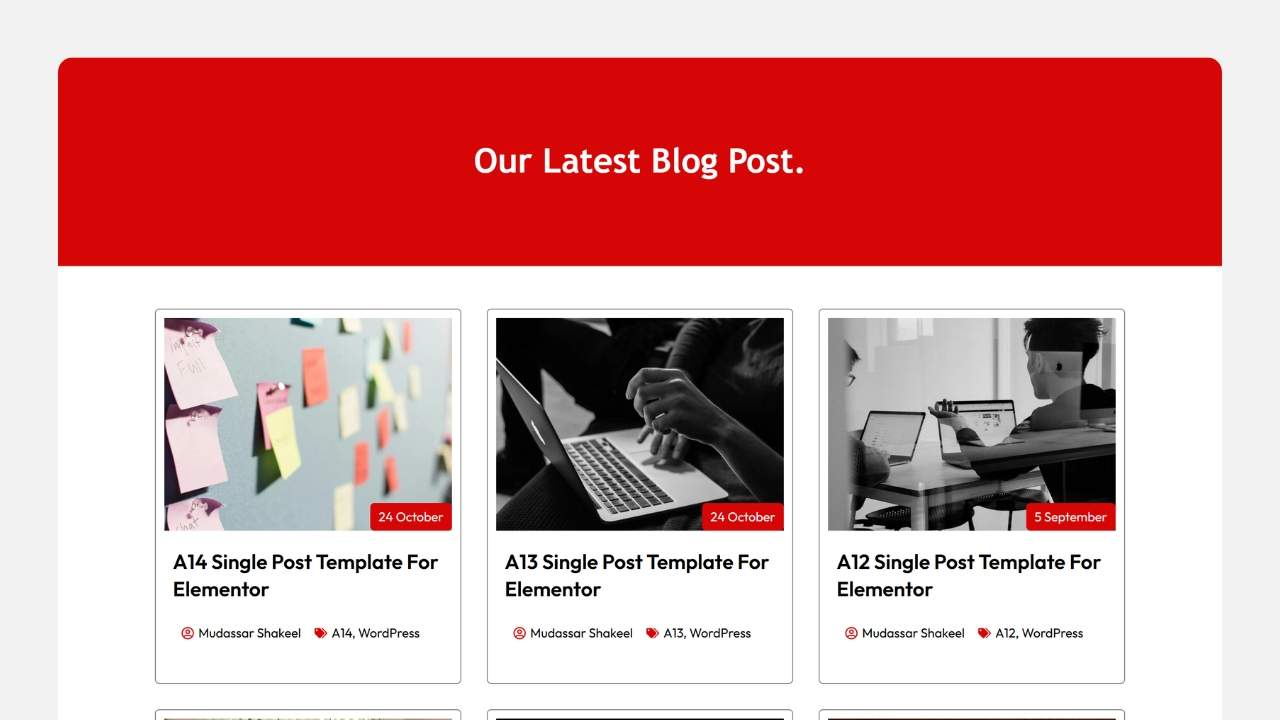
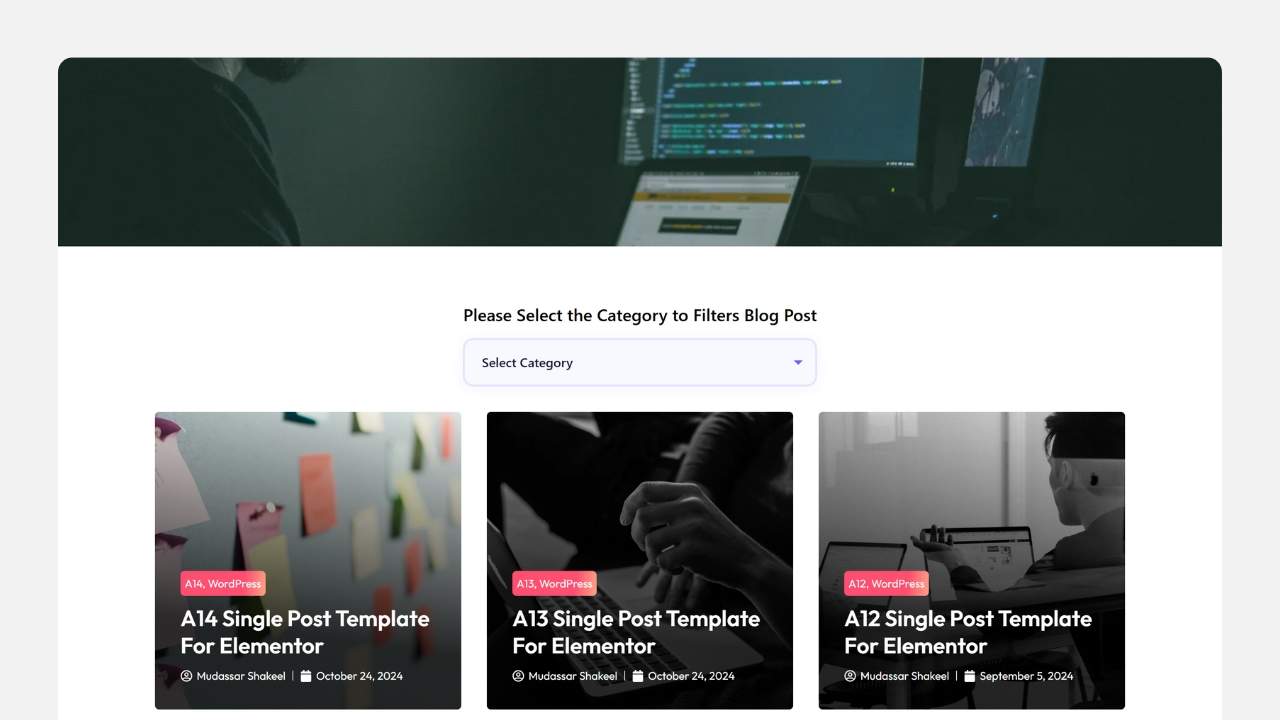
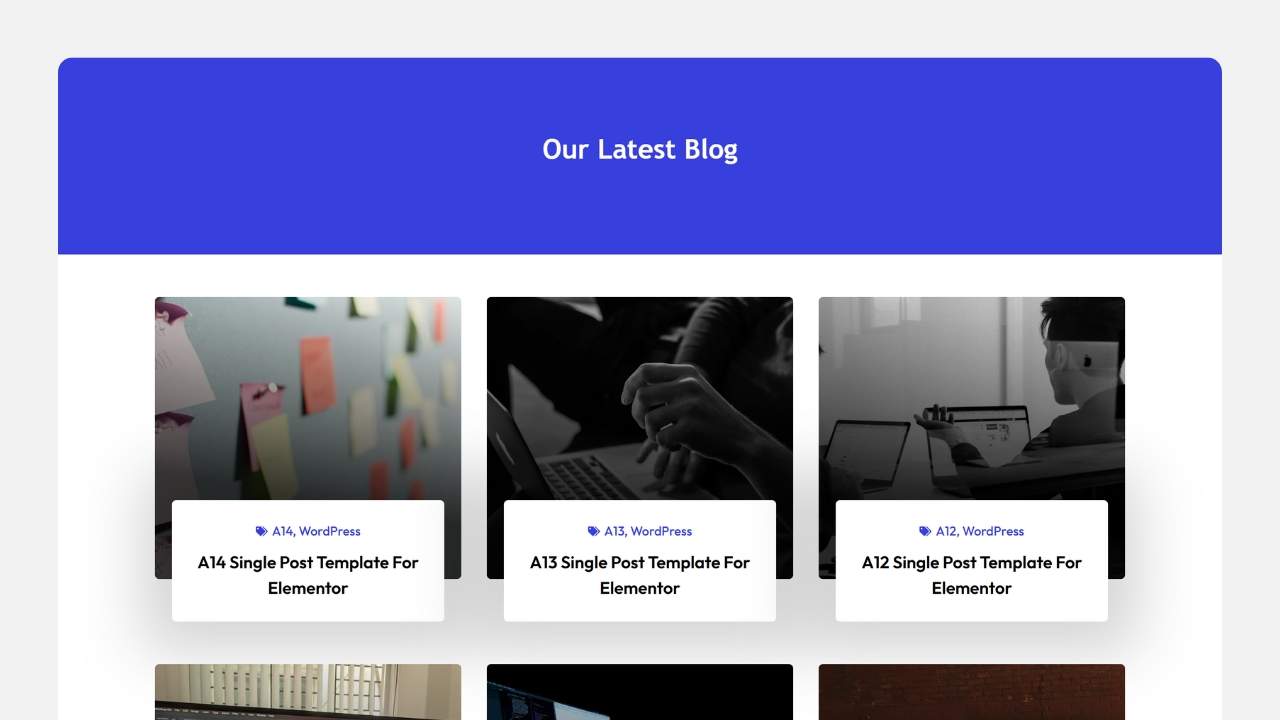
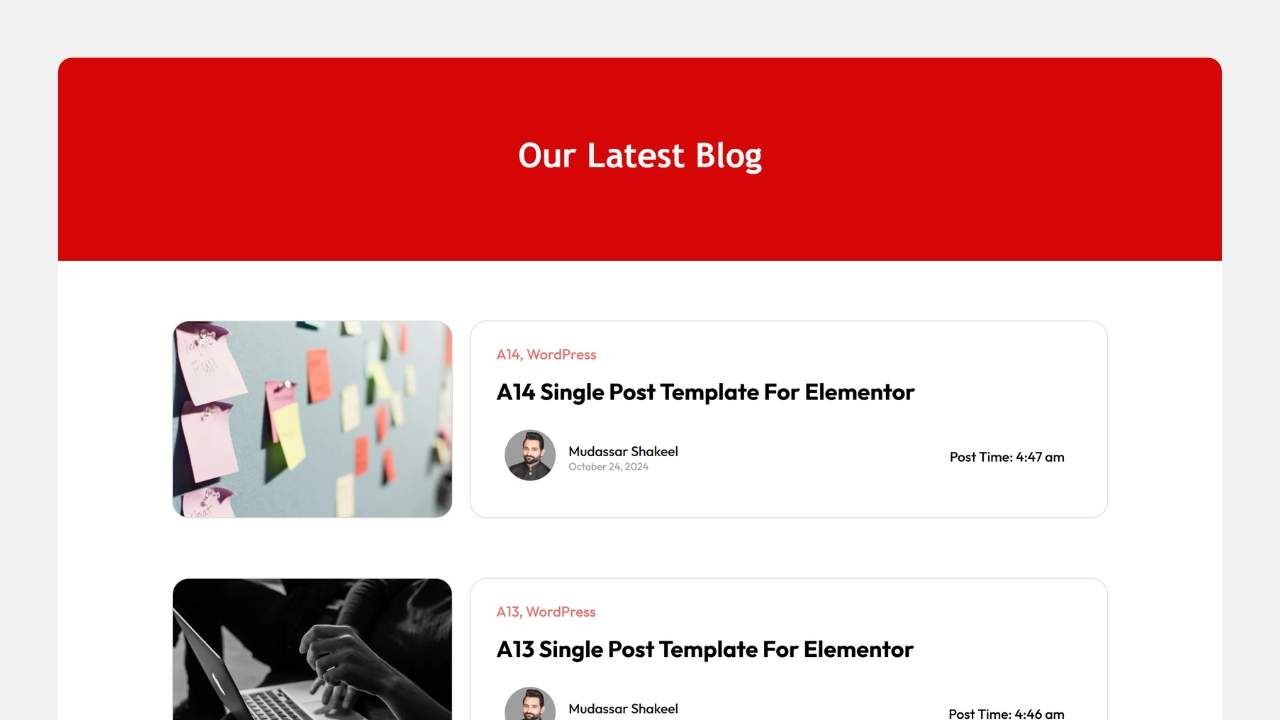
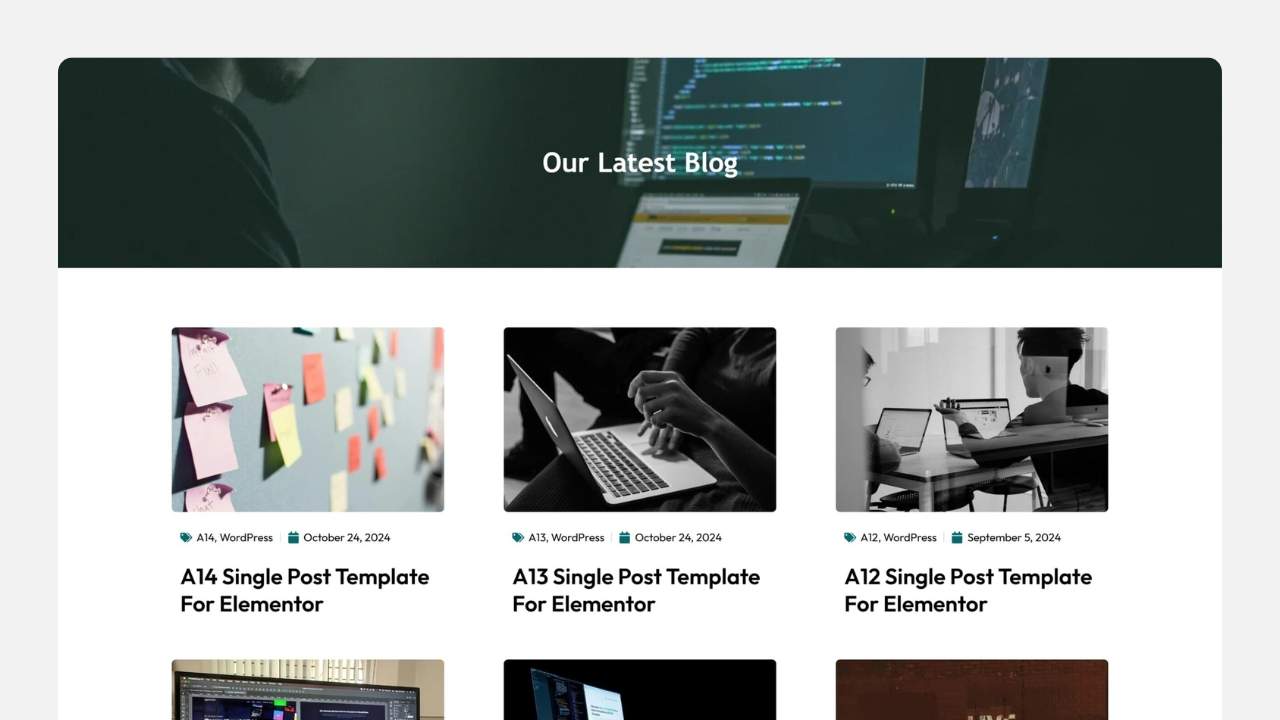
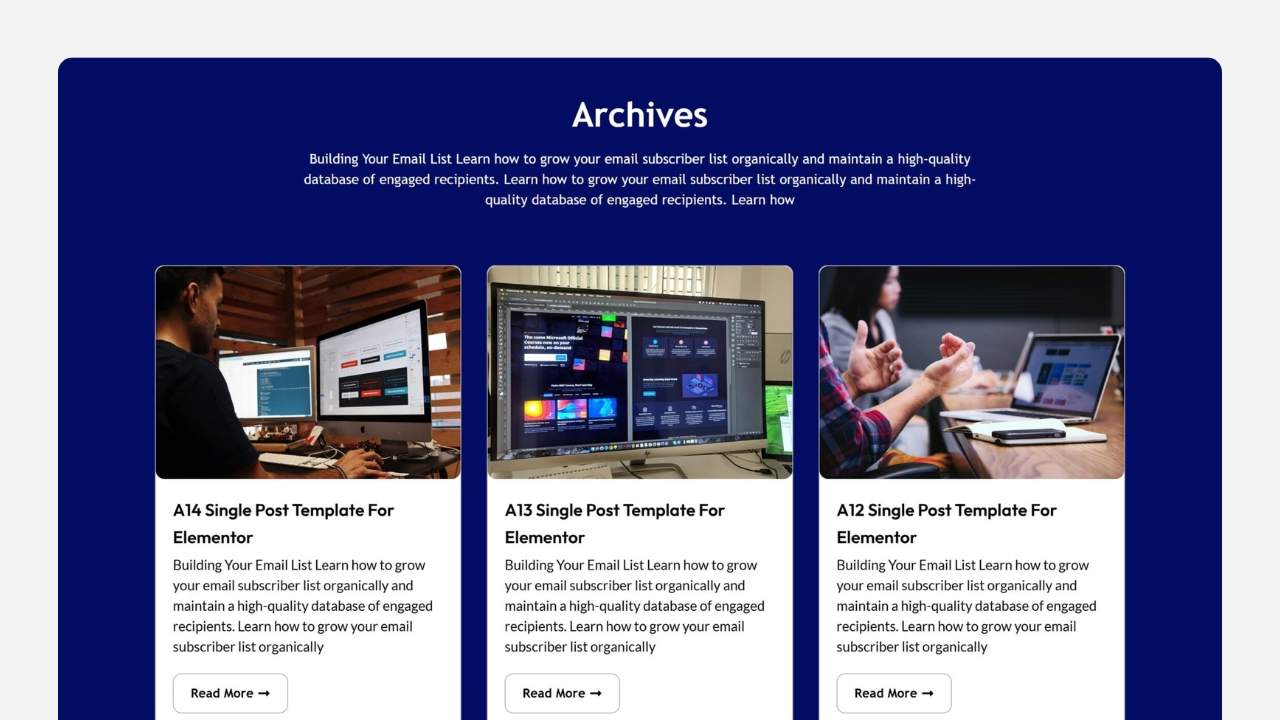
Download Elementor Blog Templates

Are you looking for a modern, responsive, and highly customizable blog template for your WordPress site? Look no further! Our Elementor Blog Template is designed to help you create a professional, engaging, and SEO-friendly blog in minutes—no coding required!
Blog Templates need Elementor Pro. Get it below.
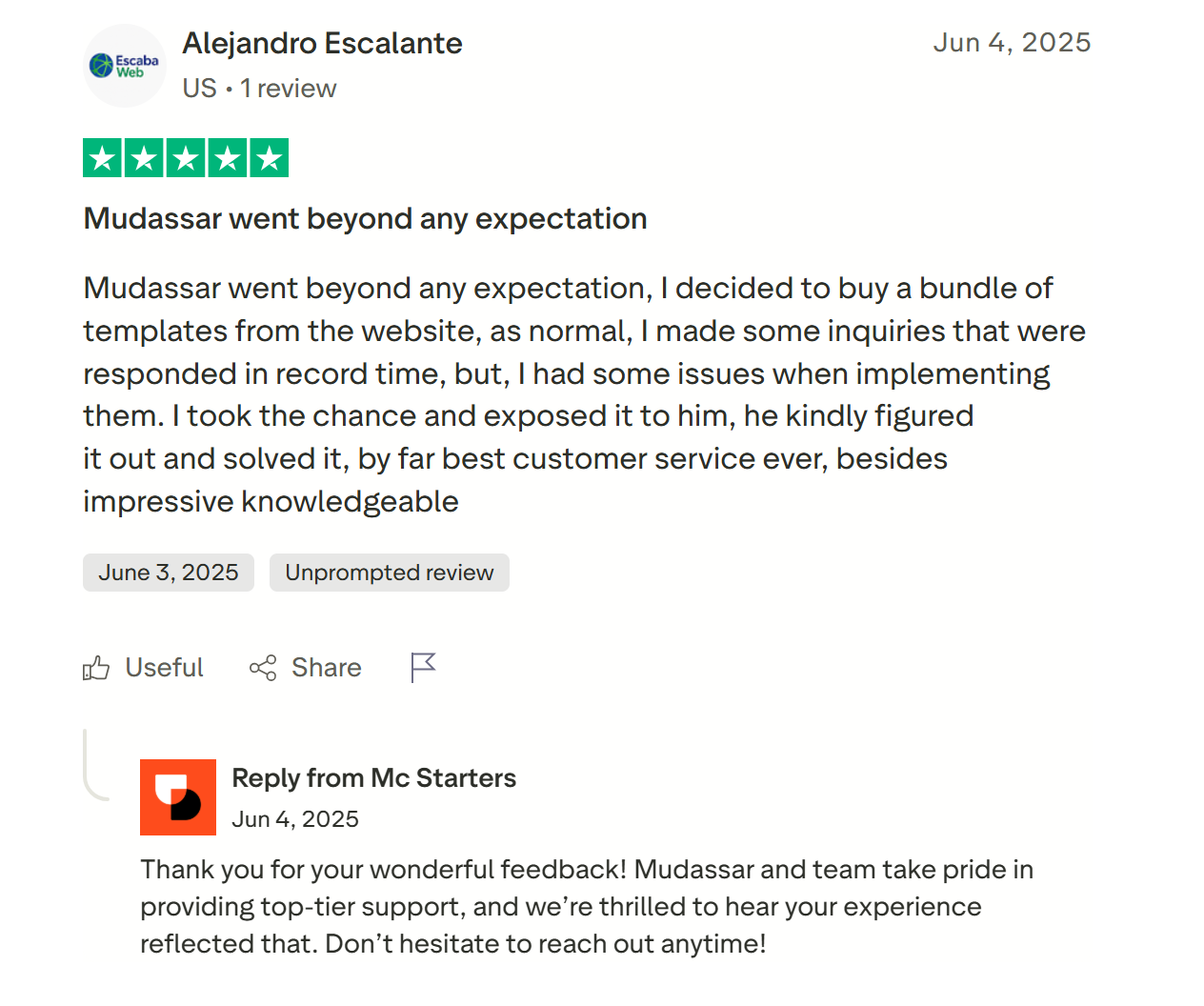
Mc Starters Review

Elementor Blog Templates

10.99

One Time Payment

Total Templates : 06
Time-saving Solution
Easy to Customization
Improved User Experience
Compatibility with Elementor Pro
Download In One Click – No Ads

Just 4 steps

Stop building websites from scratch. Save time with our easy Elementor templates. Just download the templates, import it with one click, and you’re done.

1. Choose a Template

Browse 300+ templates across categories. Filter by builder, type, or niche.

02. Download

Instant download after secure checkout. Includes all source files & assets.

03. Import to WordPress

One-click import via Elementor or Divi. No coding required.

04. Customize & Launch

Swap colors, fonts, content — and go live. It’s that simple.

Loved by Freelancers & Agencies Worldwide

Trusted by freelancers, agencies & developers in 100+ countries
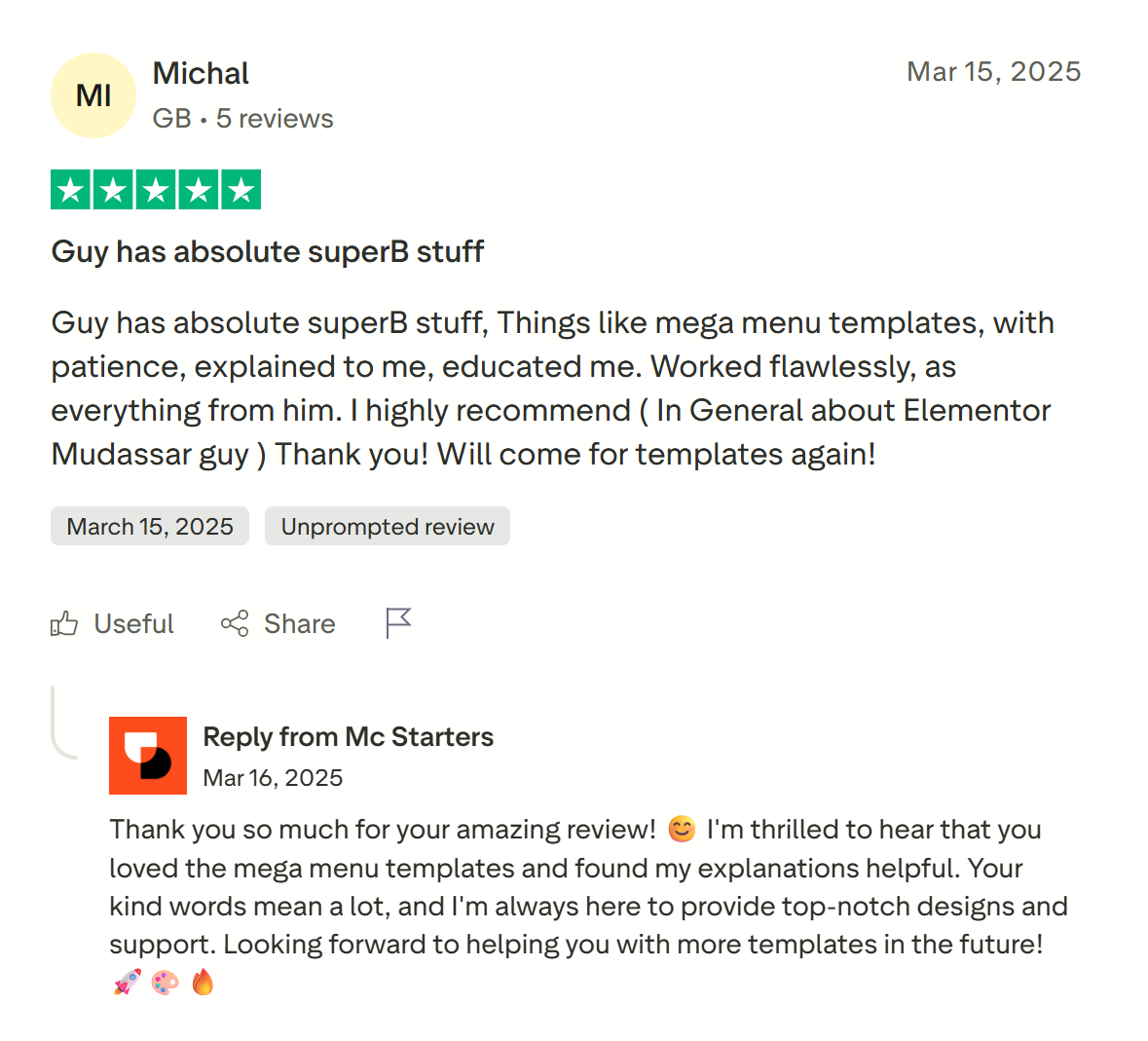
Mc Starters Reviews
Mc Starters Reviews 01

Get Free Support

Find quick answers to all your questions about using our templates. Explore our full range of services designed to support your goals. Let our team help you find the perfect solution.

Most Frequently Asked Questions

Do I need coding skills to customize this template?

No! This template is 100% drag-and-drop, built with Elementor, so you can easily customize colors, fonts, layouts, and more—no coding required!

With this template, you can instantly apply a pre-designed blog post layout. To create your own:

  1. Go to Templates > Theme Builder in Elementor.
  2. Click Add New > Single Post.
  3. Design your layout using dynamic content (title, featured image, author, etc.).
  4. Save & Publish—your template will automatically apply to all blog posts!

This template includes pre-built archive layouts, but you can customize them easily:

  1. Navigate to Templates > Theme Builder in Elementor.
  2. Click Add New > Archive.
  3. Design your layout (grid, list, or masonry) using dynamic loops.
  4. Save & Publish—your template will style all category/tag/archive pages!